This guide covers everything you need to produce professional-quality fashion photography entirely with AI. By the end you will understand which models to use and what each one costs, how to write prompts that nail editorial aesthetics, and how to build efficient workflows for lookbooks, virtual influencers, and commercial campaigns. Specifically, you will learn:
Virtual photoshoot techniques for fashion brands
Which models to pick for editorial, catalog, and campaign work — and what each costs
Fashion-specific prompt engineering
Keeping the same model consistent across a collection, with no training step
Putting real garments on a model with Fashion Try-On
Commercial fashion workflows and best practices
Virtual Photoshoot
Studio-Quality Shoots Without the Studio
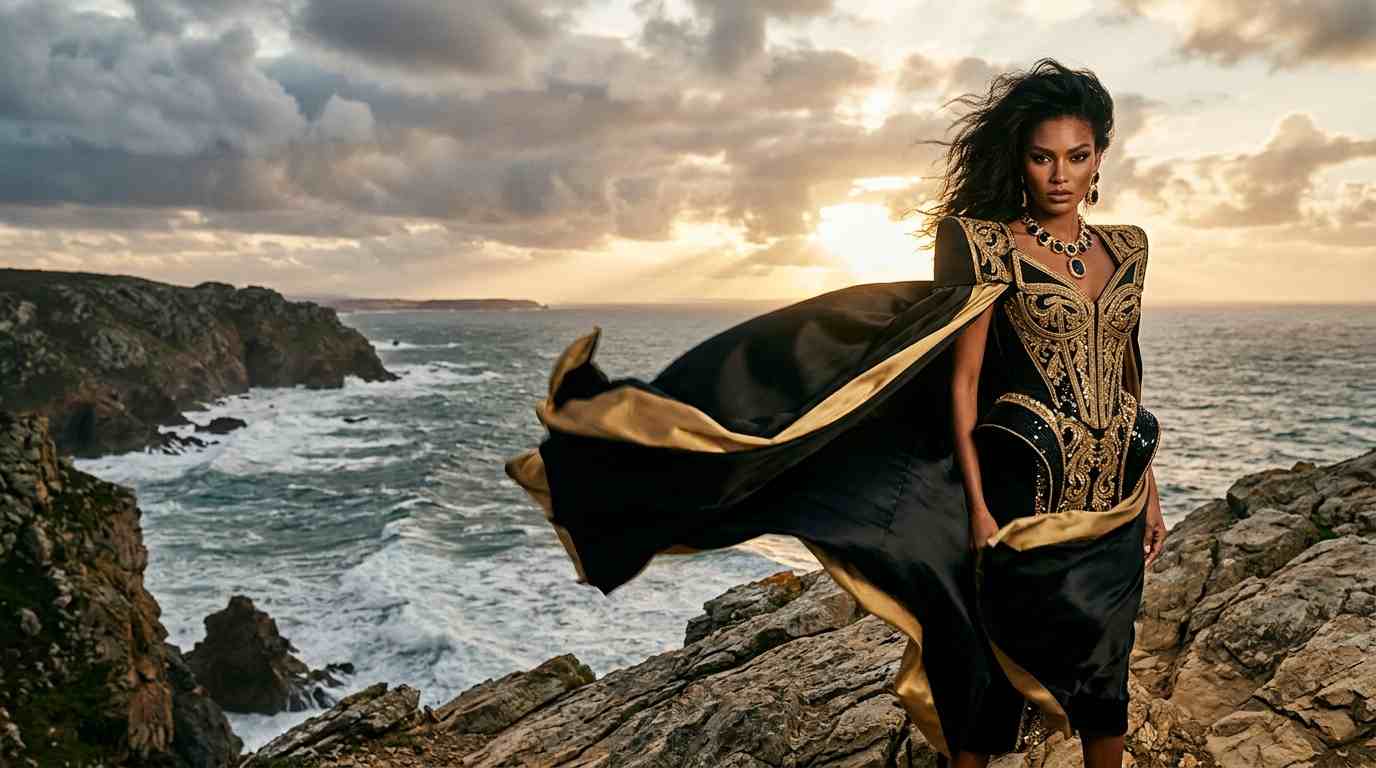
Define your brand aesthetic, choose a model style, and generate outfit variations across any number of poses and settings. Nano Banana 2 is the default on the Image Generator at 10 credits for 1K, and it handles realistic fabric drape, accurate skin tones, and professional lighting straight from a text prompt.
Every run produces 1 to 4 images, so you can iterate without rebooking talent, studios, or stylists. Perfect for rapid prototyping and seasonal collections.
Character Consistency
One Face, Infinite Looks
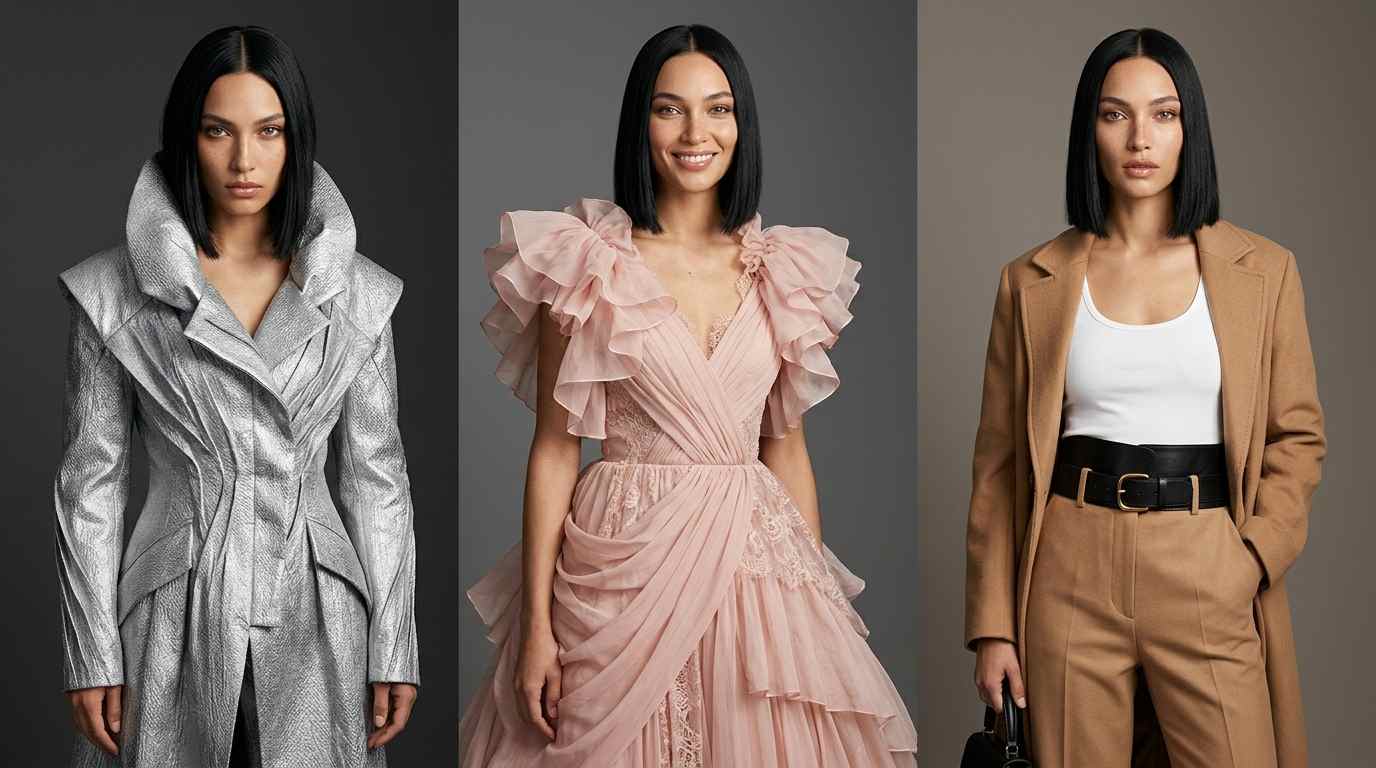
Nano Banana Pro in the Image Editor holds one face across an entire collection from a reference image — the same model in a new outfit, a new pose, or a new city. It is the best character-likeness option on the platform, at 15 credits for 1K, 20 for 2K, and 30 for 4K.
There is no training step to wait on, because there is no training: Fauxto Labs does not offer custom models. Nano Banana 2 at 10 credits is the cheaper option when the likeness only needs to be close, not exact.
Editorial Content
Magazine-Ready Imagery on Demand
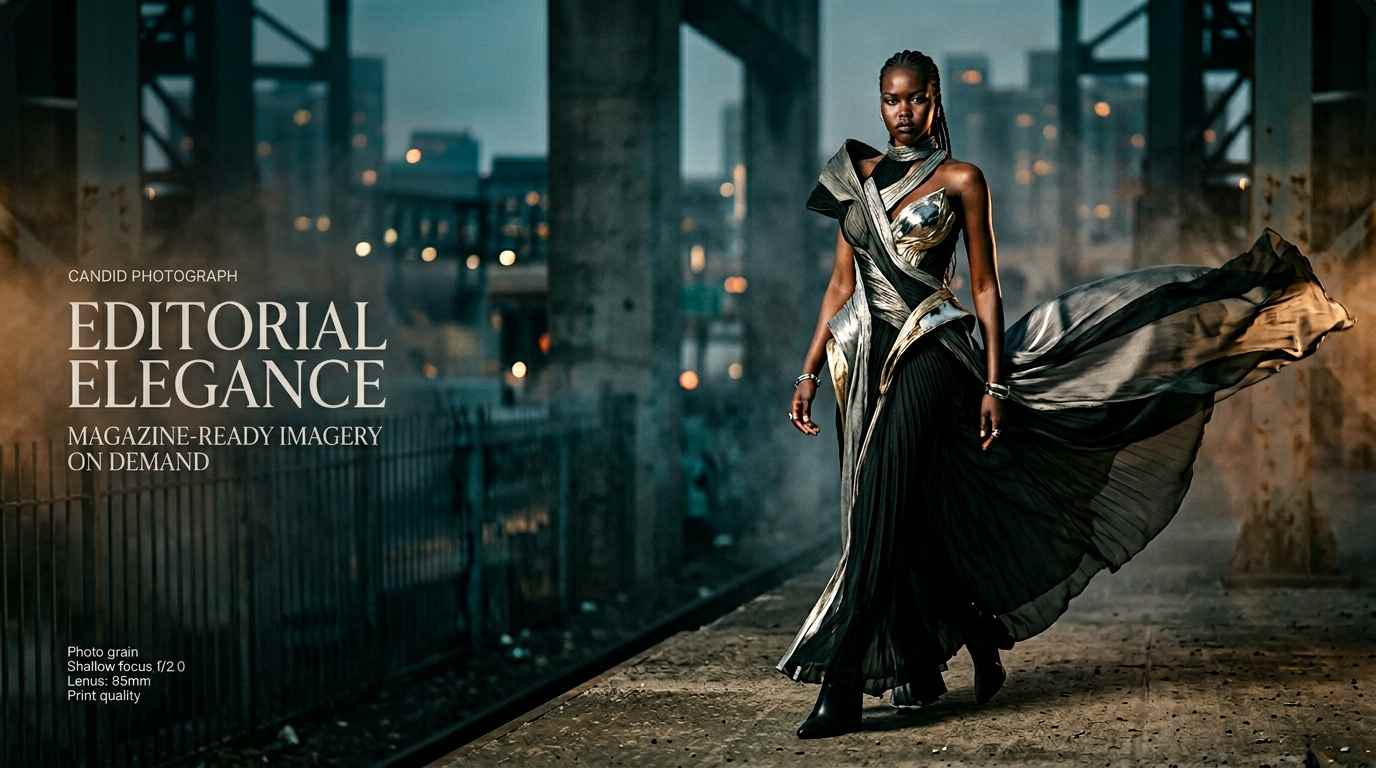
Generate editorial-quality fashion spreads with cinematic lighting, dramatic poses, and high-fashion styling. Nano Banana Pro offers 1K, 2K, and 4K output — pick 4K for 30 credits when the image needs to hold up on a cover, a billboard, or in large-format print.
All generated images include full commercial rights, ready for e-commerce, social media, advertisements, and marketing materials.
The AI Fashion Photography Revolution
AI-generated fashion photography is reshaping the industry. Brands no longer need to book studios, hire models, coordinate stylists, and fly to exotic locations for a single editorial spread. With the right prompts and the right models, a single creative director can produce an entire lookbook — complete with consistent models, varied outfits, and professional lighting — in an afternoon.
The technology has reached a tipping point where AI-generated fashion imagery is virtually indistinguishable from traditional photography. Fauxto Labs does not build these models — we aggregate them, so you can move between Google's Nano Banana family, Black Forest Labs' FLUX 2 models, and everything else in the lineup from one prompt box. In practice that means Nano Banana Pro and Nano Banana 2 for photorealism and likeness, FLUX 2 Pro when fabric texture and fine detail carry the shot, and Z Image at 2 credits when you just need volume. Whether you are an independent designer prototyping a collection or a marketing team scaling content across channels, that range unlocks speed and creative freedom that was previously impossible.
Fashion Workflows
Virtual Photoshoot
Create complete fashion photoshoots with AI-generated models. The workflow is straightforward: define your brand aesthetic, generate a hero shot of your model on the Image Generator, then expand it. The Photoshoot tool in The Lab takes that one reference photo and returns up to 9 variations — different angles, lighting setups, environments, or expressions — at 10 / 15 / 20 credits per variation at 1K / 2K / 4K, or 15 / 20 / 30 on the Pro setting. The entire process takes hours instead of weeks, and you can iterate on any element without rebooking a shoot.
Build virtual influencer personas for your brand. Influencer Studio in The Lab is the purpose-built route: pick one of 36+ preset AI characters or supply your own, choose a content type — selfies, mirror shots, travel, fashion, product placement — and generate a consistent set of social photos. It runs on Nano Banana Pro Edit at 15 credits per image at 1K, and Album mode generates a whole batch of scenes in one pass. There is no persona to train and no setup cost; the character stays consistent because the model is working from your reference, not from a fine-tune.
Produce seasonal lookbooks efficiently at scale. Lookbook Creator in The Lab is built for exactly this: upload your clothing images, pick or upload your models, and it pairs every garment with every model at 10 credits per image, or 15 on the Pro setting. Outfit mode groups pieces so a full look is shot together rather than item by item. If you would rather drive it manually, generate each look in the Image Editor with Nano Banana Pro and a fixed reference image, which keeps the same face across every page of the book.
Garment Try-On
When you have a real product photo and need it on a body, Fashion Try-On is the right tool at 10 credits per output image. Combine a model photo with a garment image and it composites the outfit onto the model, running on Nano Banana 2 Edit. You can use the preset AI models, upload your own model photo, generate a garment from scratch with the built-in clothing generator, and set a custom aspect ratio. It is the fastest way to fill product detail pages before a sample ever reaches a studio.
AI Fashion Photography
Professional fashion photography, zero studio time. Generate lookbooks, editorial spreads, and campaign imagery with AI models that rival traditional shoots.
Fashion work pulls on three different strengths — likeness, texture, and volume — and no single model is best at all three. The table below summarizes the options worth knowing for fashion, whether you are testing concepts quickly or producing final commercial assets. Where three prices are listed, they correspond to the 1K, 2K and 4K resolution tiers; the exact total is always shown on the page before you generate.
Model
Credits
Best For
Key Strength
Nano Banana Pro
15 / 20 / 30
Editorial, campaign & character work
Best likeness and new poses, top-tier photorealism, 1K/2K/4K
Nano Banana 2
10 / 15 / 20
Everyday shoots & catalog
Platform default, sharp and accurate, best price-to-quality
FLUX 2 Pro
8
Fabric, texture & fine detail
Commercial-grade detail; one image per generation
Nano Banana 2 Lite
6
Volume drafts & layout tests
Google quality at 1K only, cheap enough to iterate freely
Z Image
2
Highest-volume concepting
Cheapest model on the platform, surprisingly photoreal
Fashion Try-On
10 per image
Real garments on a model
Composites an actual product photo onto a model photo
Nano Banana 2 is the sensible default and the model the Image Generator loads for you. At 10 credits for 1K it produces sharp, accurate, photoreal fashion imagery, and it follows instructions well enough that a detailed styling brief lands most of the time. Step up to Nano Banana Pro — 15 credits at 1K, 20 at 2K, 30 at 4K — for hero shots, anything with a specific face to hold, and anything with legible text such as a garment tag or a poster in frame.
FLUX 2 Pro from Black Forest Labs is the other model worth keeping in rotation for fashion, at 8 credits. Its strength is fine detail and material accuracy, which is exactly what sells knitwear, leather, sequins, and sheer fabric. The trade-off is that it generates a single image per run, so exploration is slower than on the Nano Banana models. Underneath both, Nano Banana 2 Lite at 6 credits and Z Image at 2 credits exist to let you burn through compositions cheaply before you commit credits to a final frame.
For lookbooks and campaigns that need the same model across dozens of shots, the workflow is the Image Editor rather than a different generation model. Open edit mode, attach your reference image, and describe the new outfit, pose, or location. Nano Banana Pro is the best model on the platform for this and Nano Banana 2 is a good cheaper alternative. To be explicit about what is not on offer: Fauxto Labs does not train custom models or LoRAs. Reference-based editing has replaced that workflow entirely, which is why nothing in this guide asks you to upload a training set and wait.
Fashion Prompt Engineering
Writing effective prompts for fashion photography is part art direction and part technical precision. The best prompts layer information the same way a creative brief would: subject, styling, environment, lighting, and mood.
Aspect Ratios for Fashion
The Image Generator offers 11 aspect ratios — 1:1, 4:3, 3:4, 3:2, 2:3, 16:9, 9:16, 21:9, 9:21, 2:1 and 1:2 — with the one caveat that the Nano Banana models do not support 9:21. Use 3:4 or 2:3 for editorial and catalog frames where the full look matters, 16:9 for spreads that emphasize environment and styling context, 1:1 for social product posts and grid layouts, and 9:16 for stories, reels, and vertical lookbook formats. 21:9 is there for wide banner and hero crops. On Nano Banana Pro and Nano Banana 2 the resolution tier is a separate control from the ratio, so pick 4K when the frame is headed for print.
Prompt Structure
Start with the subject and outfit description, then layer in pose, environment, lighting, and camera angle. Be specific about fabric types, color palettes, and styling details. Mention the photographic style you are targeting — editorial, street style, high fashion, catalog — to steer the model toward the right aesthetic.
Basic Example
"A model wearing a black dress, studio lighting, fashion photo." — This produces a usable result, but the model has wide latitude to improvise on pose, styling, and mood.
Advanced Example
"Full-length editorial photo of a female model wearing a flowing emerald silk gown with a deep V-neckline, standing in a sun-drenched Mediterranean courtyard, golden hour side lighting casting long shadows, confident pose with one hand on hip, shallow depth of field, shot on 85mm lens, Vogue editorial style." — Every layer is present: subject and outfit detail, environment, lighting, pose, and photographic style. The result is dramatically more controlled and visually polished.
Frequently Asked Questions
Which AI model is best for fashion photography?
Nano Banana Pro (Google Gemini 3 Pro) is the strongest all-round pick at 15 credits for 1K, 20 for 2K, and 30 for 4K — it leads the platform on photorealism, character likeness, and text rendering, which covers editorial, campaign, and packaging work. Nano Banana 2 (10 / 15 / 20 by resolution) is the default on the Image Generator and handles most everyday fashion shots. Reach for FLUX 2 Pro (8 credits) when fabric texture and fine detail matter most, keeping in mind it generates one image at a time.
How do I create consistent models for lookbooks?
Generate the model once, then open the Image Editor at /image-generator?mode=edit and run Nano Banana Pro with that shot as a reference image. It is the best option on the platform for holding a likeness across new poses, outfits, and locations, and there is no training step involved — Fauxto Labs does not offer custom model training of any kind. You can attach up to 6 reference images per edit. For a recurring social persona, Influencer Studio in The Lab keeps one character consistent across a whole content set.
How do I put a specific garment on a model?
Use Fashion Try-On at /fashion-tryon, which costs 10 credits per output image. Pair a model photo — either a preset AI model or one you upload — with a garment image, and it composites the outfit onto the model. For a full catalog, Lookbook Creator in The Lab pairs each garment with each model at 10 credits per image, or 15 on the Pro setting.
What aspect ratios and resolutions work best for fashion content?
The Image Generator offers 11 aspect ratios: 1:1, 4:3, 3:4, 3:2, 2:3, 16:9, 9:16, 21:9, 9:21, 2:1, and 1:2 — note that the Nano Banana models do not support 9:21. Use 3:4 or 2:3 for editorial and catalog shots, 1:1 for feed posts, 9:16 for stories and reels, and 21:9 for wide banner crops. Nano Banana Pro and Nano Banana 2 also let you choose 1K, 2K, or 4K output, and every run can produce 1 to 4 images.
Can I use AI fashion photos commercially?
Yes! All images generated on Fauxto Labs include full commercial rights. Perfect for e-commerce, lookbooks, social media, advertisements, and marketing materials.
Ready to Create Fashion Content?
Start your AI fashion photography journey with Fauxto Labs. Virtual models, lookbooks, and editorial content — all with full commercial rights. No credit card required.