What You'll Learn in This Guide
This guide covers every aspect of creating user-generated content with AI — from understanding what UGC is and why it matters, to building a complete production workflow. By the end you will be able to create authentic-looking product reviews and testimonials at a fraction of the cost of traditional creators. Specifically, you will learn:
- ✓What UGC is and why it matters
- ✓Traditional vs AI-generated UGC
- ✓Step-by-step AI UGC creation
- ✓Best practices for authentic content
- ✓Available AI models and settings
- ✓Platform optimization strategies
- ✓Cost comparison and ROI
- ✓Advanced techniques for scale
What is UGC and Why It Matters
User-Generated Content (UGC) refers to authentic content created by real users showcasing products or services. Unlike polished brand advertisements, UGC feels genuine and trustworthy, making it incredibly powerful for marketing.
UGC Statistics That Matter
| Metric | Value | Insight |
|---|---|---|
| Purchase impact | 79% | UGC significantly impacts buying decisions |
| Engagement lift | 5× | Higher engagement than brand-created content |
| Consumer trust | 60% | More trusted than polished brand content |
| Ad cost reduction | 50% | Lower advertising costs with UGC |
Traditional UGC vs AI UGC
Traditional UGC creation comes with significant challenges. Hiring creators costs $500–5,000 per video, coordination is time-consuming, quality varies wildly, and you're limited by creator availability and diversity. Rights and usage complications add another layer of friction.
AI-generated UGC eliminates these problems entirely. You get a 90% cost reduction, content generated in minutes instead of weeks, consistent brand styling, unlimited diverse representation, 24/7 availability, and full commercial rights included with every piece of content.
| Factor | Traditional UGC | AI UGC |
|---|---|---|
| Cost per video | $500–5,000 | 7–35 credits per scene |
| Turnaround | Days to weeks | Minutes |
| Style consistency | Variable | Fully controllable |
| Diversity | Limited by hiring | 36+ models available |
| Availability | Seasonal constraints | 24/7 |
| Commercial rights | Complex negotiations | Always included |
Authentic Locations & Settings
Set the perfect scene with our curated collection of realistic locations for your UGC content. With 41+ authentic locations available across 6 categories, you can match any product to the ideal environment.
| Setting | Best For |
|---|---|
| Casual Home | Everyday products, beauty items, and lifestyle goods |
| Fitness Active | Health, fitness, and wellness products |
| Tech Workspace | Gadgets, software, and productivity tools |
| Fashion Street | Clothing, accessories, and style products |
| Coffee Shop | Trendy cafe setting with natural lighting |
| Kitchen Counter | Modern kitchen for food and home products |

Casual Home
Relaxed indoor setting, cozy vibes

Coffee Shop
Trendy cafe, natural lighting

Bedroom Authentic
Personal space, intimate feel

Cozy Library
Bookshelf background, warm academic atmosphere

Kitchen Counter
Modern kitchen, natural morning light

Art Studio
Creative space with easels and natural light

Bookstore Nook
Cozy reading corner in indie bookstore

Vintage Diner
Retro booth seating, classic americana
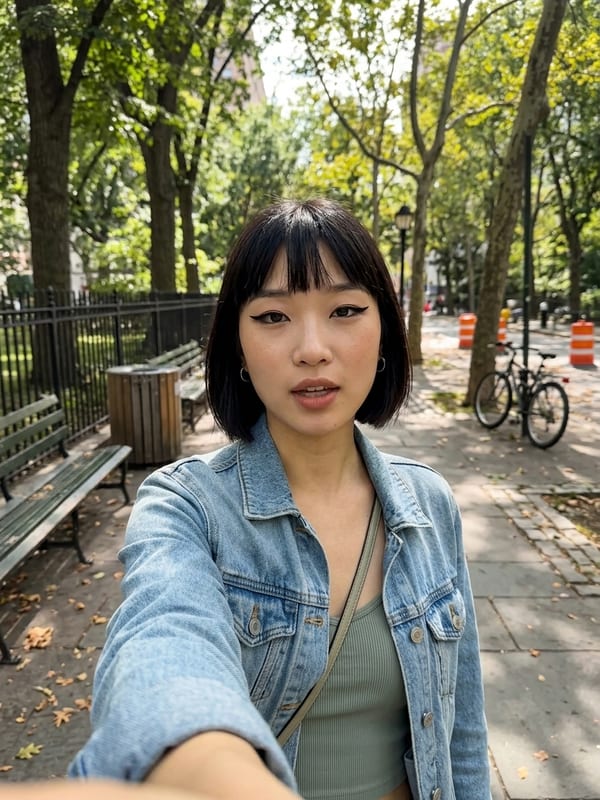
Outdoor Natural
Park, street, natural background

Beach Sunset
Coastal setting, golden hour vibes
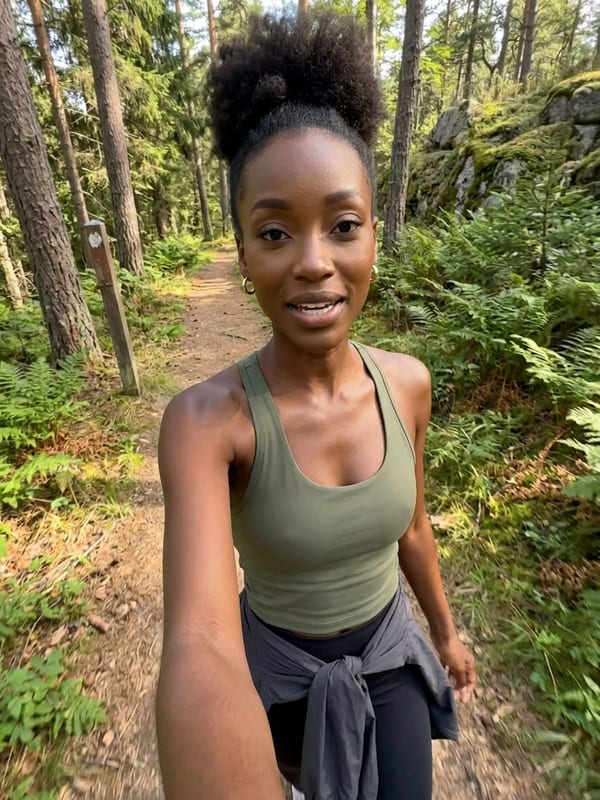
Hiking Trail
Nature path, adventure aesthetic

City Park
Urban green space, relaxed outdoor
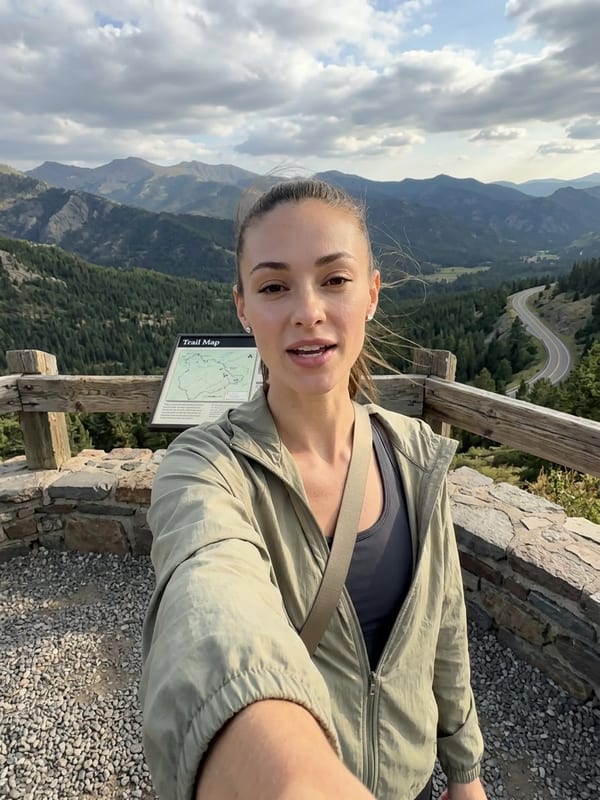
Mountain Overlook
Scenic vista point with dramatic views

Botanical Garden
Lush greenhouse with tropical plants

Lakeside Dock
Peaceful waterfront with wooden pier
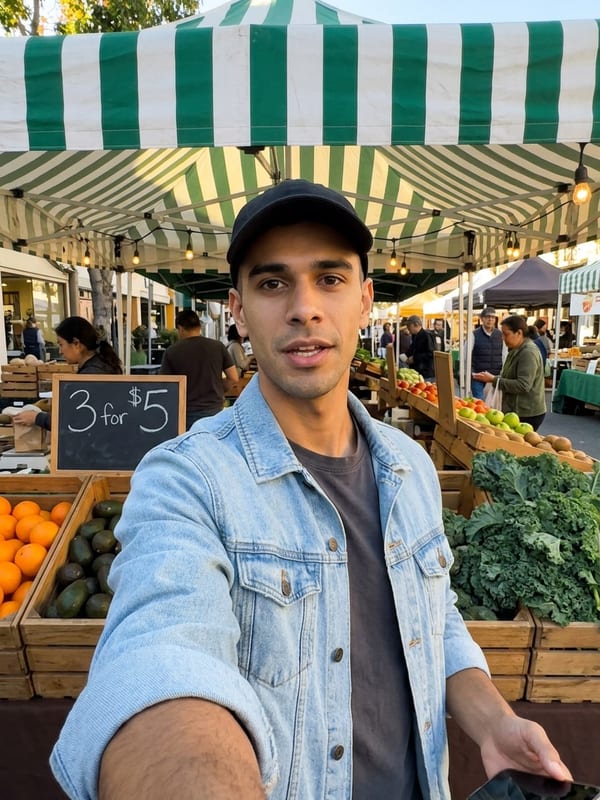
Farmers Market
Fresh produce stalls, community vibes
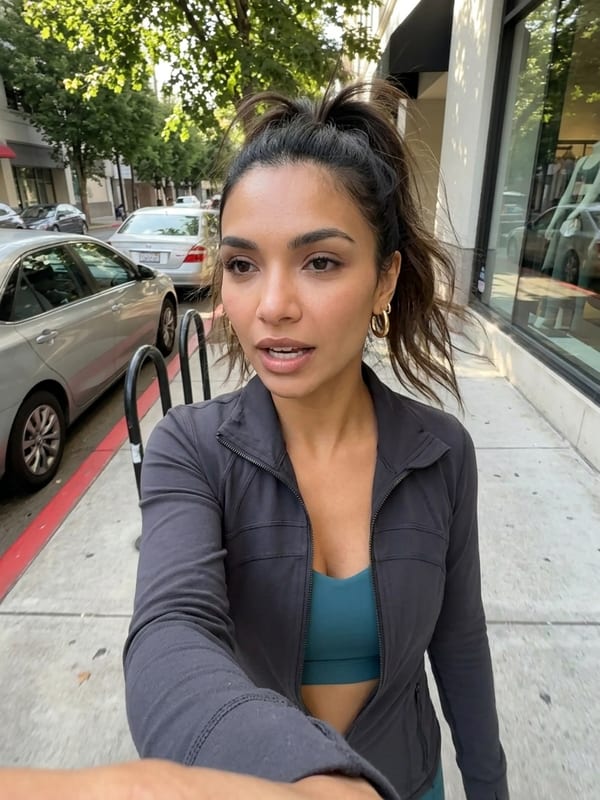
On-the-Go
Car, walking, active lifestyle

Car Interior
Modern car front seat, dashboard view
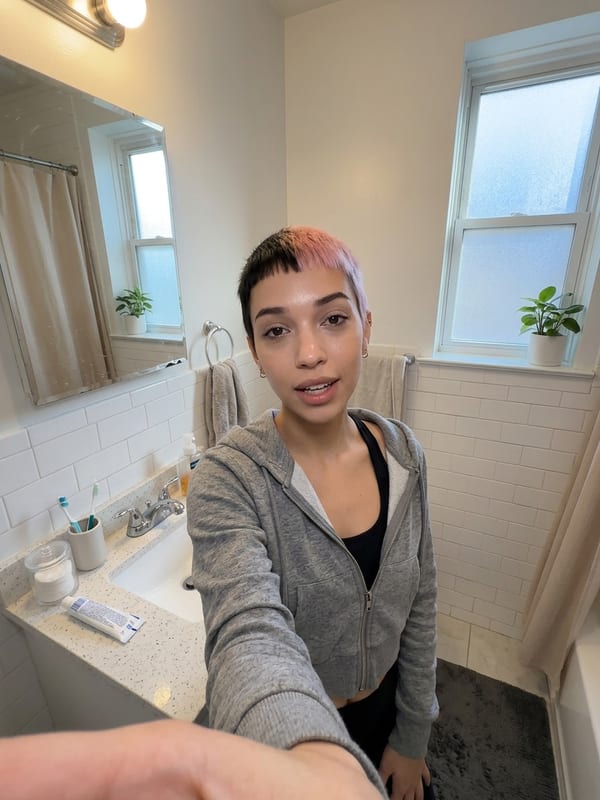
Morning Routine
Getting ready, bathroom mirror

Workout Session
Gym or home fitness setup
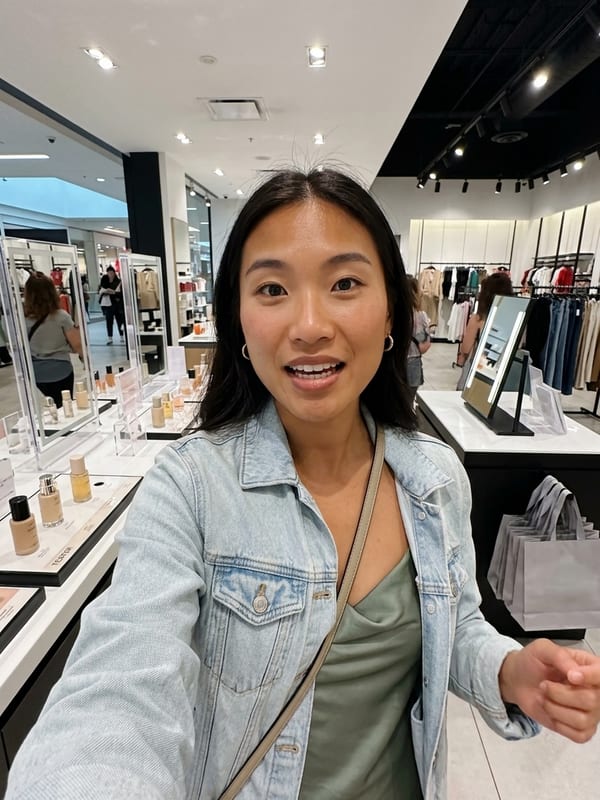
Shopping Trip
Mall or boutique, trying products

Cooking Kitchen
Preparing meals, chef-style setup
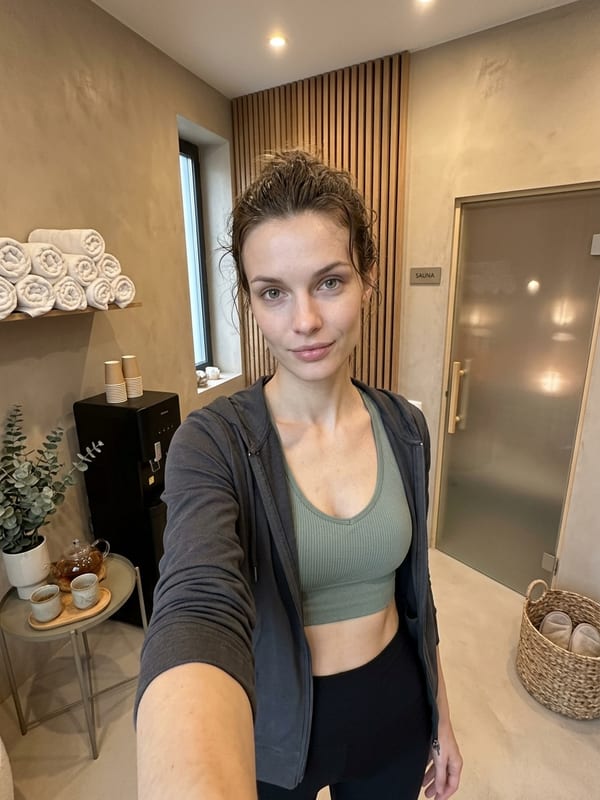
Spa & Wellness
Self-care routine, relaxation mode

Pet Playtime
Fun moments with furry friends

Hobby & Craft
DIY projects, creative making

Podcast Studio
Professional desk setup with studio mic
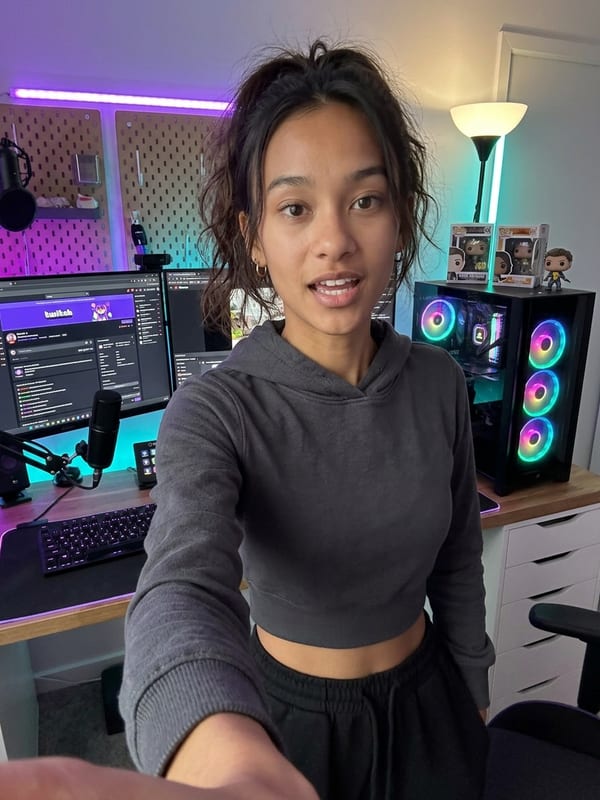
Streamer Setup
Modern gaming room with RGB lighting

Office Desk
Clean workspace, professional lighting
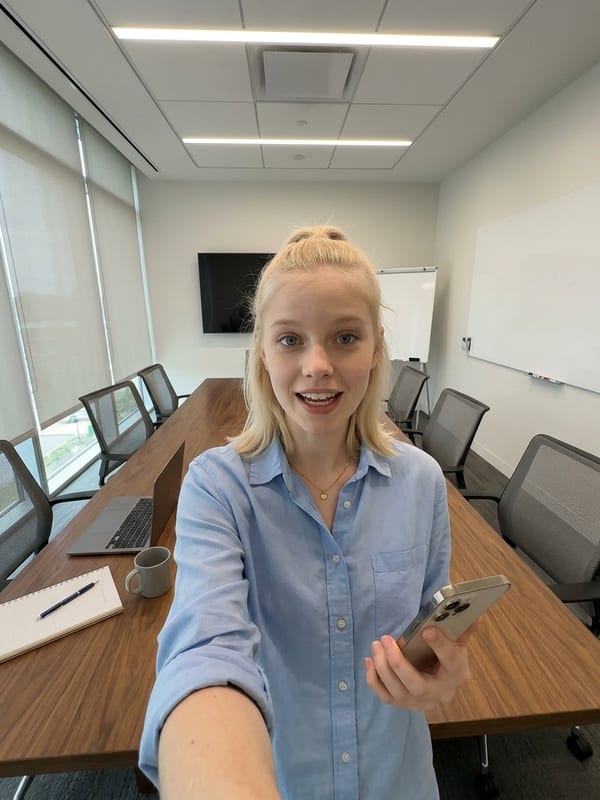
Conference Room
Modern meeting space, business setting

Co-working Space
Trendy shared office, collaborative energy

Medical Office
Clean clinical setting, healthcare professional

Law Library
Traditional legal setting with books
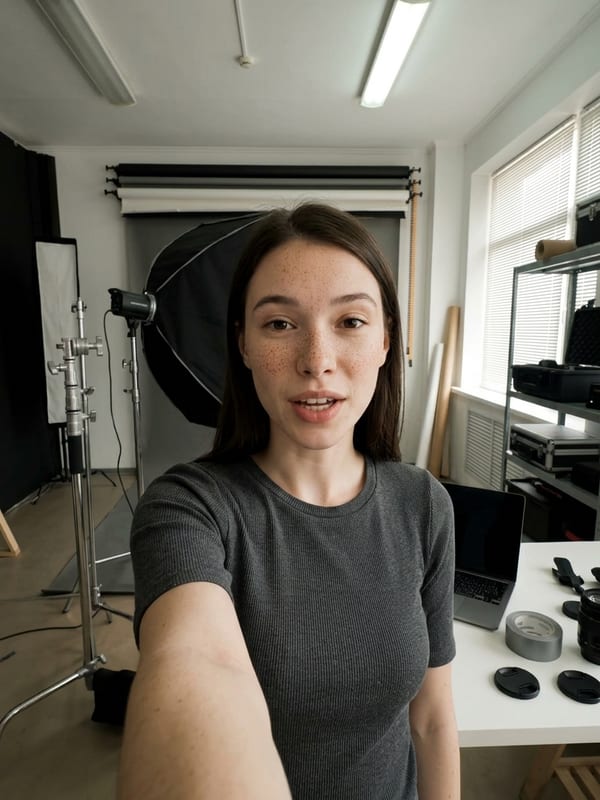
Photography Studio
Professional lighting setup, creative workspace

Rooftop Urban
City skyline backdrop, golden hour lighting
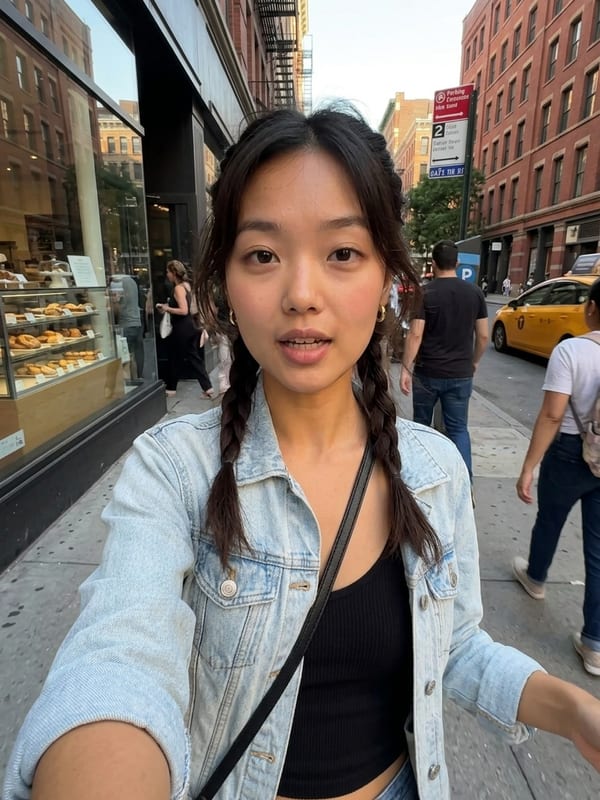
Downtown Street
Busy city street, urban energy

Subway Station
Modern transit hub, commuter vibes
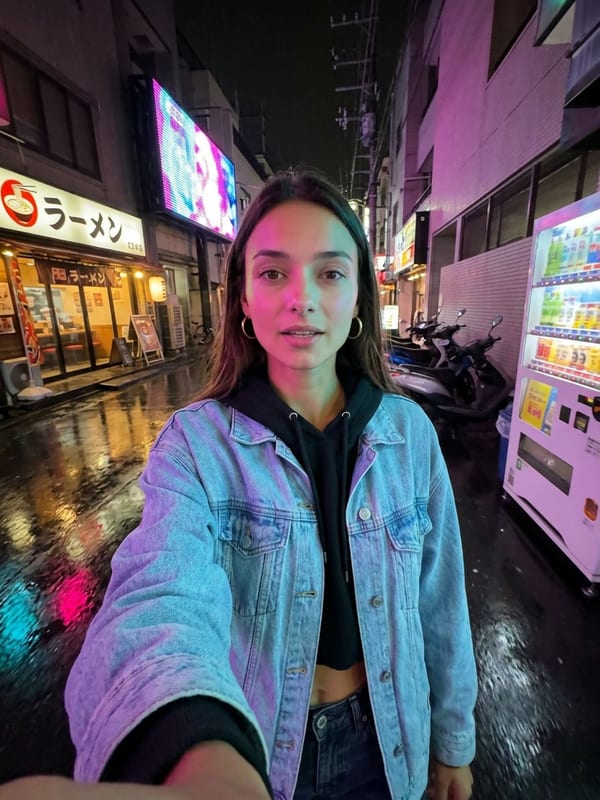
Neon District
Nighttime city, colorful lighting

Industrial Loft
Exposed brick walls, warehouse aesthetic

Fire Escape
Classic NYC metal stairs, urban grit

Graffiti Alley
Street art corridor, creative urban culture

Penthouse Balcony
Luxury high-rise terrace, city views
Step-by-Step AI UGC Creation
Follow these steps to create professional UGC content with AI. Each step is designed to get you from concept to published content as quickly as possible.
Step 1 — Prepare Your Product Assets
Upload high-quality product photos from multiple angles with clear, well-lit images. Make sure you capture multiple angles and variations, use high-resolution images, ensure clear product visibility, and document key features.
Step 2 — Choose Your UGC Style
Select the environment that best matches your product and target audience. Match the product category to the right setting, consider your target demographic, align with your brand voice, and test multiple settings to find what resonates.
Step 3 — Select Diverse Models
Choose AI models that represent your target audience for authentic content. Aim for diverse demographics, relatable appearances that match your customer base. With 36+ models available, you have plenty of options to find the right fit.
Step 4 — Configure Voice & Messaging
Select AI voices and write authentic review scripts that sound natural. With 100+ voice options, keep a conversational tone, include real product benefits, and make the script relatable to your audience.
Step 5 — Generate & Optimize
Generate multiple variations for A/B testing and optimize for different platforms. Test different styles, create platform-specific formats, build out content calendars, and track performance across channels.
UGC Builder Features
The Fauxto Labs UGC Builder brings together every tool you need for AI-powered content creation in one seamless workflow.
| Feature | Details |
|---|---|
| 36+ AI Models | Diverse, inclusive representation for any audience |
| 100+ Voices | Natural-sounding AI voices in multiple languages |
| AI Script Generation | Automatically write authentic-sounding review scripts |
| Pro Mode | 1K / 2K / 4K resolution with Nano Banana Pro |
| B-Roll Generation | Automatic product B-roll and scene transitions |
| Lipsync Integration | Realistic lip movements synced to voice |
Pricing
Standard: 7 credits per scene • Pro Mode: 15 / 20 / 30 credits (1K/2K/4K) • Lipsync: 10 credits/second

Camila
Hispanic

Ethan
Caucasian

Lucia
Hispanic

Jamal
African American

Harper
Caucasian

Kenji
Asian

Zara
Middle Eastern

Luna
Asian

Amara
African American

Chloe
Caucasian

Maya
South Asian
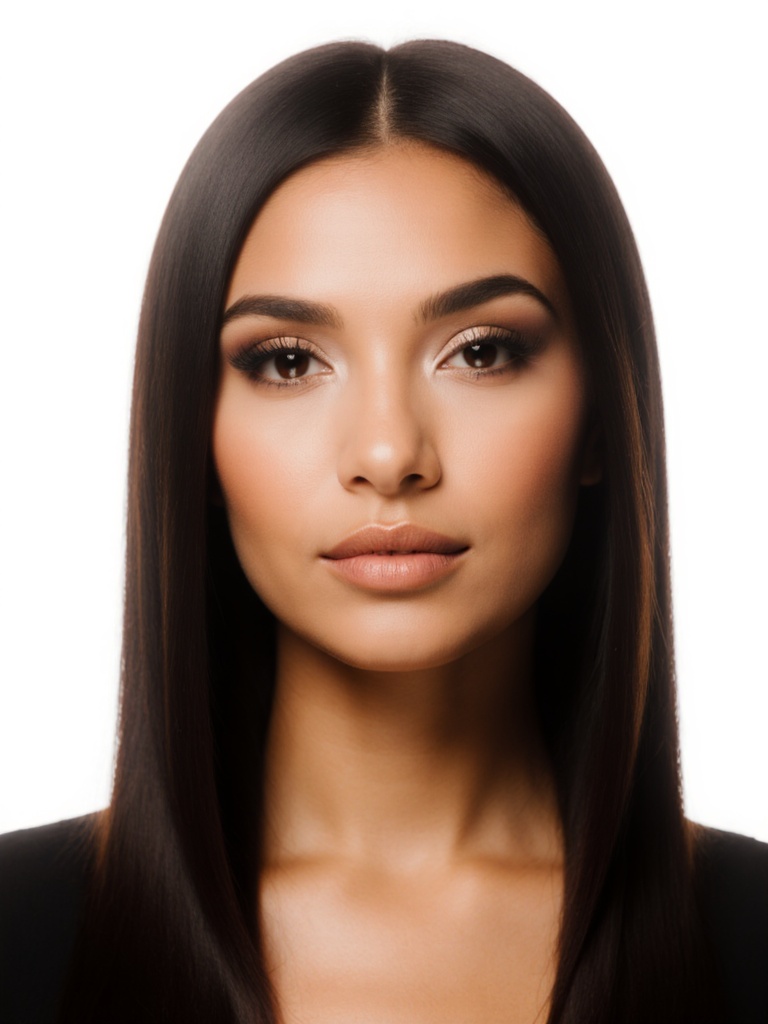
Isabella
Hispanic

Kai
Asian

Andre
African American

Leo
Caucasian

Omar
Middle Eastern

Carlos
Hispanic

Arjun
South Asian
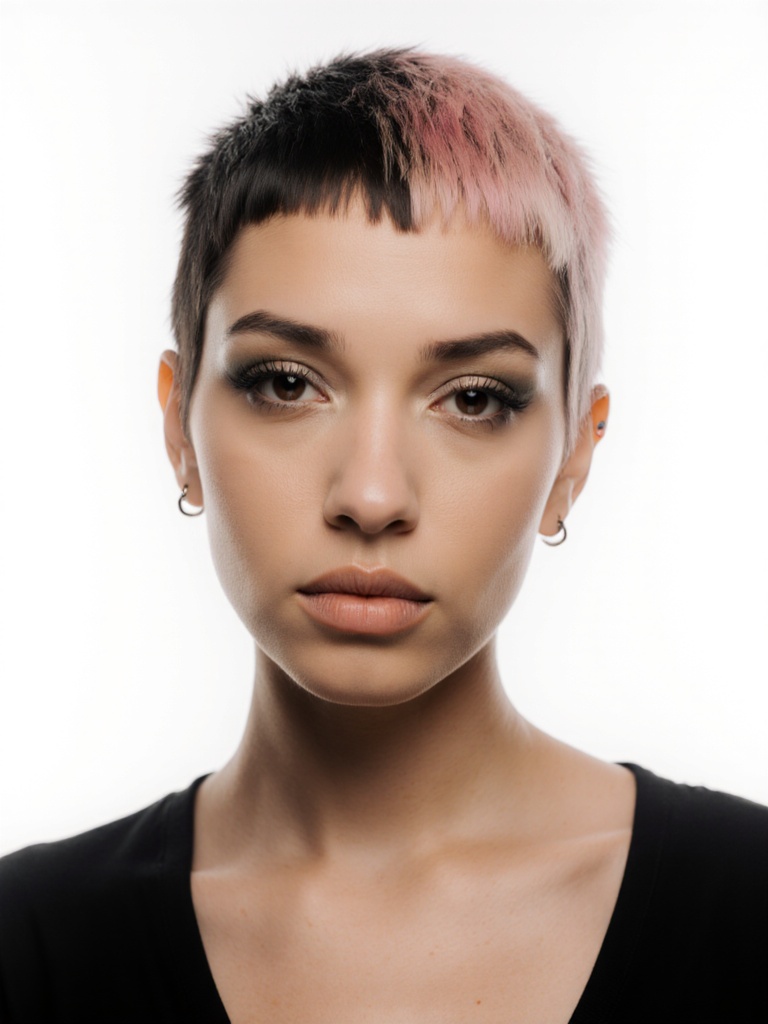
Sage
Mixed

River
Native American

Naia
Pacific Islander

Phoenix
Mixed

Valentina
European

Dmitri
European

Sarah
Caucasian

Mia
Mixed
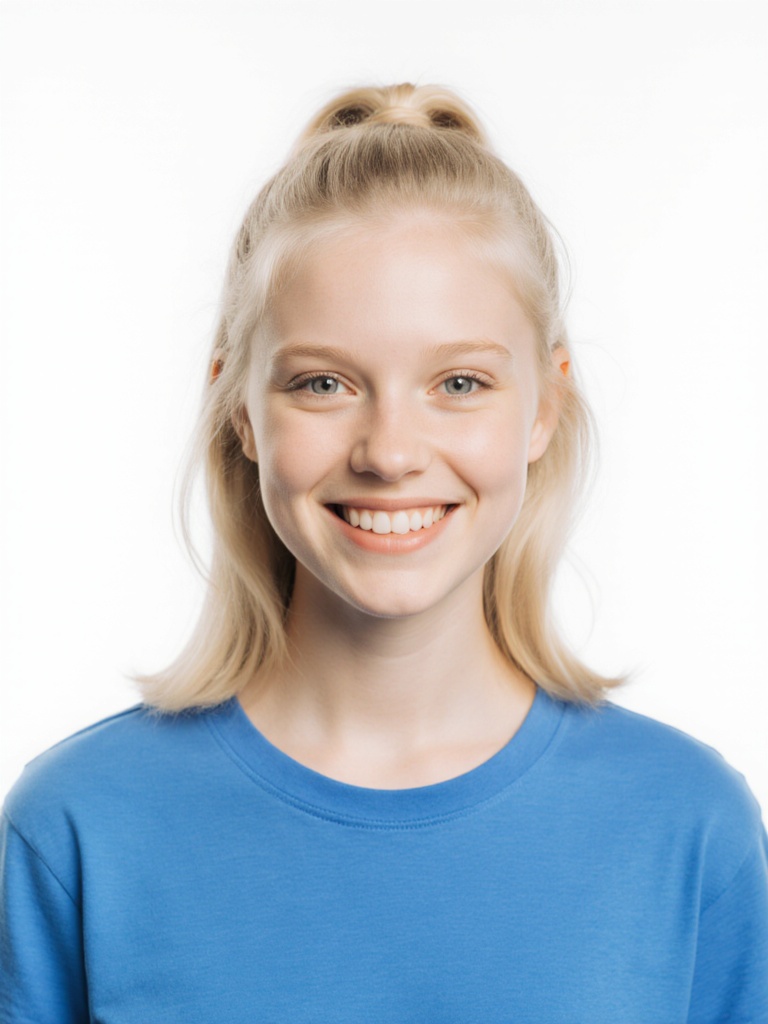
Jessica
Caucasian

Taylor
Mixed

Rachel
Caucasian

Mike
Caucasian

Alex
Mixed

Ryan
Caucasian

Jordan
Mixed

Ben
Caucasian

Lily
Mixed

Chris
Caucasian
UGC Builder
Build authentic UGC scenes in minutes — pick a model, choose a location, add voice, and export.
Frequently Asked Questions
Common questions about AI UGC creation.
What is AI UGC content?
AI UGC (User-Generated Content) uses artificial intelligence to create authentic-looking product reviews and testimonials without traditional filming. It combines AI image generation with voice synthesis to create realistic TikTok-style content featuring AI-generated presenters.
How much does AI UGC cost compared to traditional UGC?
AI UGC costs 7-35 credits per scene (standard or Pro mode) plus video generation and lipsync costs. This is 90% cheaper than traditional UGC creators who charge $500-5,000 per video. You can create unlimited variations without rehiring.
Can I use AI UGC for paid advertising?
Yes! All content generated on Fauxto Labs includes full commercial rights. You can use AI UGC for TikTok ads, Instagram Reels, Facebook ads, YouTube Shorts, and any other commercial purpose without attribution.
How realistic are the AI models?
Our UGC Builder uses advanced AI models including Nano Banana Pro (powered by Gemini 3 Pro) which creates highly realistic, photorealistic presenters. The combination of realistic imagery and natural voice synthesis creates authentic-feeling content.
Can I create custom AI models for my brand?
Yes! The Nano Banana model family delivers exceptional character consistency without any training. Simply provide a reference image and generate unlimited content with the same AI character across all campaigns — no setup or extra cost required.
What video formats are supported?
The UGC Builder supports all major social media formats: 9:16 (TikTok/Reels/Shorts), 1:1 (Instagram), and 16:9 (YouTube). You can easily repurpose content across platforms.
Ready to Create Your First AI UGC Campaign?
Start creating authentic user-generated content with AI today. No filming, no expensive creators, just results. 90% cheaper than traditional UGC with full commercial rights and unlimited variations.
Start Creating AI Video