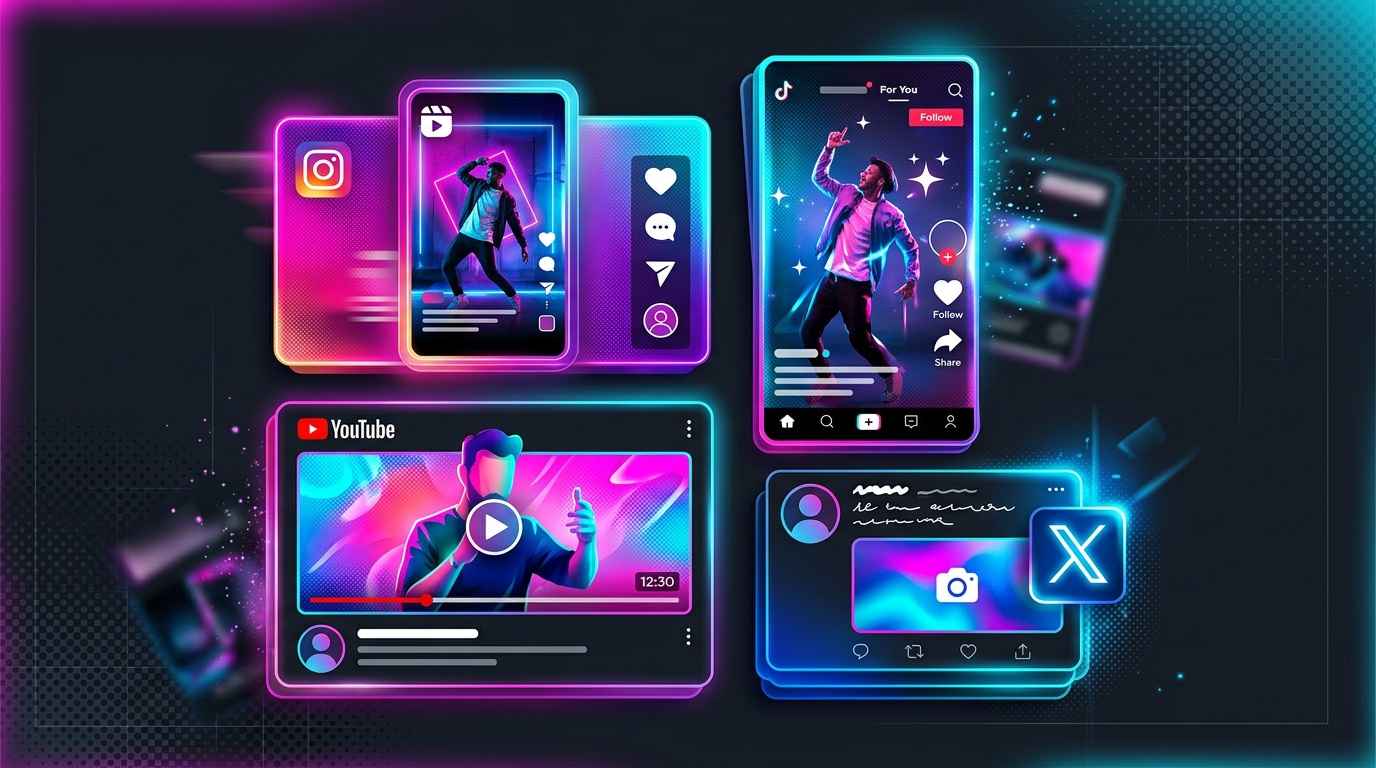
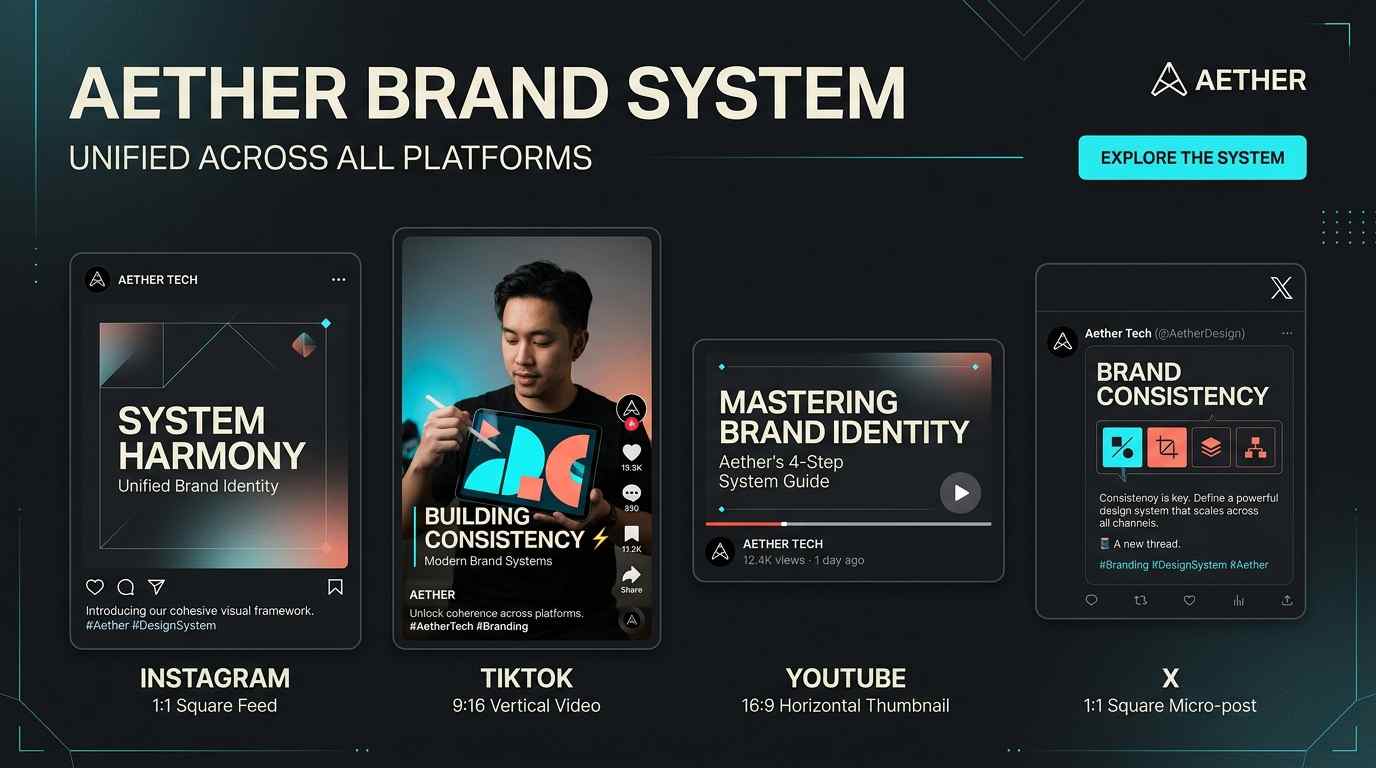
Every social platform has its own visual language, preferred aspect ratios, and content rhythms. What works on Instagram rarely translates directly to TikTok, and YouTube thumbnails follow entirely different rules than Twitter cards. The key to AI-powered social media success is understanding each platform's requirements and matching them with the right generation tools. Below is a breakdown of the four major platforms and how to approach each one with Fauxto Labs.
Instagram
Instagram thrives on polished, visually cohesive feeds. For carousels and volume posting, Z Image at 2 credits per image is the cheapest way to fill a grid, and Nano Banana 2 Lite at 6 credits is the step up when you want Google-quality output at 1K. Use 1:1 for a clean grid or 3:4 for taller feed posts, and switch to 9:16 for Stories and Reels. Influencer Studio is ideal for character-driven content series, and the Image Editor with Nano Banana Pro keeps your mascot or spokesperson recognizable across dozens of posts.
TikTok is all about motion and immediacy. Short vertical clips from Seedance 1.5 Lite feel native to the platform and cost 5 credits per second, so a 6 second clip is 30 credits and a 10 second clip is 50 — cheap enough to post daily and pair with trending audio in your editing app of choice. For static image posts, generate 9:16 frames with Z Image or Nano Banana 2. Two Lab tools are purpose-built for this surface: TikTok Slideshow writes the hooks, outline and slide copy then generates an image per slide (a 6-slide deck runs about 49 credits), and UGC Builder produces creator-style product reviews that blend in with organic posts.
YouTube content splits into two categories: thumbnails and Shorts. Thumbnails live or die on click-through, so generate them at 16:9 with bold compositions — and because a thumbnail almost always carries a few words of text, use one of the models that actually renders type reliably: Nano Banana Pro, GPT Image 2, or Qwen Image 2 Pro (10 credits). Recraft 3 at 6 credits is the right choice for anything vector-flavored, like channel branding or icon overlays, and it ships with a style picker. For Shorts, the same 9:16 vertical approach applies: Seedance 1.5 Lite at 5 credits per second for volume, or Gemini Omni Flash at 15 credits per second when you want native audio. Add narration from Voice Generation at 1 credit per 1,000 characters.
Twitter/X
Twitter rewards speed and relevance. At 2 credits per image, Z Image makes it practical to generate several variations of a timely visual and A/B test which one drives engagement — five options cost 10 credits, which is less than a single premium generation. Use 16:9 for maximum timeline presence or 1:1 for cleaner compositions, and remember that each run can return up to 4 images at once.
Platform
Formats
Recommended Approach
Instagram
1:1, 3:4, 9:16
Z Image or Nano Banana 2 Lite for carousels, Influencer Studio for series
TikTok
9:16
Seedance 1.5 Lite clips at 5 credits/sec, or TikTok Slideshow decks
YouTube
16:9, 9:16 Shorts
Thumbnails with Nano Banana Pro or GPT Image 2, Shorts with Seedance 1.5 Lite
Twitter/X
16:9, 1:1
Z Image at 2 credits for fast, testable variations
Multi-Platform
One Platform, Every Social Network
Generate content optimized for Instagram, TikTok, YouTube, and Twitter/X from a single dashboard. Pick from 11 aspect ratios at generation time, or push an existing asset through Reframe — 6 credits for an image, 55 for a video — to extend it into a new shape instead of cropping it.
Starting at 2 credits per image. Short videos from 5 credits per second, with the exact total shown before you generate.
Content Creation Tools
Social media content falls into two primary categories — static images and short-form video — and Fauxto Labs covers both with dedicated tools and models. Fauxto Labs does not build any of these models; it aggregates them from Google, OpenAI, ByteDance, Black Forest Labs, Alibaba and others, which is what makes it possible to shop by price on a per-post basis. The right choice depends on your platform, audience, and campaign goals.
Static Images
Social posting is a volume game, so start from the cheap end and only trade up when a post has to carry weight. Z Image (2 credits) from Tongyi is the cheapest model on the platform and the best value per credit — it is genuinely strong on realistic photo looks, which covers most feed content. Nano Banana 2 Lite (6 credits, 1K only) buys you Google quality for quick drafts and high-volume batches. Nano Banana 2 (10 credits at 1K, 15 at 2K, 20 at 4K) is the Image Generator default and the right pick when the post is the campaign rather than filler.
Two special cases are worth knowing. For anything with words baked into the image — quote cards, sale graphics, announcement posts — use a model that renders type reliably: Nano Banana Pro (15 / 20 / 30 by resolution), GPT Image 2 (3 Low, 8 Medium, 30 High) or Qwen Image 2 Pro (10). For illustrated or stylized posts, Seedream 4.5 (5) and Dreamina 3.1 (6) are the art-leaning models, while Recraft 3 (6) covers vector-style brand assets and icons and includes a style picker. Head to the Image Generator to start creating.
Short Videos
Video is priced per second on almost every model, so length is the dial that actually moves your spend — a 10 second clip costs roughly double a 5 second one. Seedance 1.5 Lite at 5 credits per second is the cheapest solid option and reaches 1080p, so a 6 second Reel is 30 credits. LTX 2 is 6 credits per second at 1080p and runs up to 20 seconds if you need length. Seedance 1.5 Pro at 7 credits per second adds native audio, making a 6 second clip with sound 42 credits. Gemini Omni Flash at 15 credits per second is the featured Google option and lets you describe the sound effects or dialogue directly in the prompt: 6 seconds comes to 90 credits.
One pricing exception to watch for: VEO 3.1 is billed per clip, not per second, at 225 credits without audio and 338 with. VEO 3.1 Fast is 120 and 190. VEO 3.1 Lite goes back to per-second pricing at 10 credits, which is by far the cheapest route to VEO output. Whichever you pick, the exact total is shown on the page before you generate. Explore the full lineup in the Video Generator, and stitch the results together in the Video Editor, where exporting is free.
Tool
Credits
Best For
Z Image
2
High-volume social posts & carousels
Nano Banana 2 Lite
6
Cheap drafts and batches at 1K
Nano Banana 2
10 / 15 / 20
Default pick for posts that matter
Nano Banana Pro
15 / 20 / 30
Text in images, character consistency
Recraft 3
6
Vector-style brand assets & icons
Seedance 1.5 Lite
5/sec
Reels, TikToks & Shorts on a budget
Gemini Omni Flash
15/sec
Short video with native audio
Content for every platform, one toolkit
Generate scroll-stopping images and videos for Instagram, TikTok, YouTube, and Twitter/X — all from a single dashboard.
Generate your mascot or spokesperson once, then keep working from that image in the Image Editor. Nano Banana Pro is the strongest model on the platform for holding a likeness through new poses, outfits and scenes, and you can attach up to 6 reference images per edit. Consistent prompts and style keywords keep the rest of the feed cohesive.
No setup and no waiting, because there is nothing to train — Fauxto Labs does not offer custom model training. Nano Banana 2 at 10 credits is the cheaper option when close is good enough.
Scaling Your Content Workflow
The real power of AI content creation shows up when you scale. Traditional social media production requires photographers, editors, and designers — each post taking hours to plan, shoot, and finalize. With Fauxto Labs, you can produce weeks of content in a single session.
Start with the UGC Builder for creator-style product reviews: pick a product, an AI creator, a location, a camera mode and a voice, and it builds the scene, script, voiceover and talking video for you. For character-driven series, Influencer Studio generates consistent persona photos at 15 credits per image at 1K, with an Album mode that produces a whole batch of scenes at once. For product brands, Marketing Room takes your product photos, has AI direct the spot, and returns a finished video ad — the cost is your chosen Seedance rate multiplied by the duration, so it pays to check the total before you run it.
For long-form, Video Agent takes a topic and researches, scripts, generates visuals, records voiceover and renders a complete video: 80 credits for 30 seconds, 120 for 60, up to 280 for a full 3 minutes, with animation adding 50 percent. And if you simply want more angles of an image you already like, Photoshoot turns one reference photo into up to 9 variations — new angles, lighting, environments or expressions — at 10 credits each at 1K.
All content generated on Fauxto Labs includes full commercial rights. Use it for marketing, advertising, social media, and any business purpose without attribution or additional licensing fees.
Frequently Asked Questions
What aspect ratios should I use for different platforms?
The Image Generator offers 11 ratios: 1:1, 4:3, 3:4, 3:2, 2:3, 16:9, 9:16, 21:9, 9:21, 2:1 and 1:2 (the Nano Banana models do not support 9:21). Use 1:1 for a clean Instagram grid, 3:4 for taller feed posts, 9:16 for Stories, Reels, TikTok and Shorts, and 16:9 for YouTube thumbnails and Twitter/X cards. If you have already generated an image in the wrong shape, Reframe (6 credits per image) extends it into a new ratio instead of cropping it.
How do I maintain brand consistency across platforms?
Generate your mascot or spokesperson once, then work from that image in the Image Editor at /image-generator?mode=edit. Nano Banana Pro (15 credits at 1K, 20 at 2K, 30 at 4K) is the best model on the platform for holding a likeness across new poses and scenes, and Nano Banana 2 (10 credits at 1K) does a good job for less. There is no training step — Fauxto Labs does not offer custom model training. Pair that with consistent prompts and style keywords for maximum cohesion.
What's the best model for social media images?
For sheer volume, Z Image (2 credits) is the cheapest model on the platform and holds up surprisingly well on realistic looks. Nano Banana 2 Lite (6 credits, 1K only) is the budget Google option, and Nano Banana 2 (10 credits at 1K) is the platform default and the best balance of price and quality. When a post needs legible text — a sale graphic, a quote card — use Nano Banana Pro, GPT Image 2 or Qwen Image 2 Pro. For persona-driven content, use Influencer Studio in The Lab.
Can I create videos for social media?
Yes, and video is priced per second, so duration is the main cost lever. Seedance 1.5 Lite is the cheapest solid option at 5 credits per second, which makes a 6 second Reel 30 credits. Gemini Omni Flash is 15 credits per second and generates native audio you describe in the prompt, so a 6 second clip with sound is 90. For narrated content, generate a voiceover in Voice Generation at 1 credit per 1,000 characters and sync it in the Video Editor, where export is free.
Ready to Scale Your Content?
Create weeks of social media content in hours with Fauxto Labs' AI tools. No subscriptions — just pay for what you use. 100 free credits to start, full commercial rights on everything you generate.