Fauxto Labs
Loading
Loading
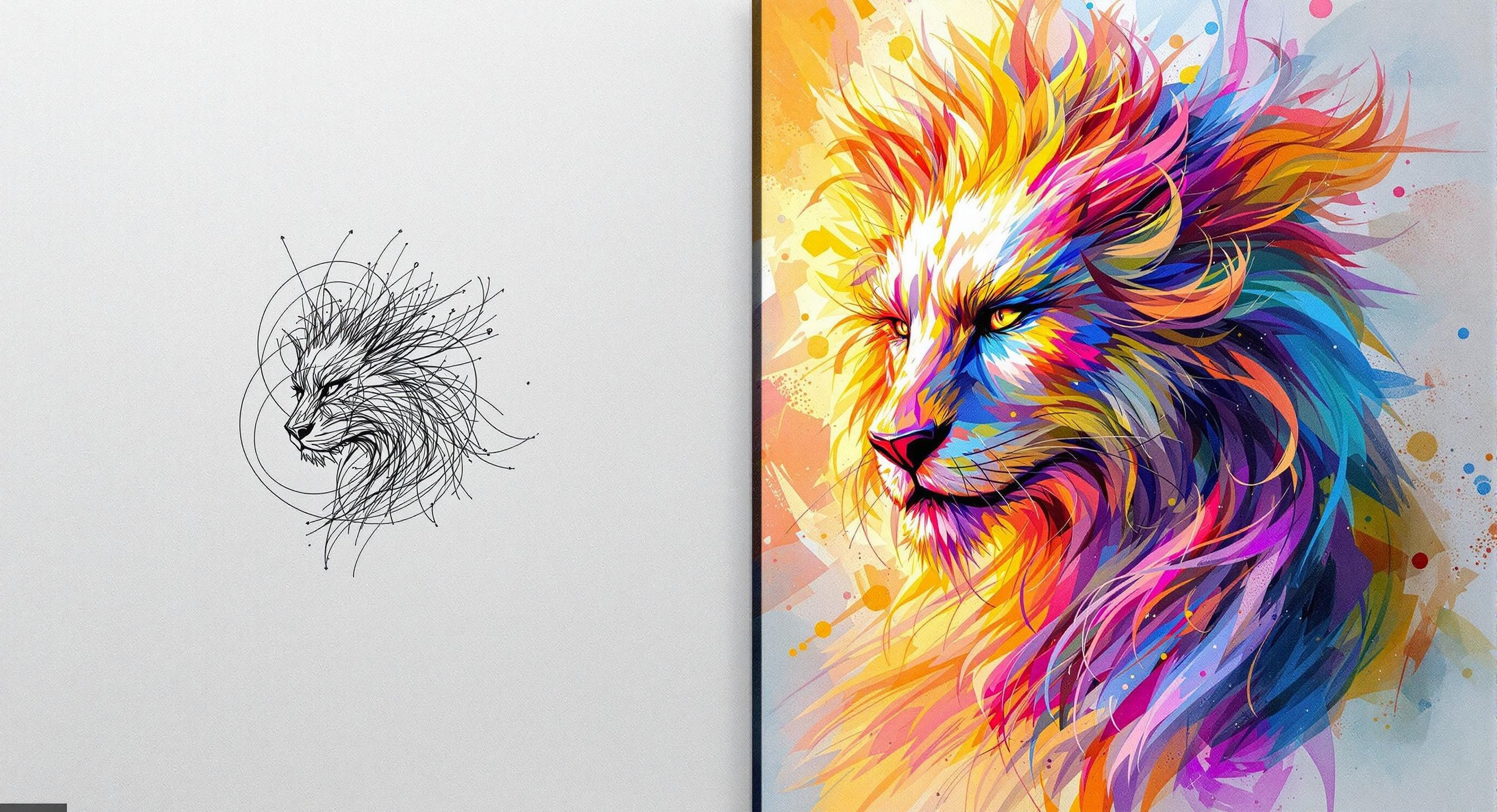
Sketch to image
Sketch something — or upload a drawing — then describe what you want. The AI turns your rough lines into a detailed, fully rendered image in seconds.
Everything you need to go from a rough sketch to a finished image — fast.
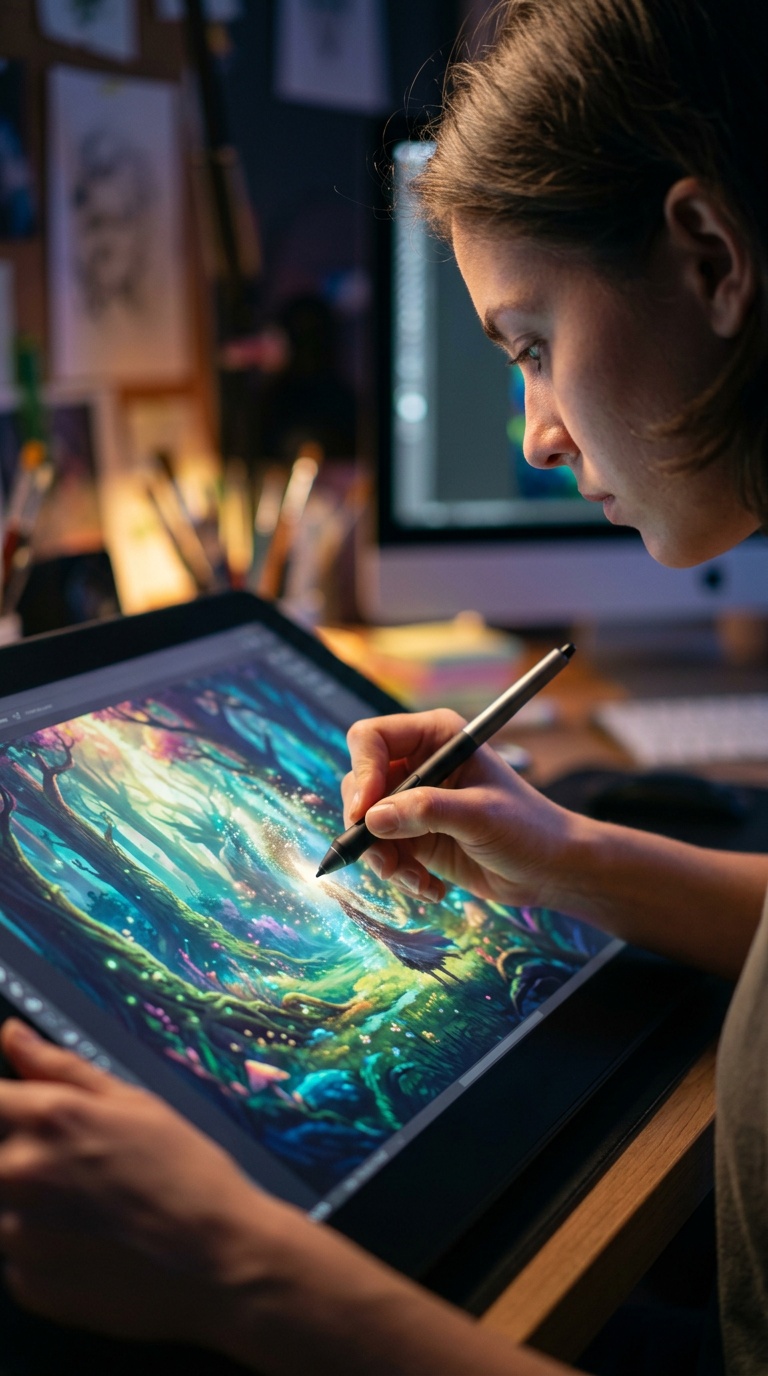
Draw on the canvas and watch the AI update the output as you sketch. No waiting for a batch process.
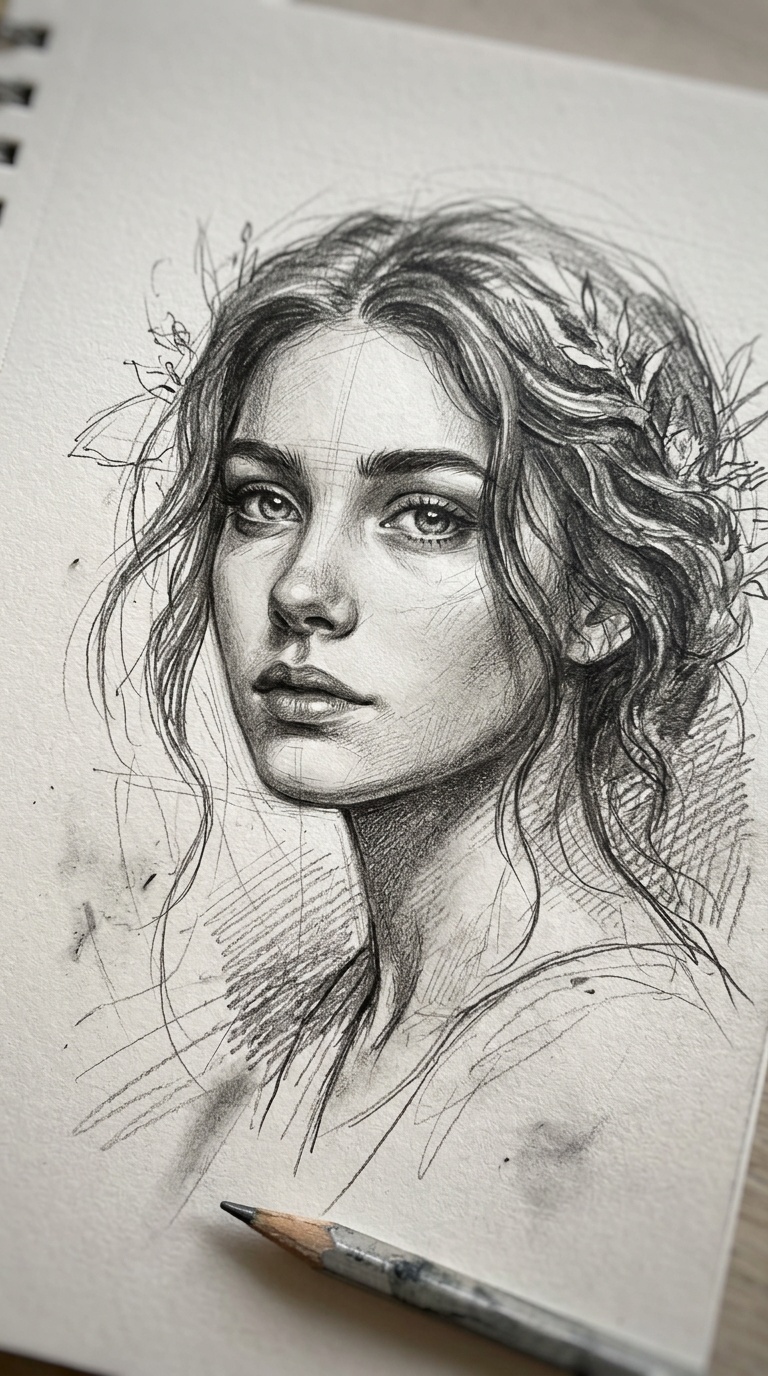
Pencil on paper, tablet line art, rough wireframe — the AI adapts to whatever you give it.
Your sketch guides the composition. Your text prompt guides the style and detail. Together they produce the image.
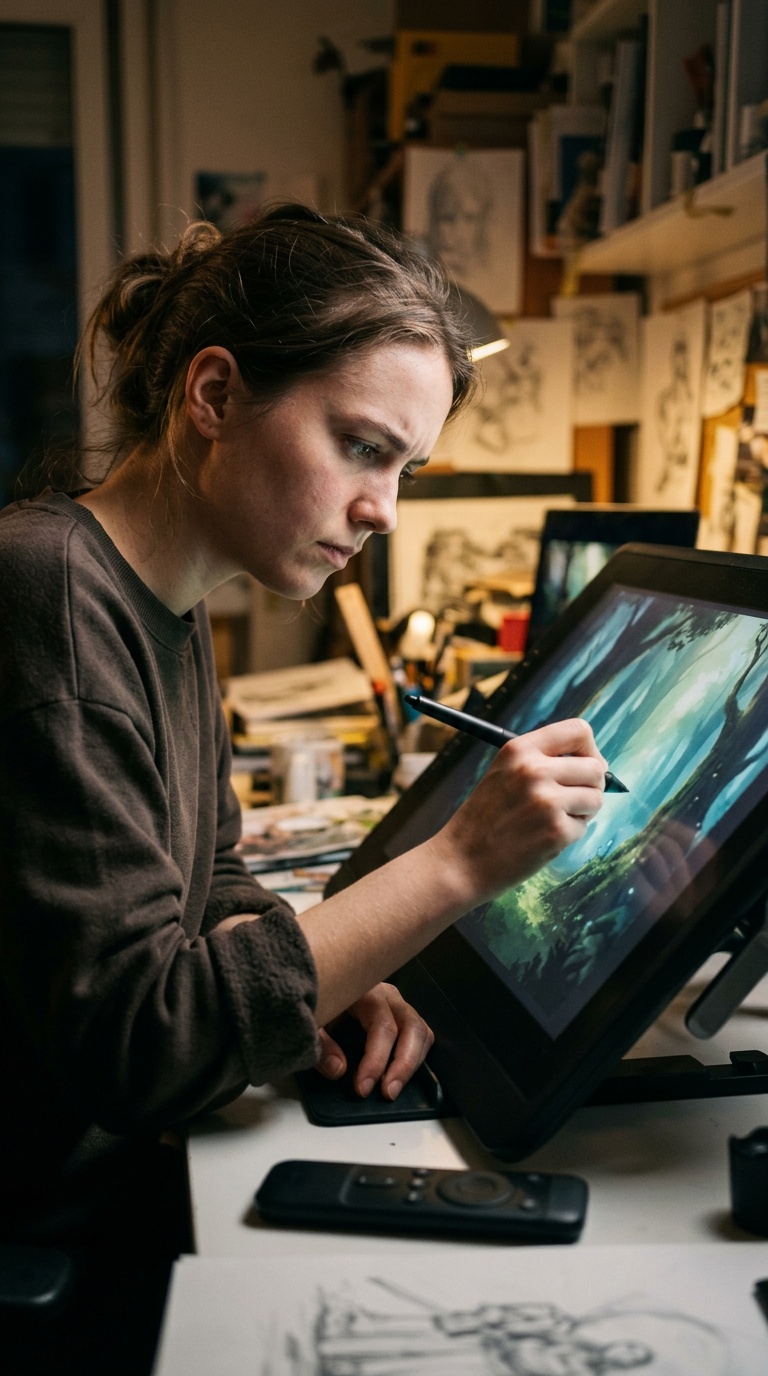
Tweak the sketch, adjust the prompt, regenerate. Each round takes seconds so you can explore ideas quickly.
Three steps. No design skills required — just a rough idea and a few words.
Use our drawing tools to sketch something from scratch, or upload an existing sketch. Rough is fine — the AI works with any level of detail.
Add a text prompt to guide the AI. Tell it the style, subject, or mood you want — "watercolor landscape," "sci-fi character," "product mockup." The more specific, the closer the result.
The AI combines your sketch with your prompt to produce a full image. It preserves your composition while adding realistic detail, texture, and lighting.
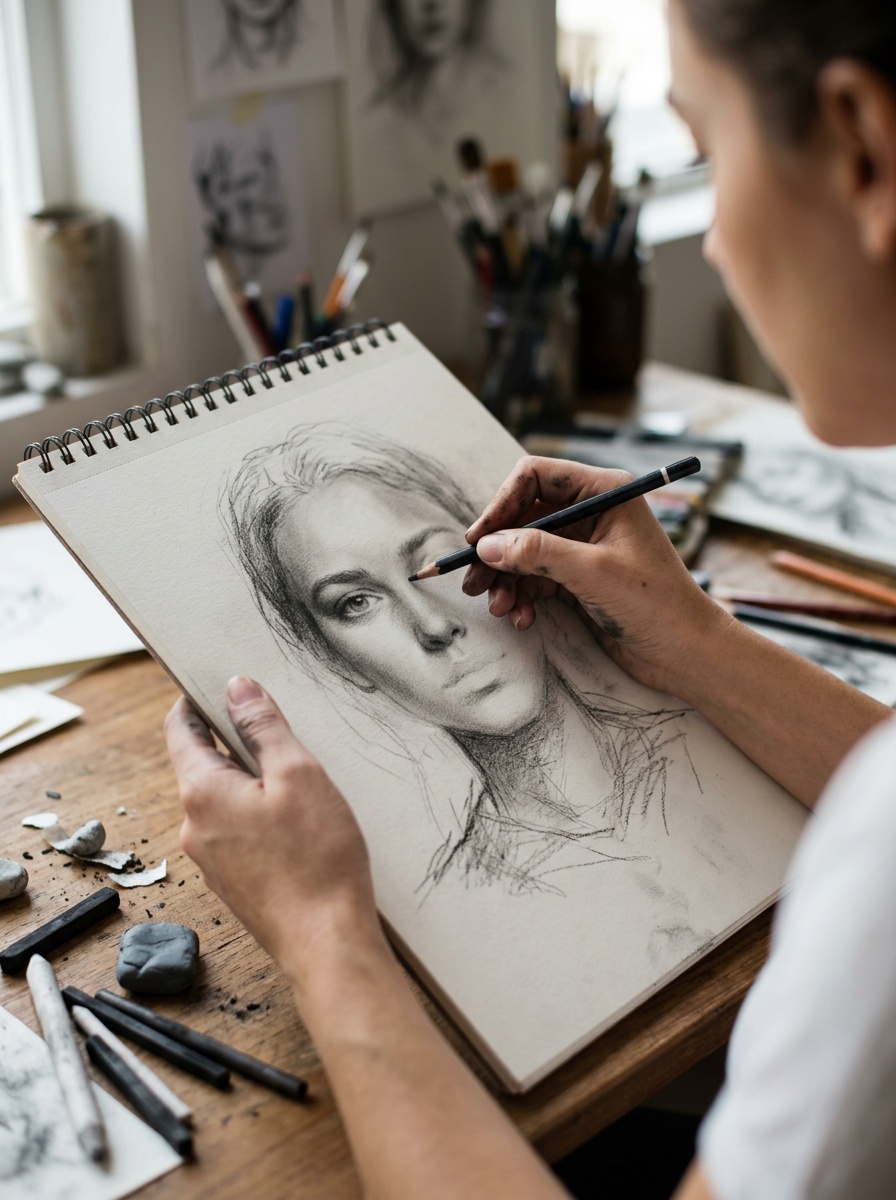
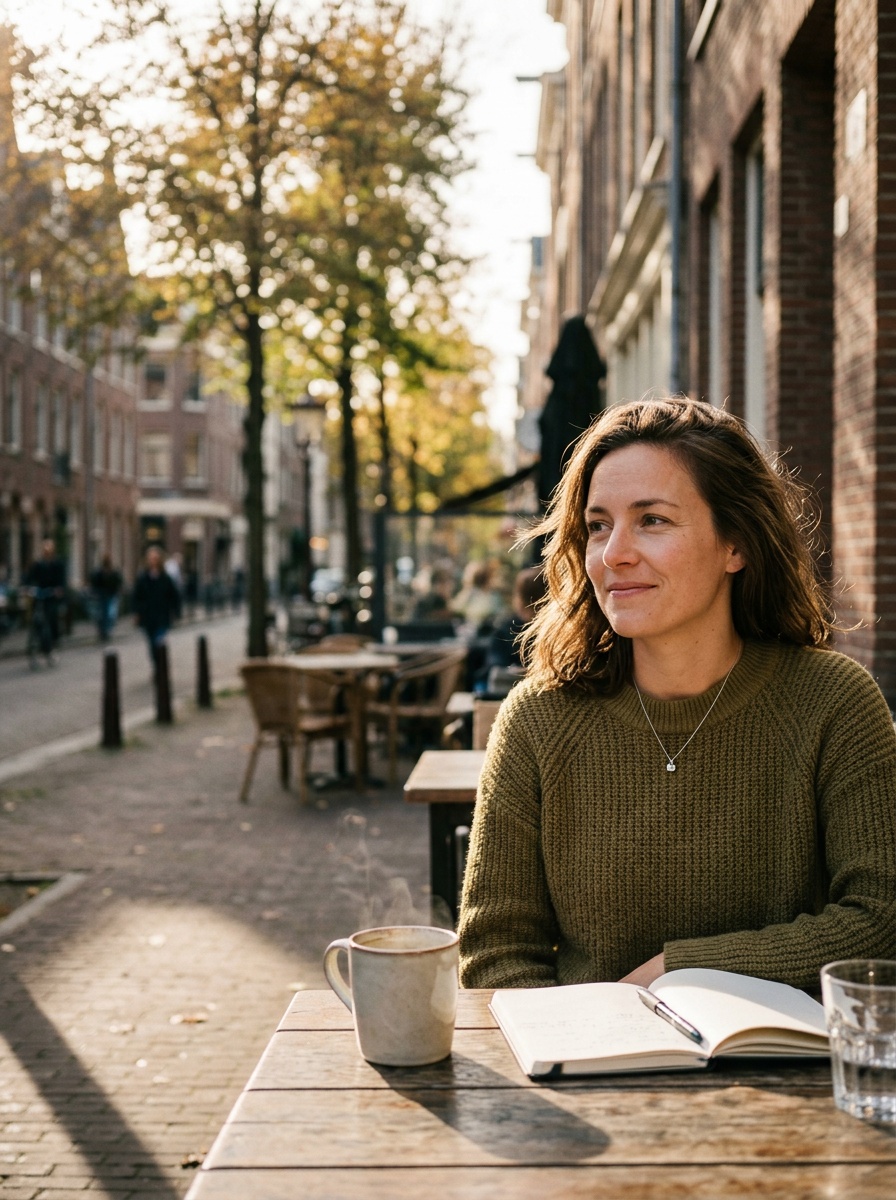
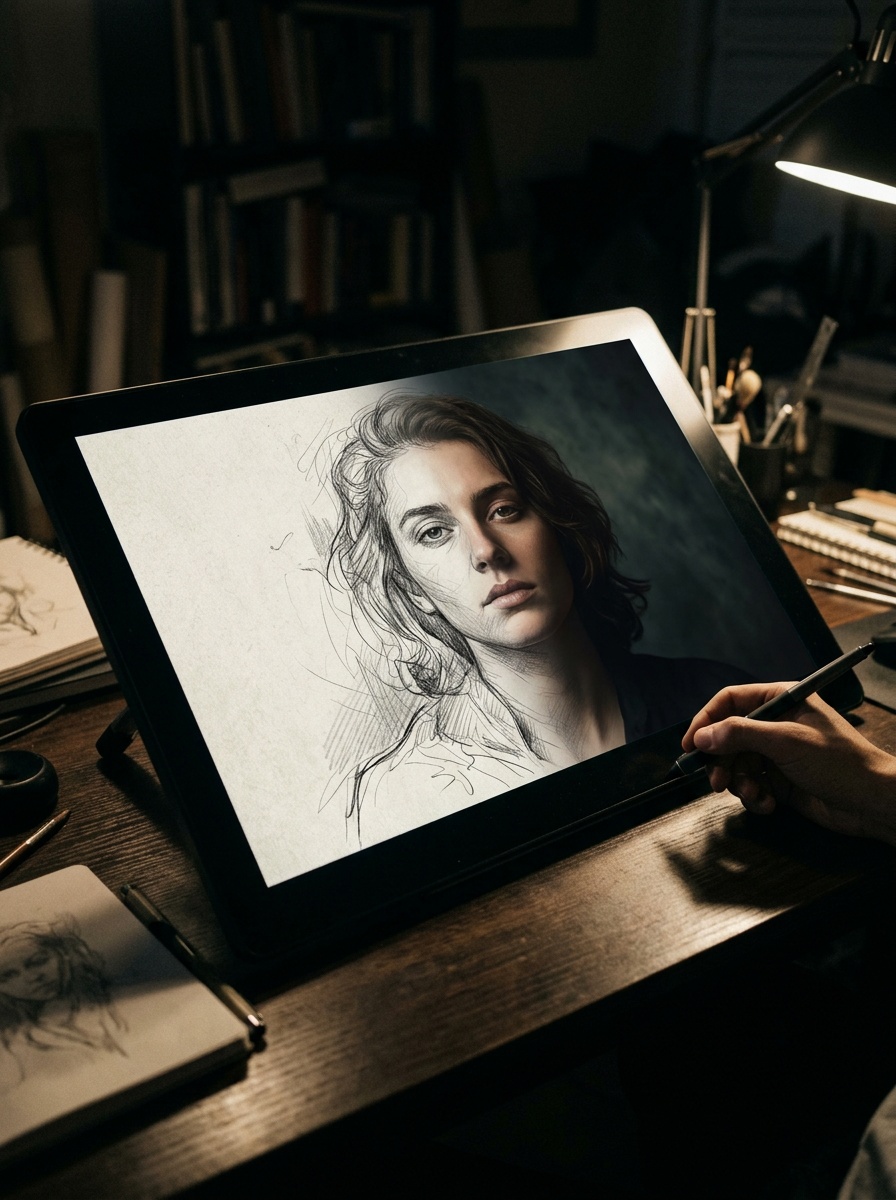
Use our drawing tools to sketch something from scratch, or upload an existing sketch. Rough is fine — the AI works with any level of detail.
Add a text prompt to guide the AI. Tell it the style, subject, or mood you want — "watercolor landscape," "sci-fi character," "product mockup." The more specific, the closer the result.
The AI combines your sketch with your prompt to produce a full image. It preserves your composition while adding realistic detail, texture, and lighting.
From character concepts to architectural plans — sketch it rough and let the AI fill in the rest.
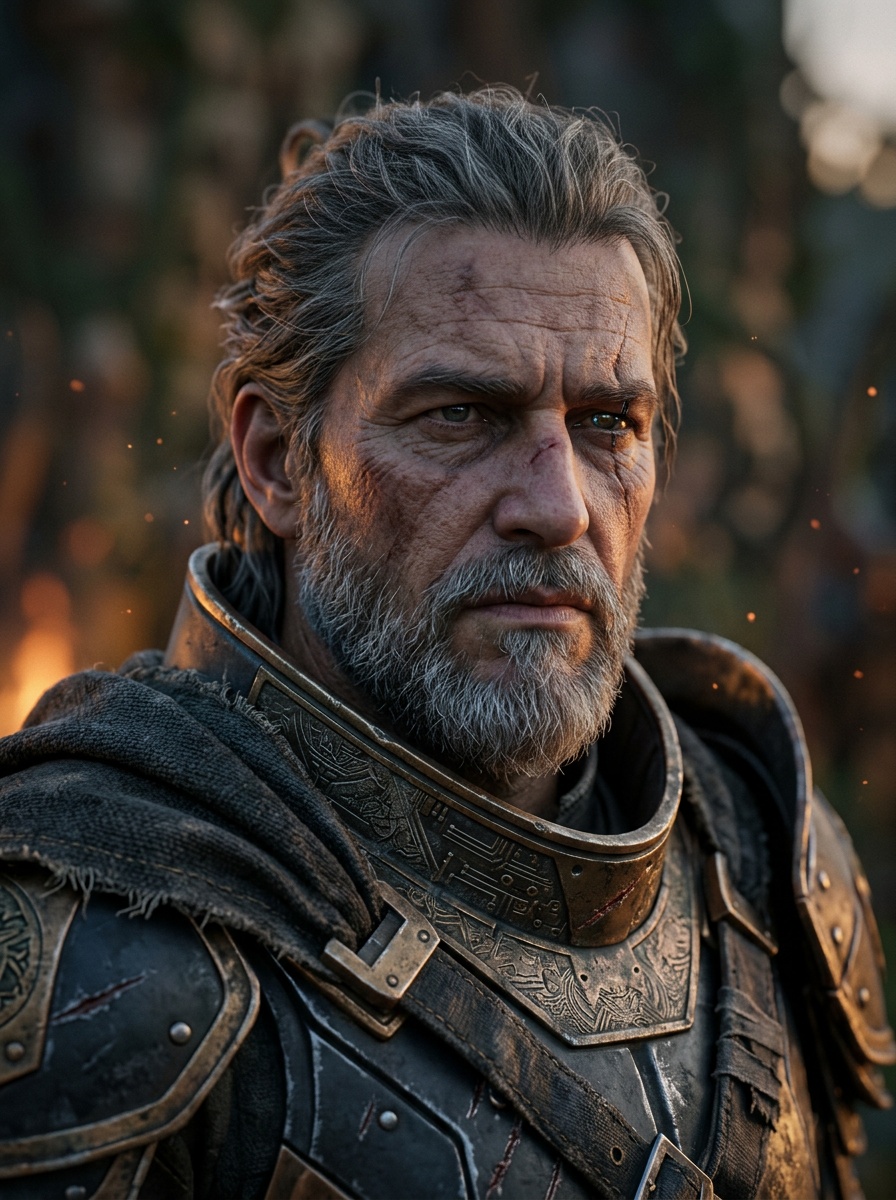
Heroes, villains, original characters
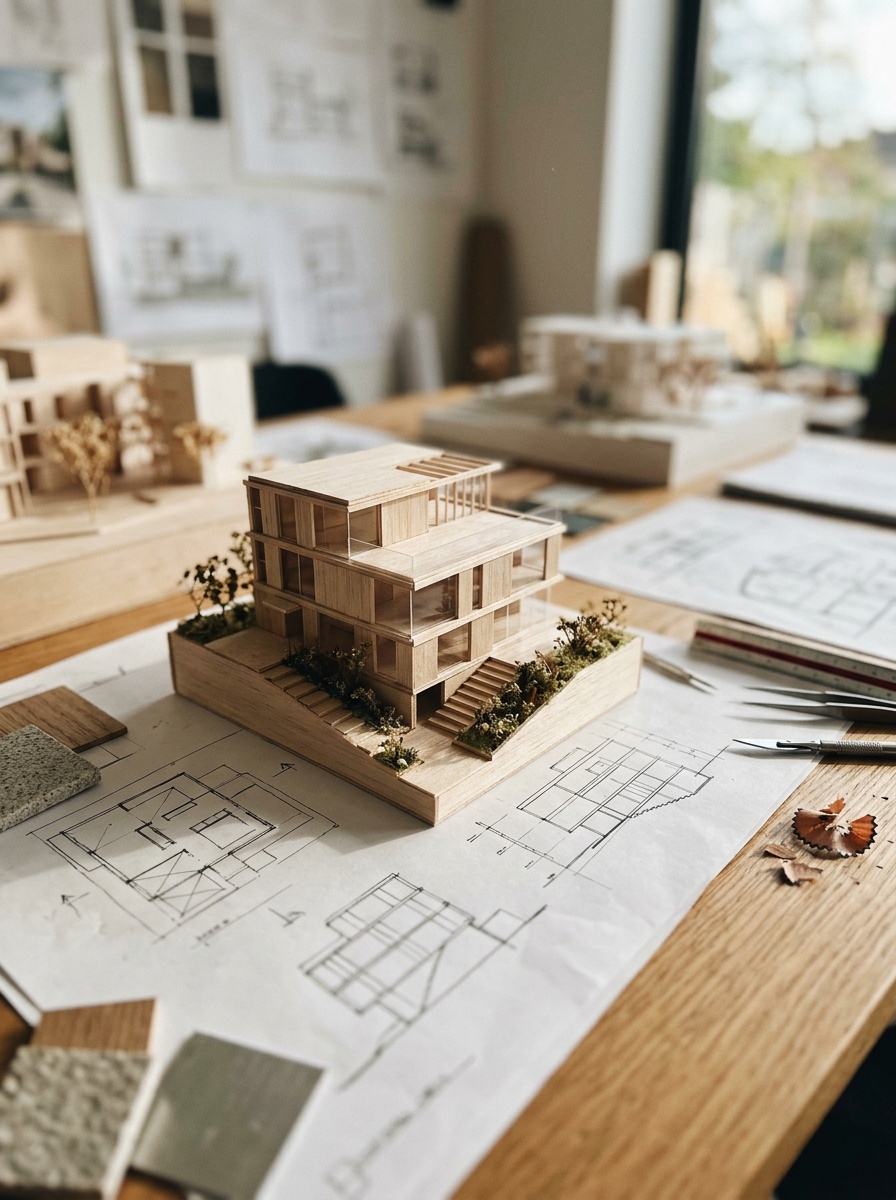
Buildings, interiors, floor plans
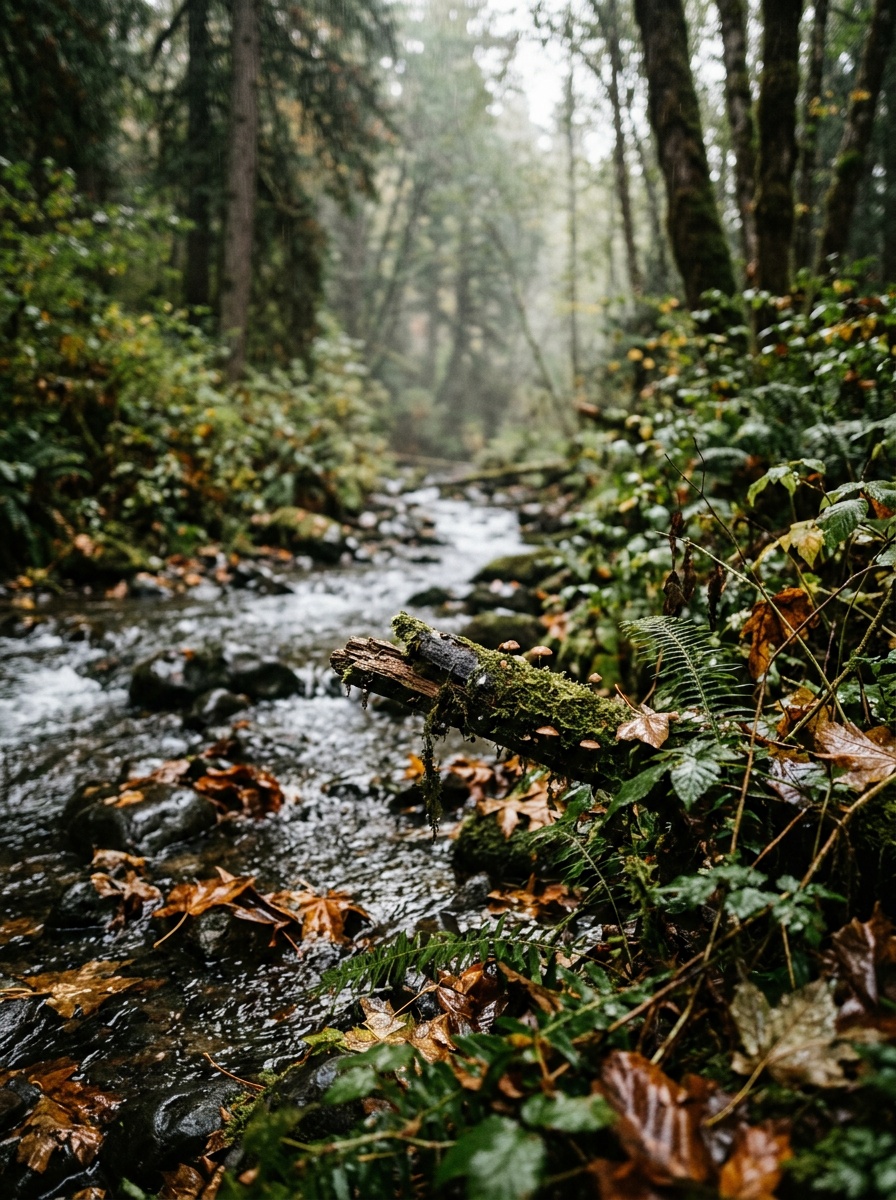
Nature scenes, cityscapes, environments
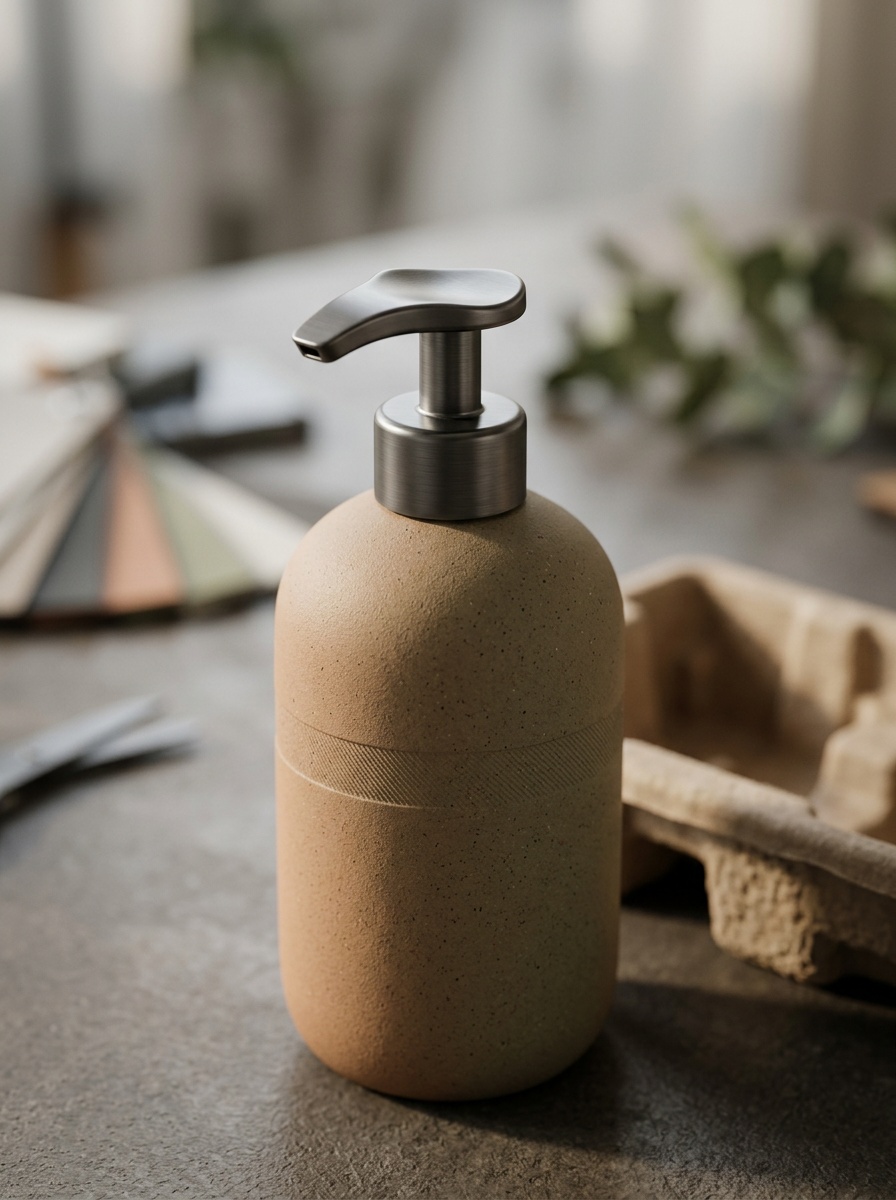
Industrial design, packaging, mockups
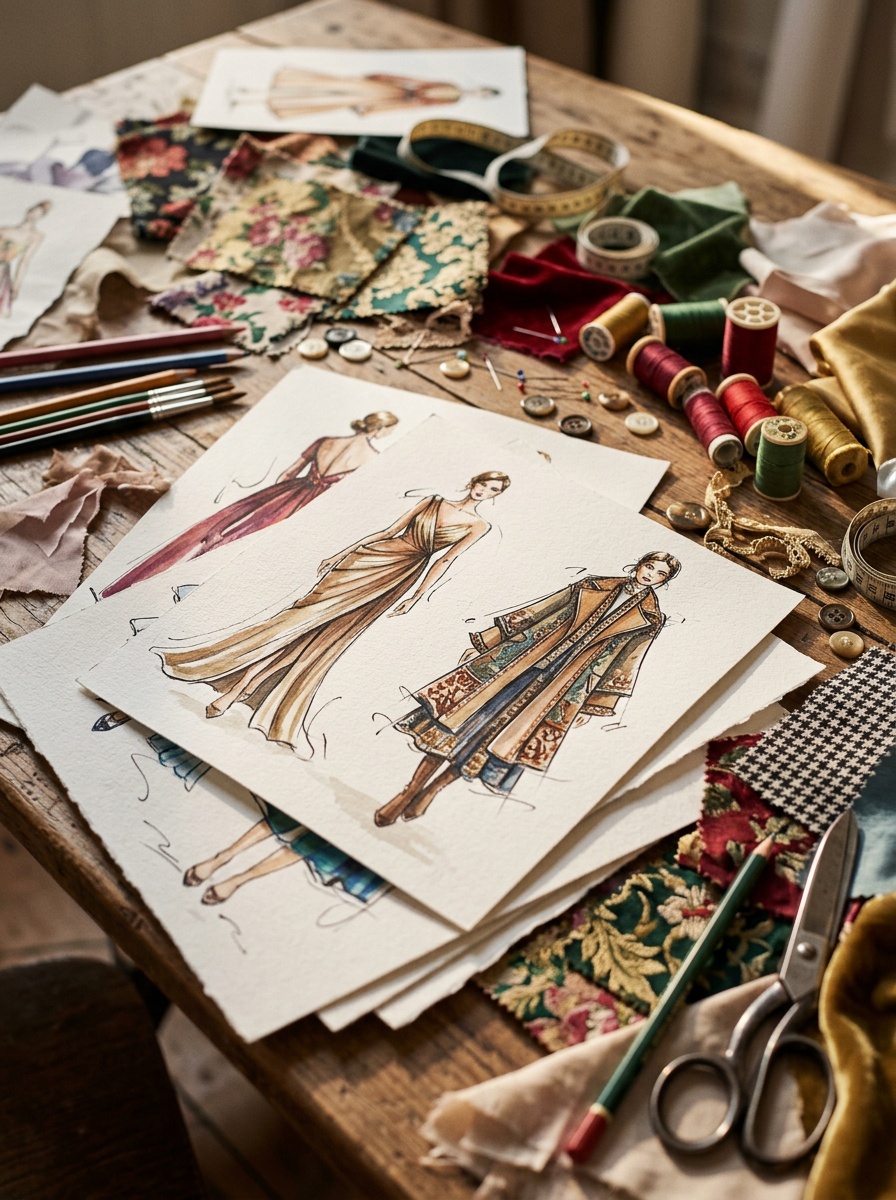
Outfits, accessories, textile patterns
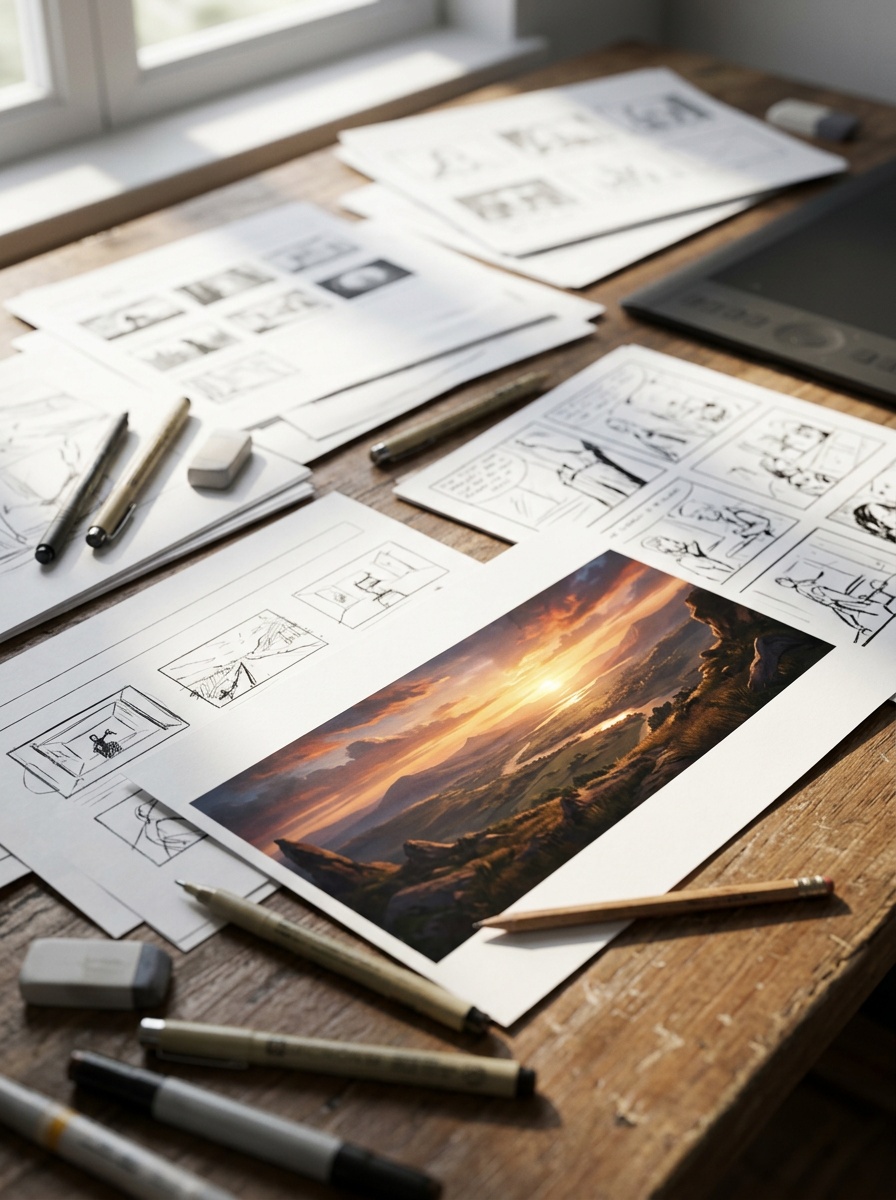
Scene layouts, comic panels, sequences
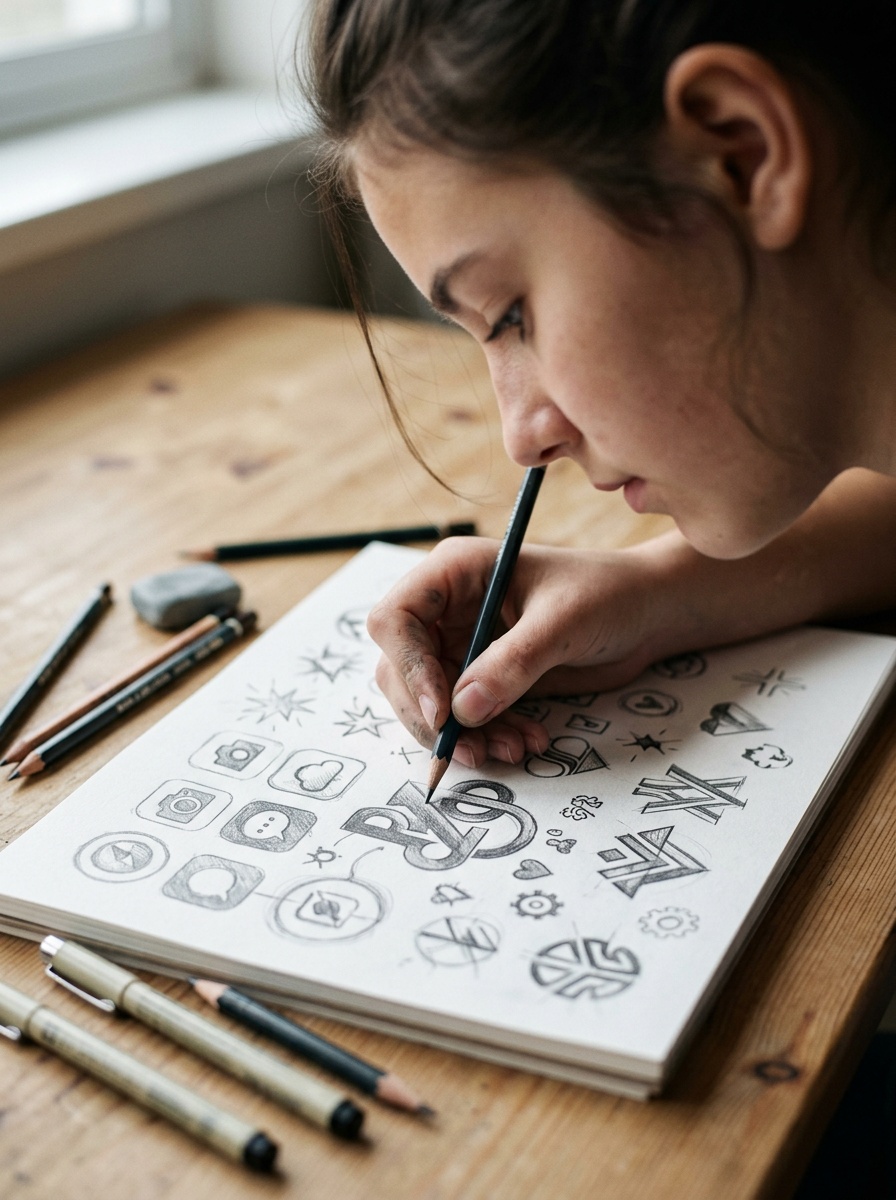
Brand marks, app icons, symbols
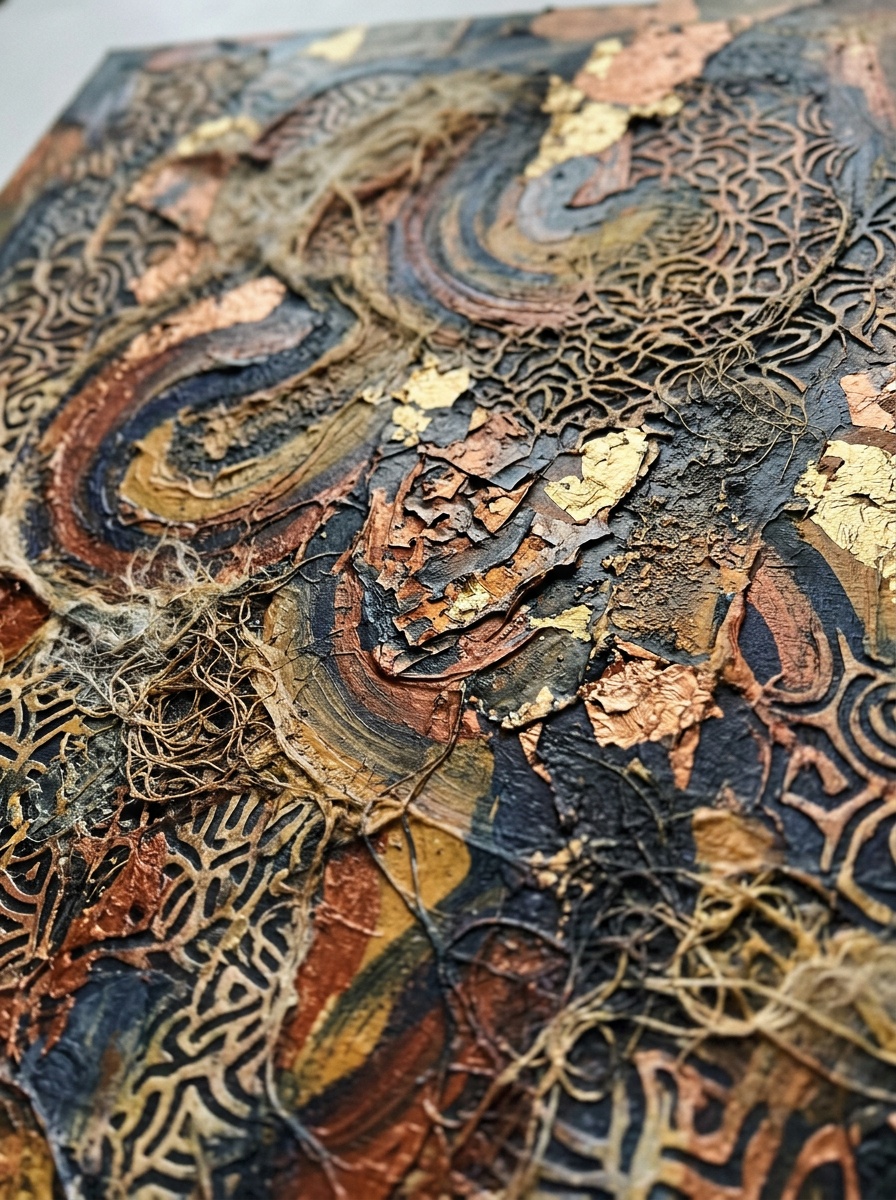
Patterns, textures, experimental forms
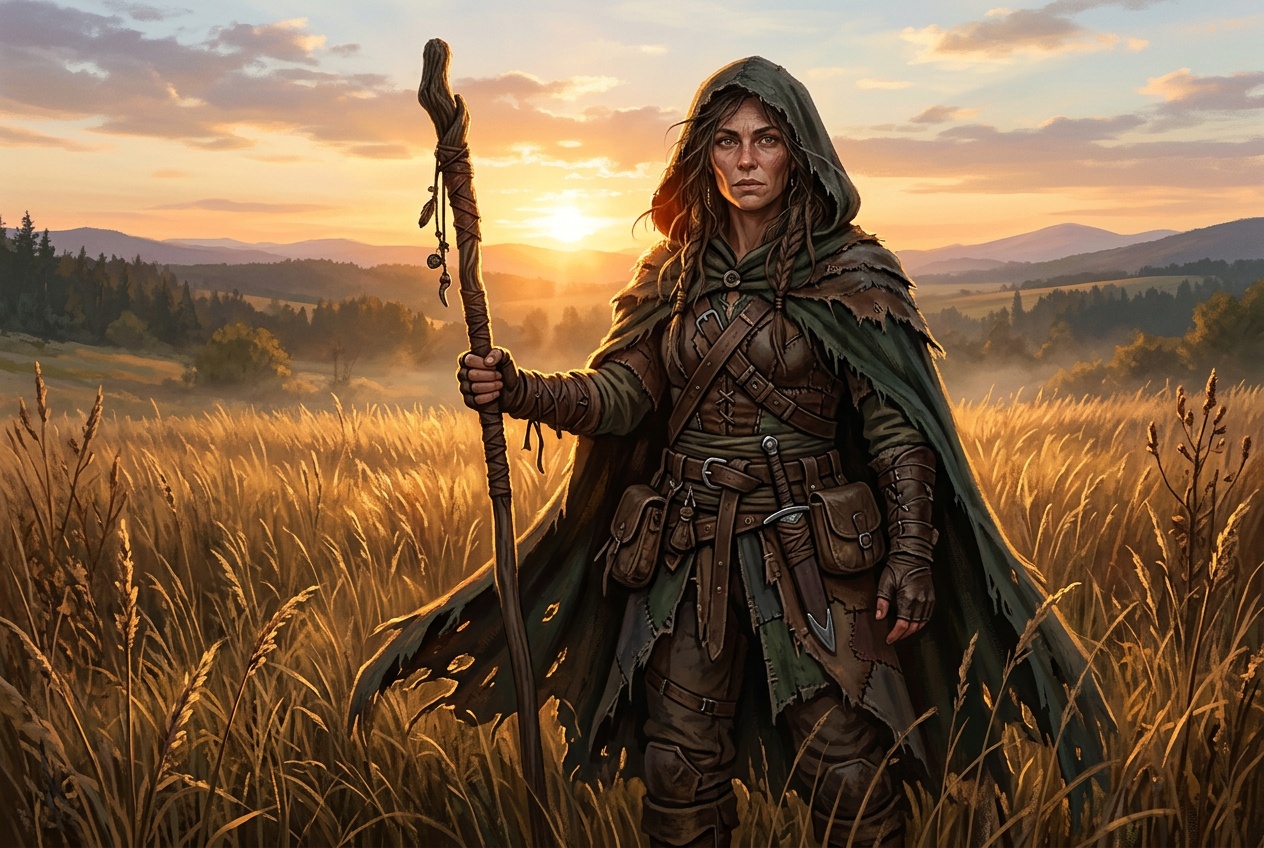
Heroes, villains, original characters
Buildings, interiors, floor plans
Nature scenes, cityscapes, environments
Industrial design, packaging, mockups
Outfits, accessories, textile patterns
Scene layouts, comic panels, sequences
Brand marks, app icons, symbols
Patterns, textures, experimental forms
Whether you're roughing out a concept or producing final assets, sketch-to-image bridges the gap between idea and visual.
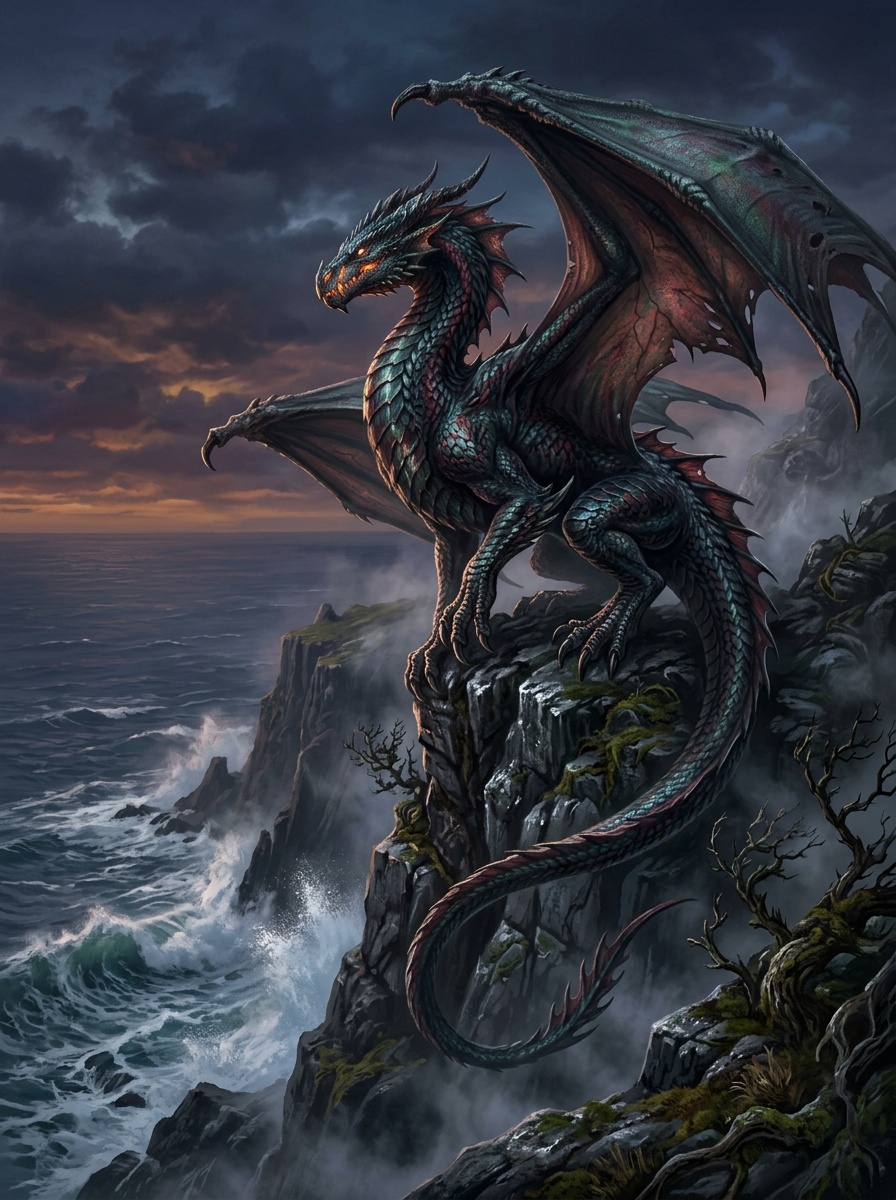
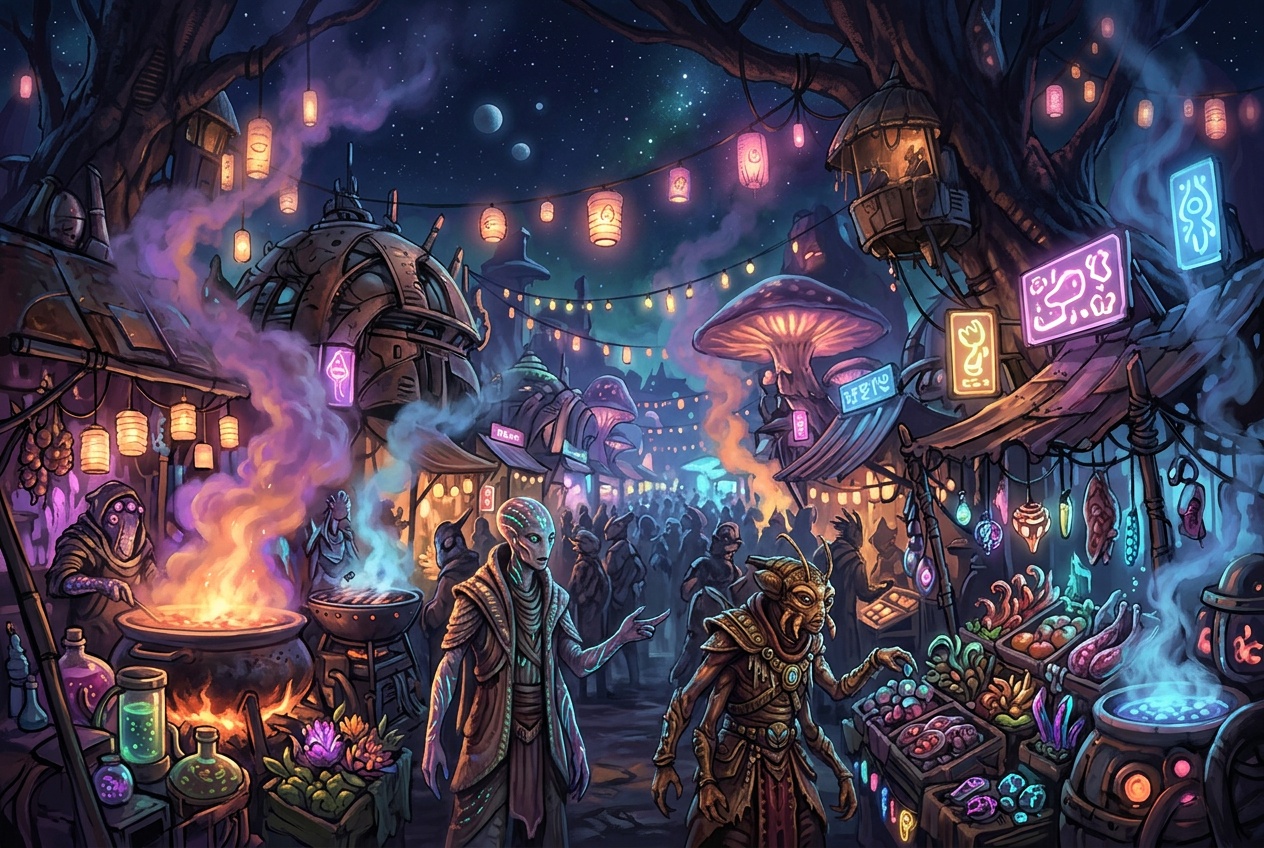
Sketch a character, creature, or scene and let the AI render it with full detail. Ideal for game developers, illustrators, and storytellers who want to explore visual ideas fast.
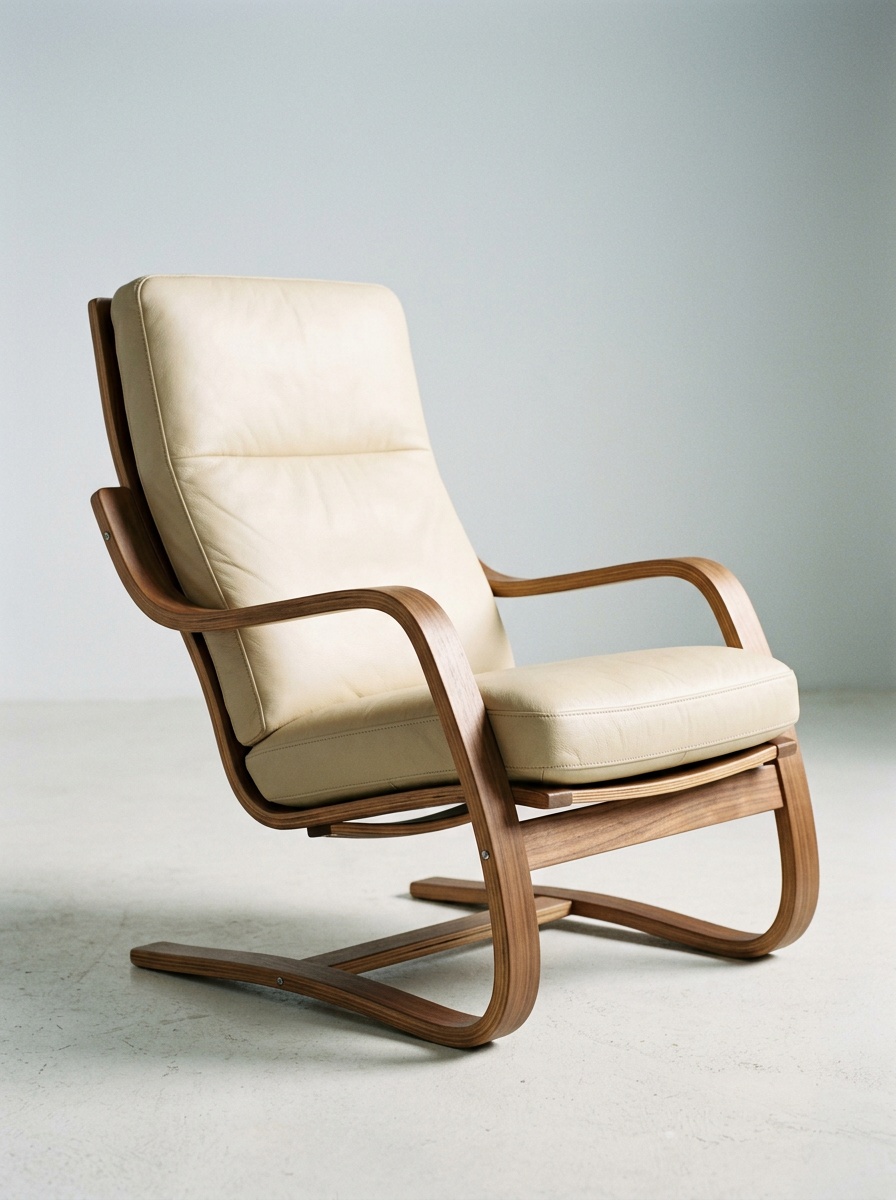
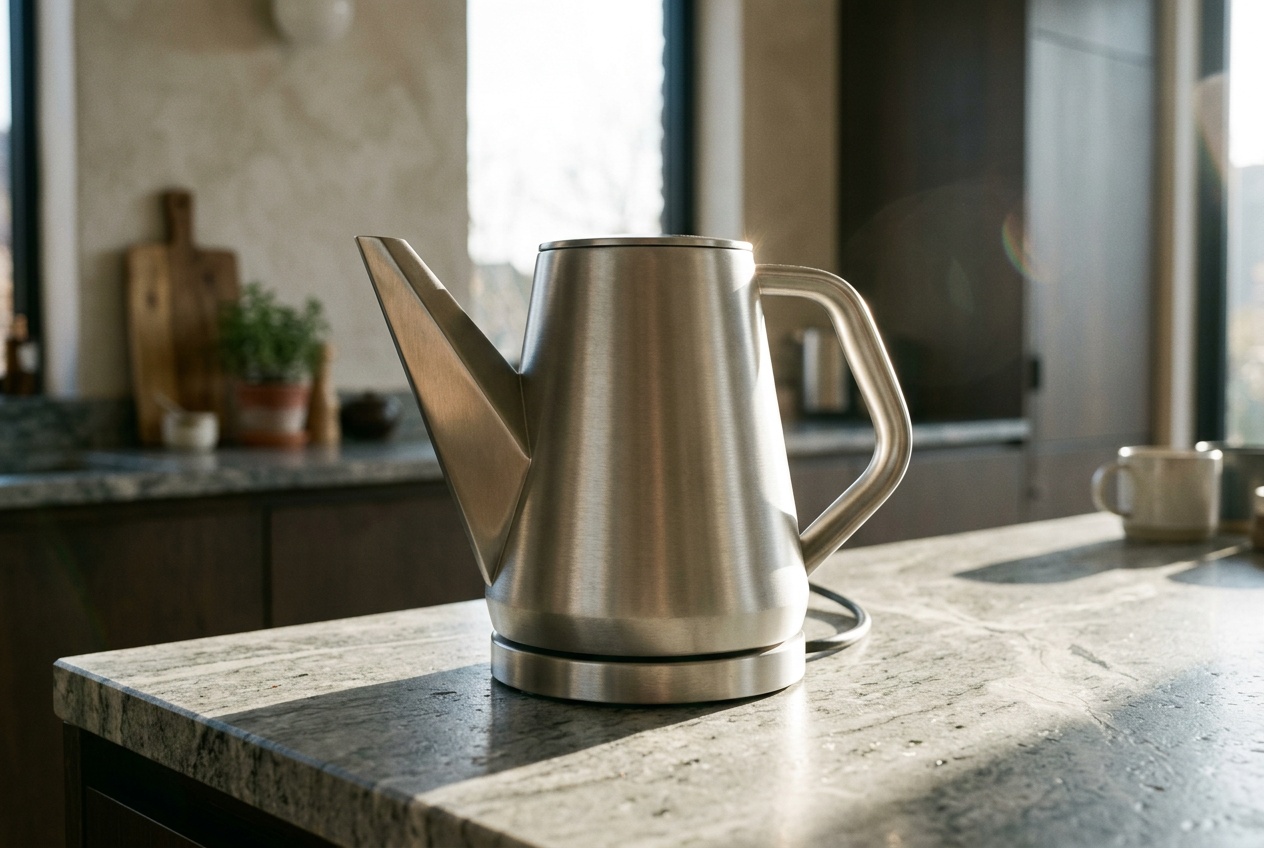
Draw a rough product shape — furniture, packaging, electronics — and see a realistic render in seconds. Test ideas visually before committing to CAD or manufacturing.
Sketch a floor plan, elevation, or building outline and the AI generates a photorealistic render. Useful for early-stage presentations and client pitches.
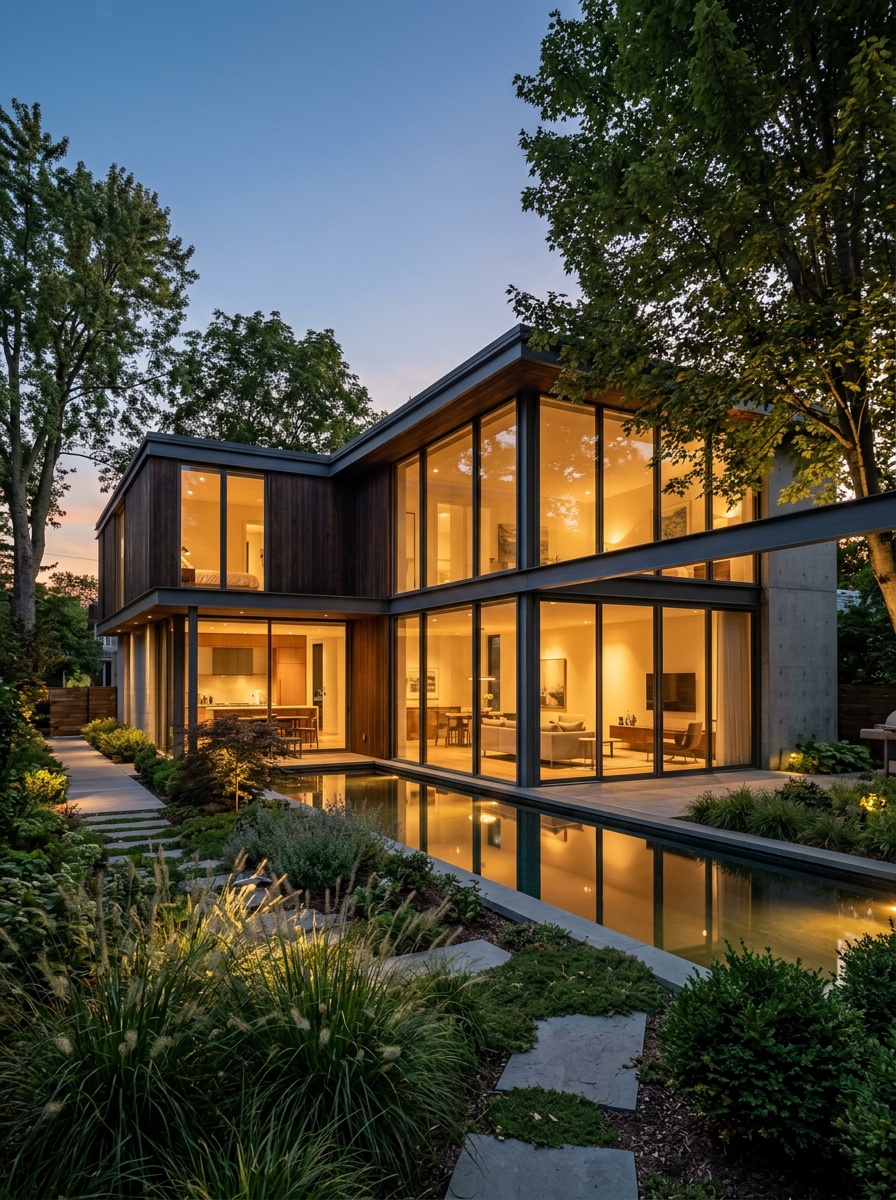
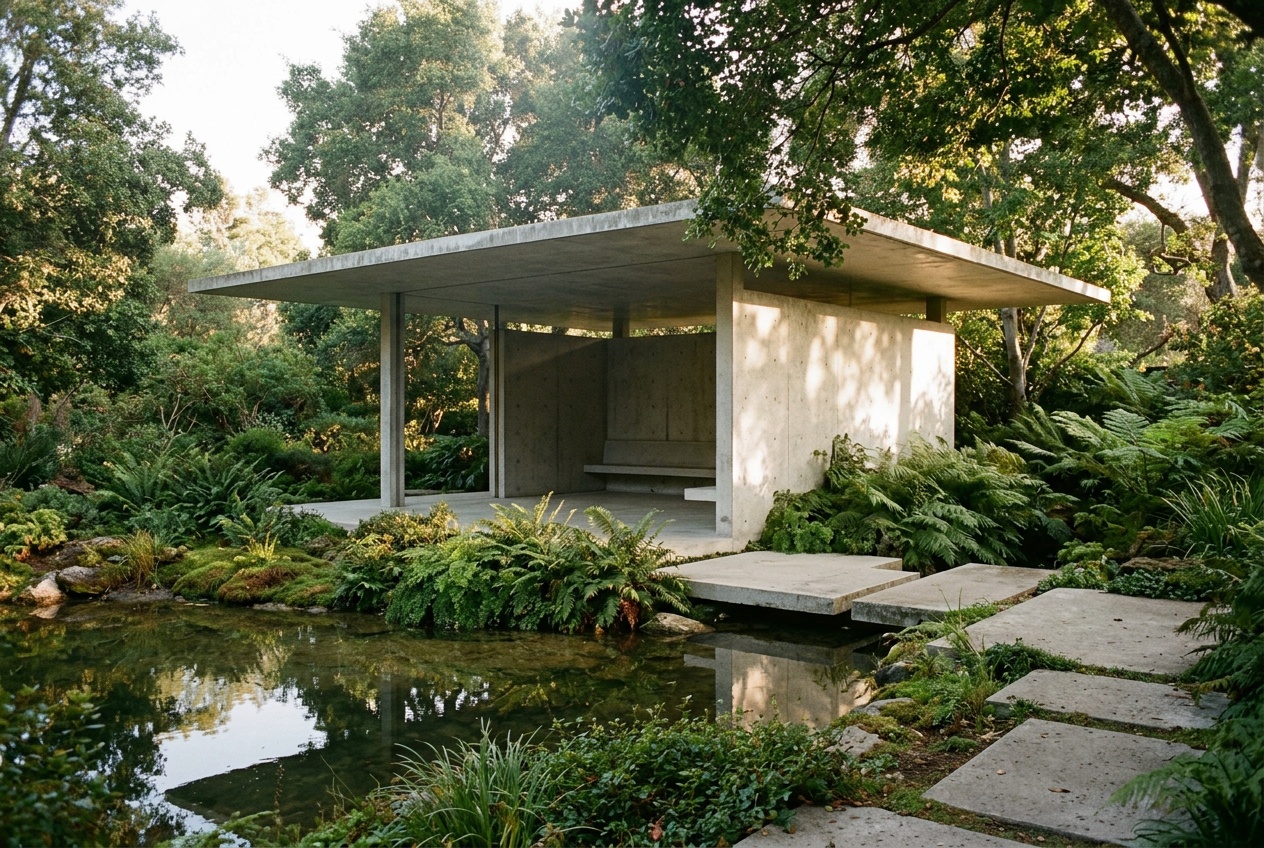
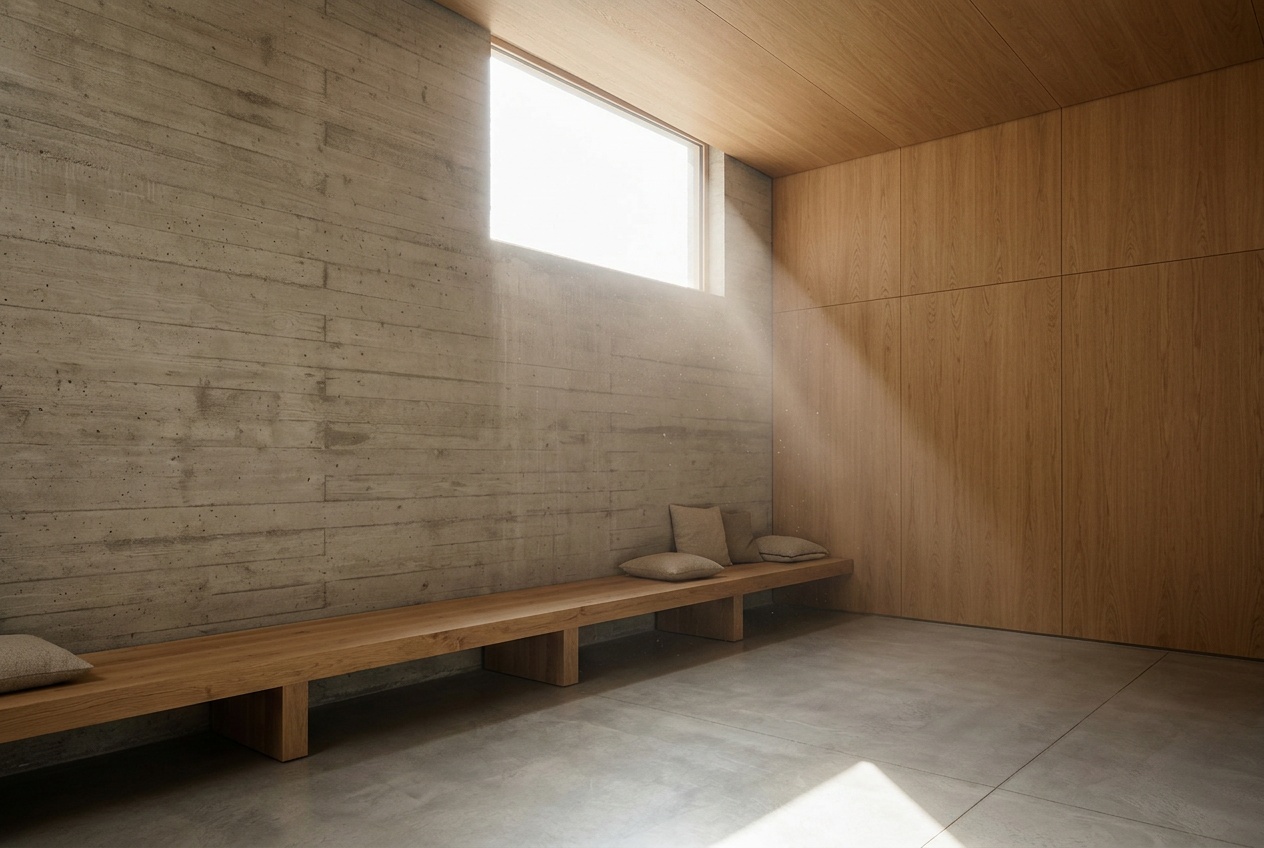
No magic words — here's the short version of what happens when you hit generate.
The AI reads the lines, shapes, and layout of your sketch to understand the composition. It figures out what goes where — foreground, background, key subjects.
Your prompt tells the AI what style, mood, and details to apply. "Watercolor forest" produces a very different result from "sci-fi city" even with the same sketch.
The AI generates a complete image that follows your sketch composition and matches your prompt description. Textures, lighting, and detail are all filled in automatically.
Ready to see it in action?
Try it yourselfNo. The AI works with rough sketches, stick figures, and simple outlines. More detail in your sketch gives the AI more to work with, but even basic shapes produce usable results when paired with a good text prompt.
You provide a sketch (drawn in-browser or uploaded) and a text prompt. The AI uses your sketch as a compositional guide — shapes, layout, proportions — and fills in realistic detail, texture, and lighting based on your prompt.
Photorealistic, illustration, concept art, anime, watercolor, oil painting, 3D render, and more. The style is guided by your text prompt — describe what you want and the AI adapts.
Yes. You can upload a photo of a hand-drawn sketch, a digital drawing, or any line art. The AI treats it the same as an in-browser sketch.
Each generation costs 10 credits. New users receive 100 free credits on sign-up — enough for 10 sketches to experiment and find the workflow that works for you.
Absolutely. Adjust your sketch, refine your prompt, or both, then regenerate. The fast turnaround makes it easy to go through several rounds quickly.
Generated images can be used in your projects. Check our terms of service for full details on commercial usage rights and attribution requirements.
Draw something rough, describe what you see in your head, and let the AI do the rendering. Free to start.
100 free credits on sign-up · No credit card required