Fauxto Labs
Loading
Loading
AI video generation
Turn text prompts or still images into video clips with multiple AI models — Kling, MiniMax, Seedance, VEO, and more. Pick the model that fits your style and generate in seconds.
Everything you need to create AI video — from a text prompt to a finished clip, ready to share.
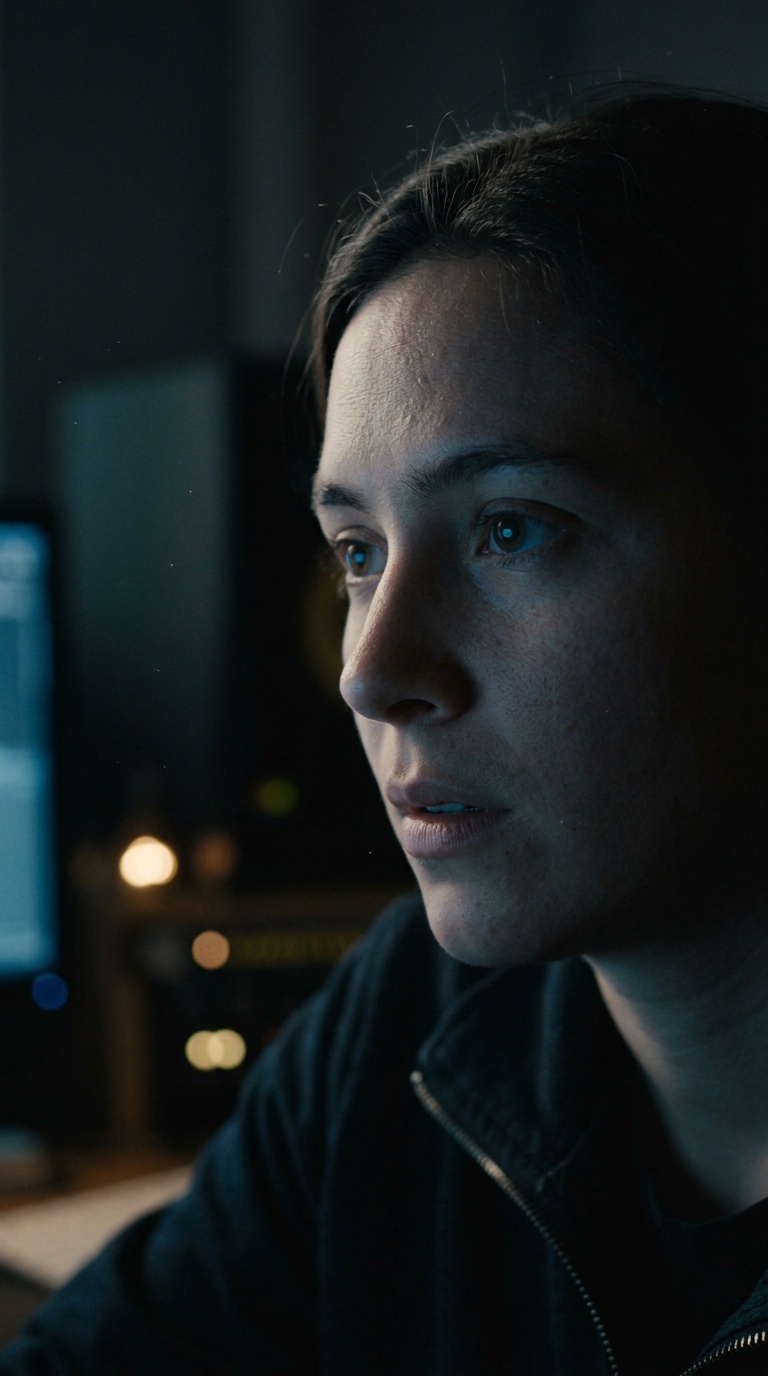
Describe a scene in plain text and the AI renders it as a video clip — camera moves, lighting, motion included.
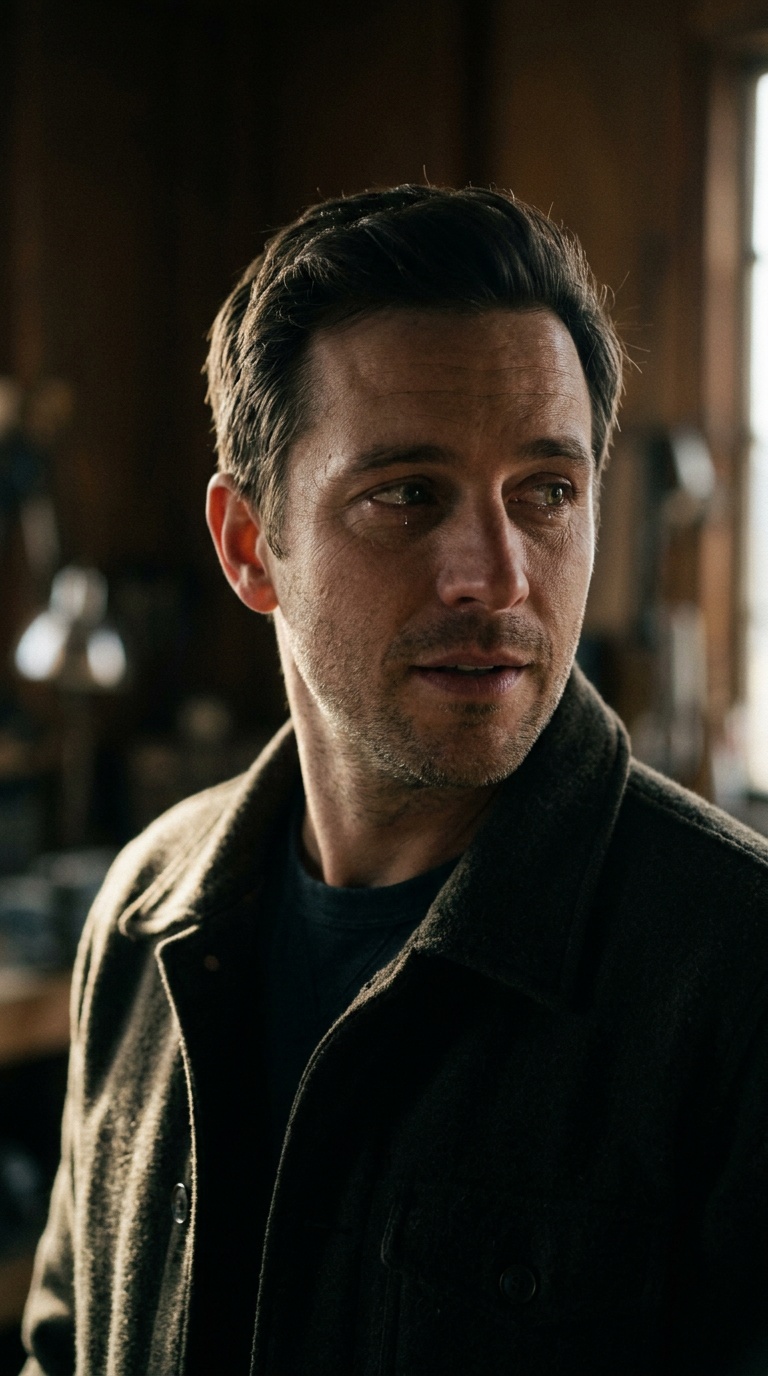
Upload a still image and watch it come to life. The AI adds realistic motion, physics, and camera movement.
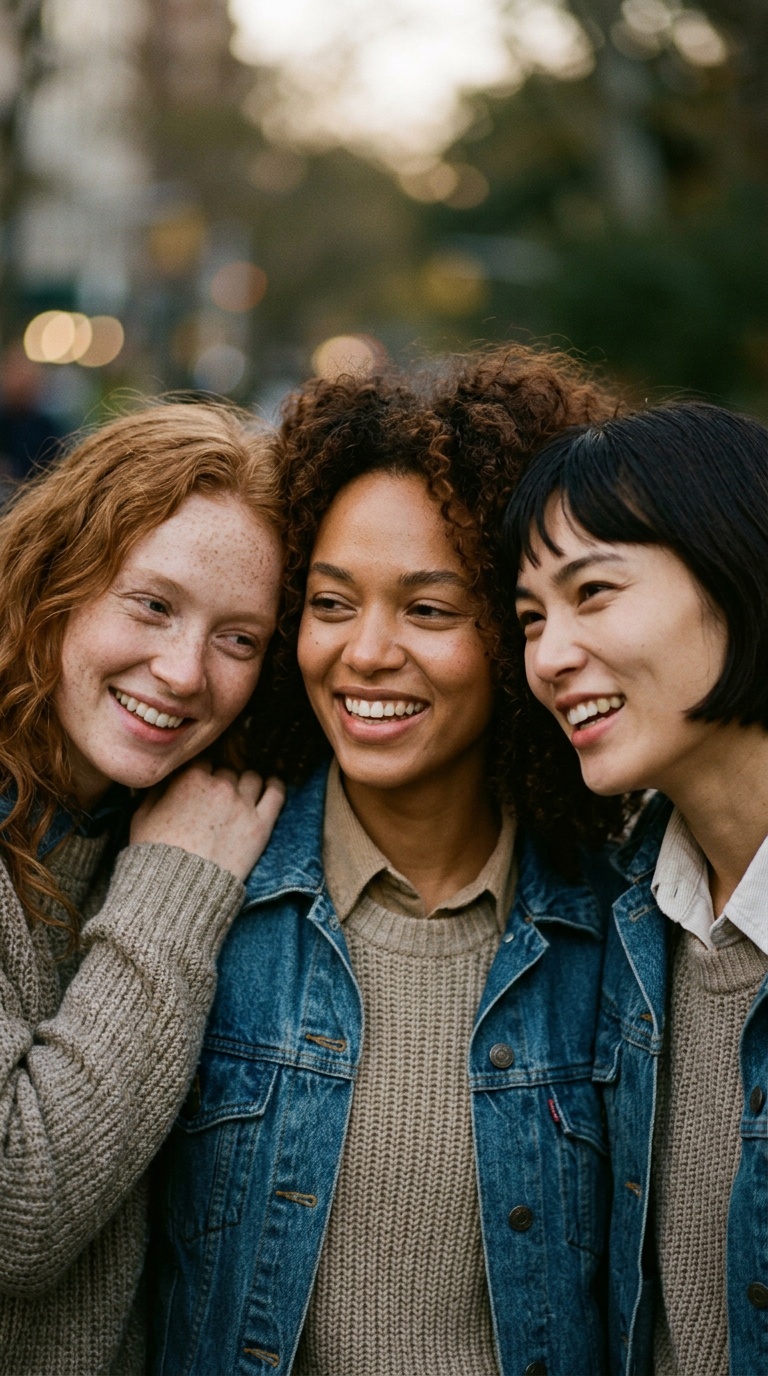
Choose from Kling, MiniMax, Seedance, VEO, and more. Each model has different strengths for different styles.
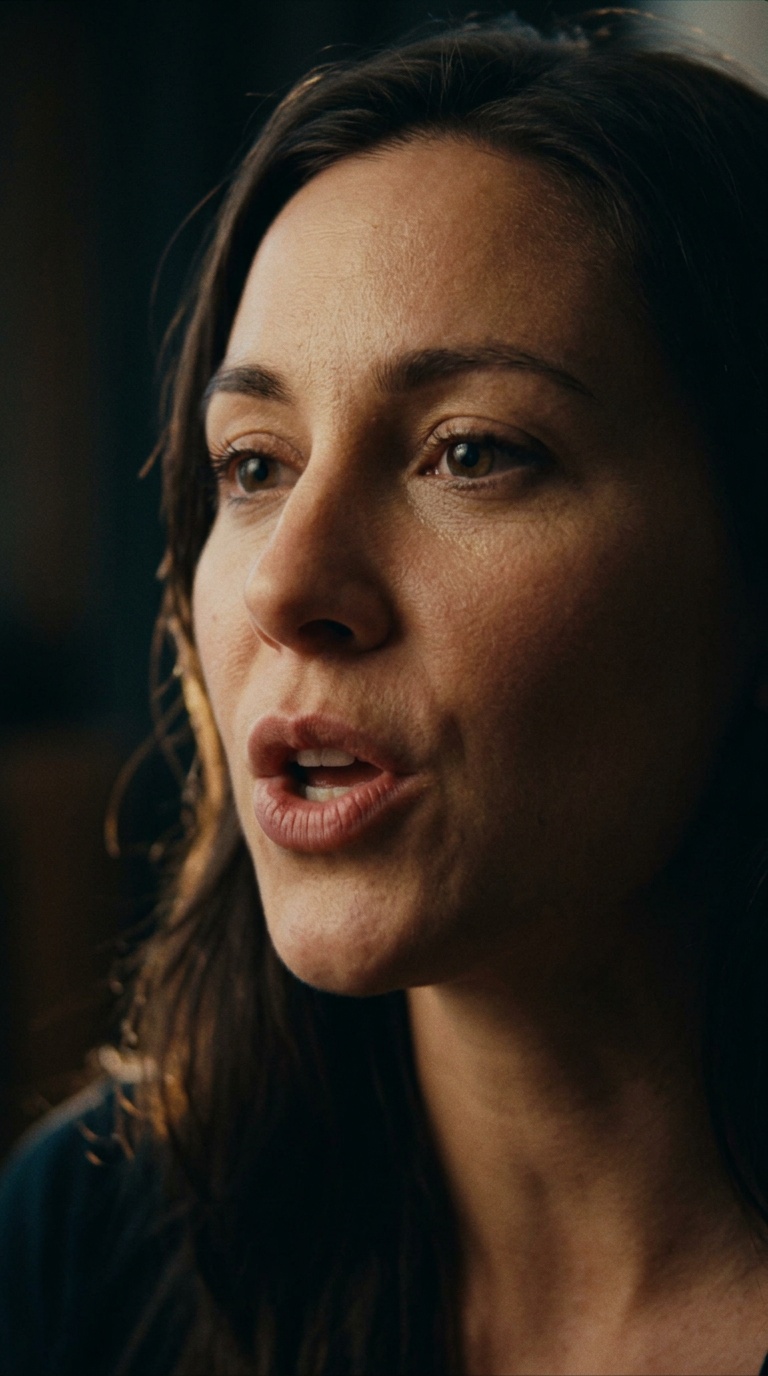
Upload a portrait and audio clip. The AI generates realistic mouth movements synced to the speech.
Three steps from idea to video. No timeline editing, no complex setup.
Describe the scene you want — a product demo, a cinematic landscape, a talking head — or upload a still image you want to bring to life.
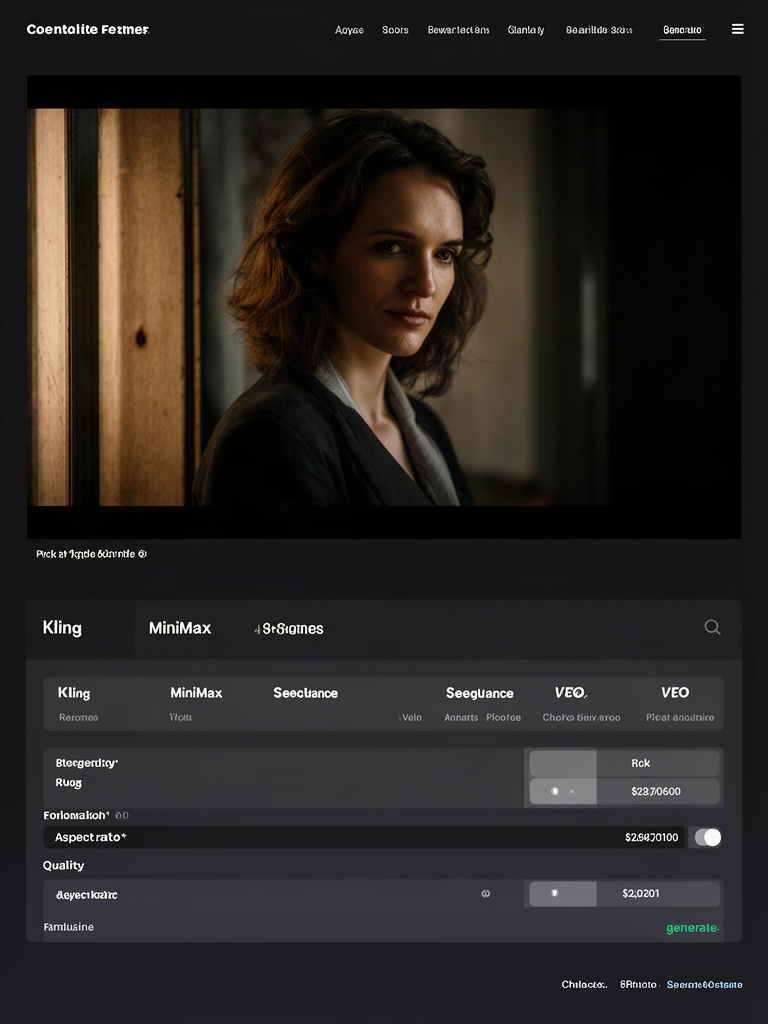
Choose from models like Kling, MiniMax, Seedance, or VEO depending on your style. Set duration, aspect ratio, and quality — then hit generate.
The selected model interprets your input and renders a video clip — typically 5–10 seconds. Download it or generate another take.
Describe the scene you want — a product demo, a cinematic landscape, a talking head — or upload a still image you want to bring to life.
Choose from models like Kling, MiniMax, Seedance, or VEO depending on your style. Set duration, aspect ratio, and quality — then hit generate.
The selected model interprets your input and renders a video clip — typically 5–10 seconds. Download it or generate another take.
From short social clips to cinematic scenes — describe what you want and let the AI handle the rest.
Showcase products with motion and context
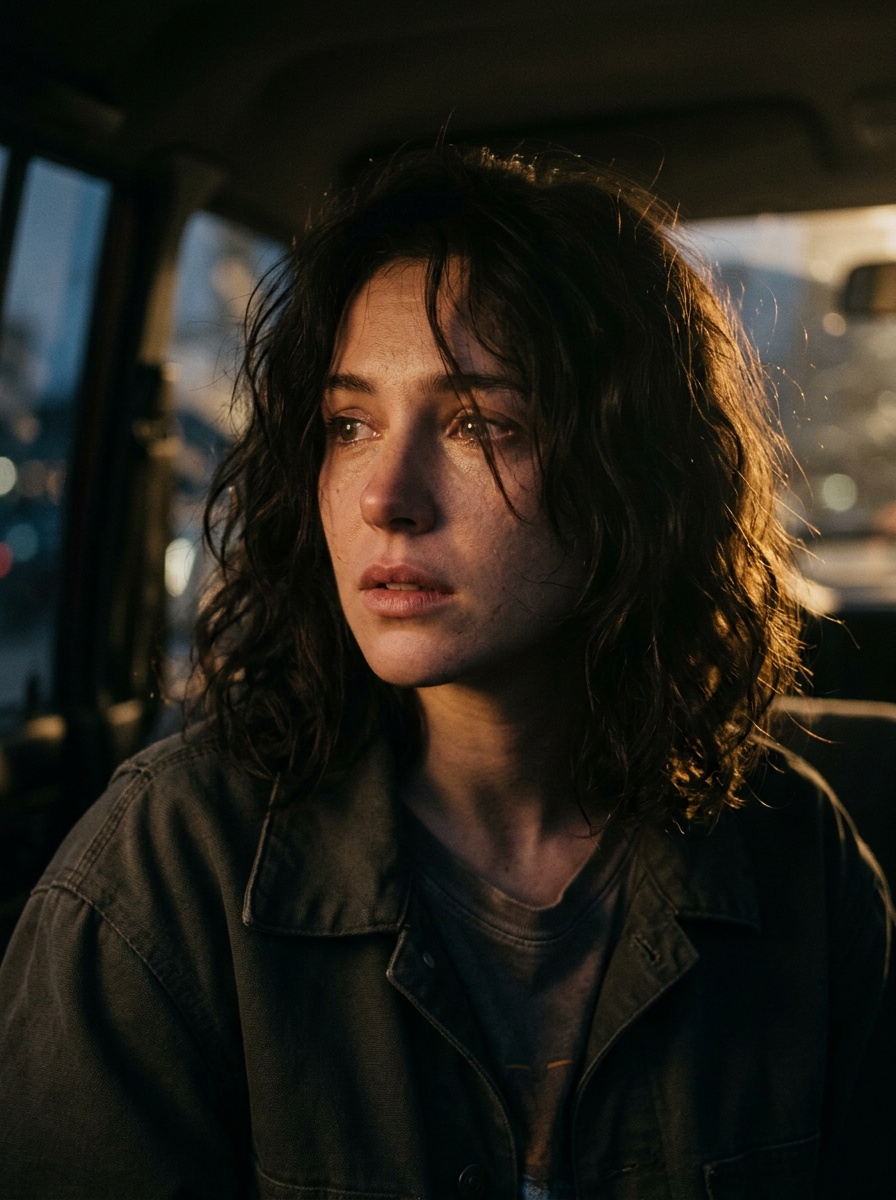
Short-form video for TikTok, Reels, Shorts
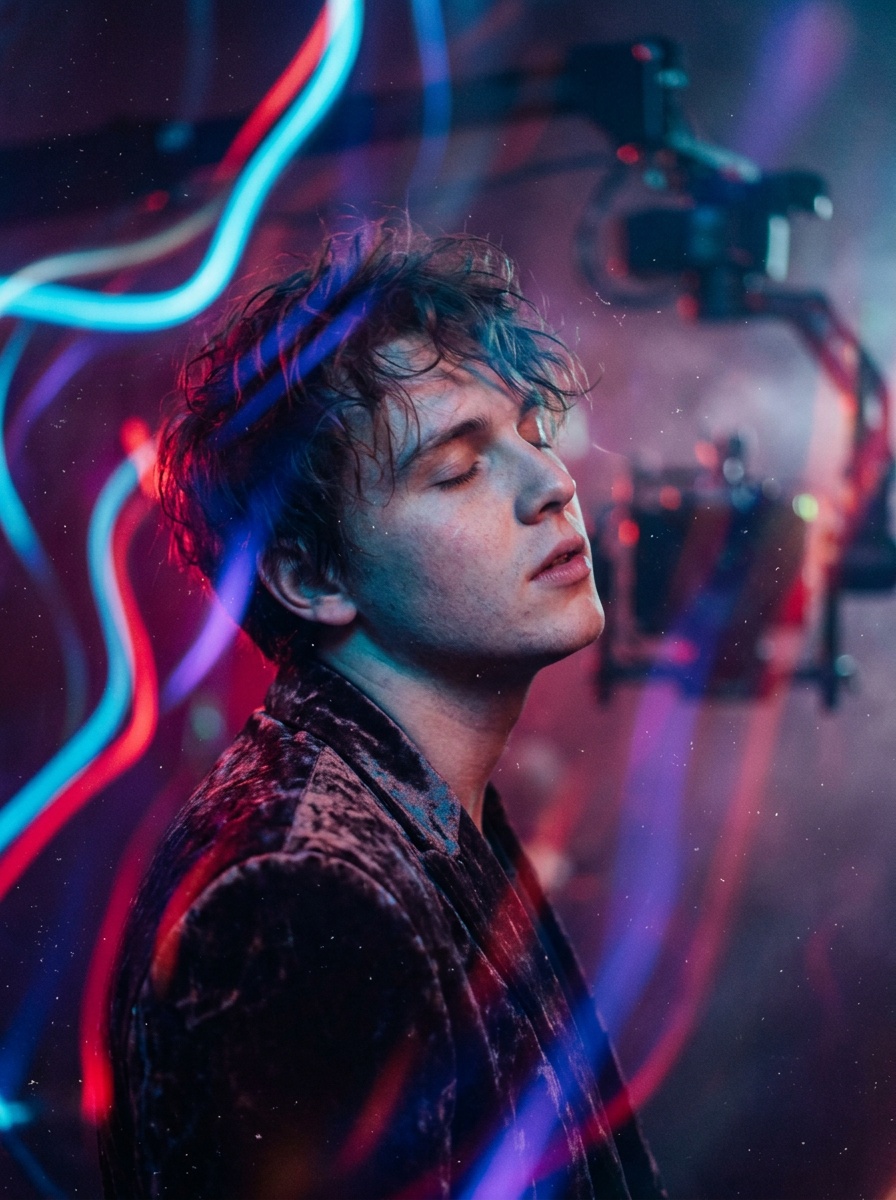
Visual concepts synced to audio and rhythm
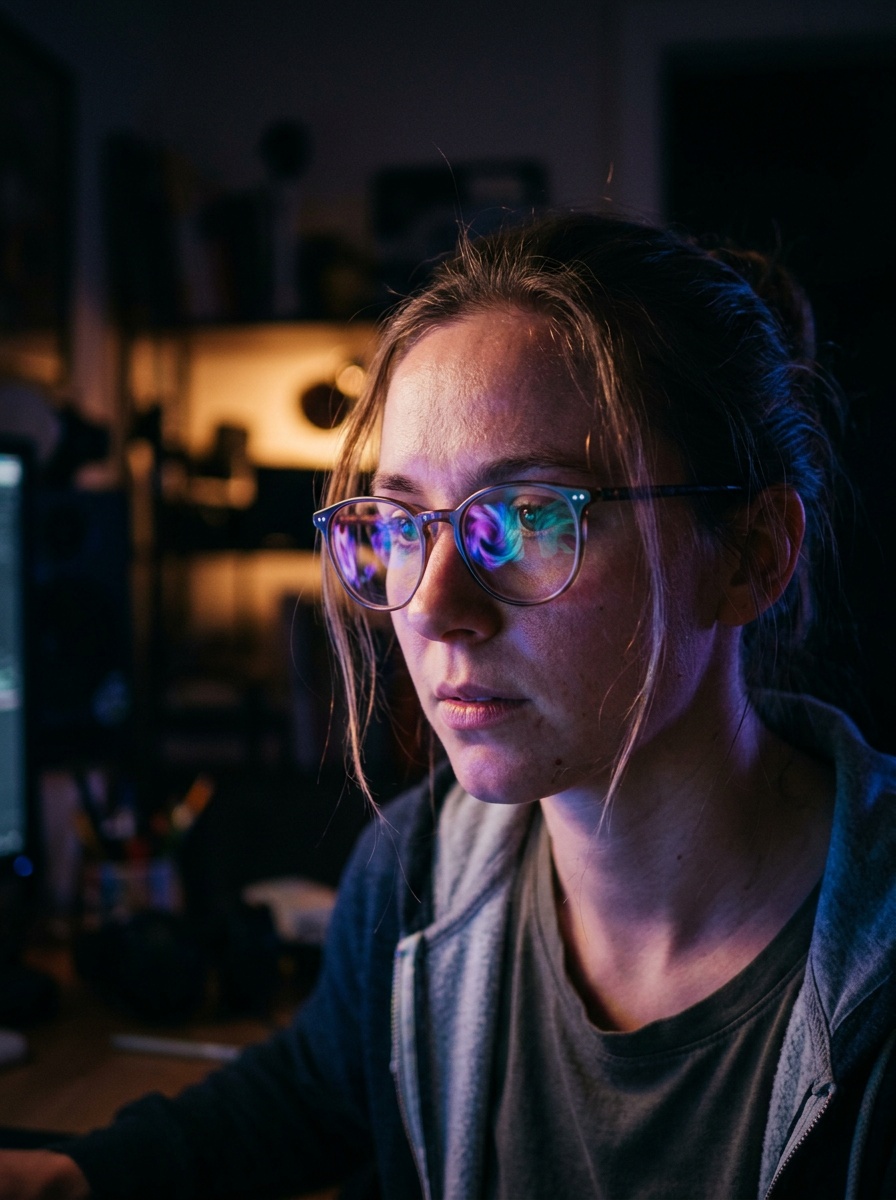
Stylized motion from text or image prompts
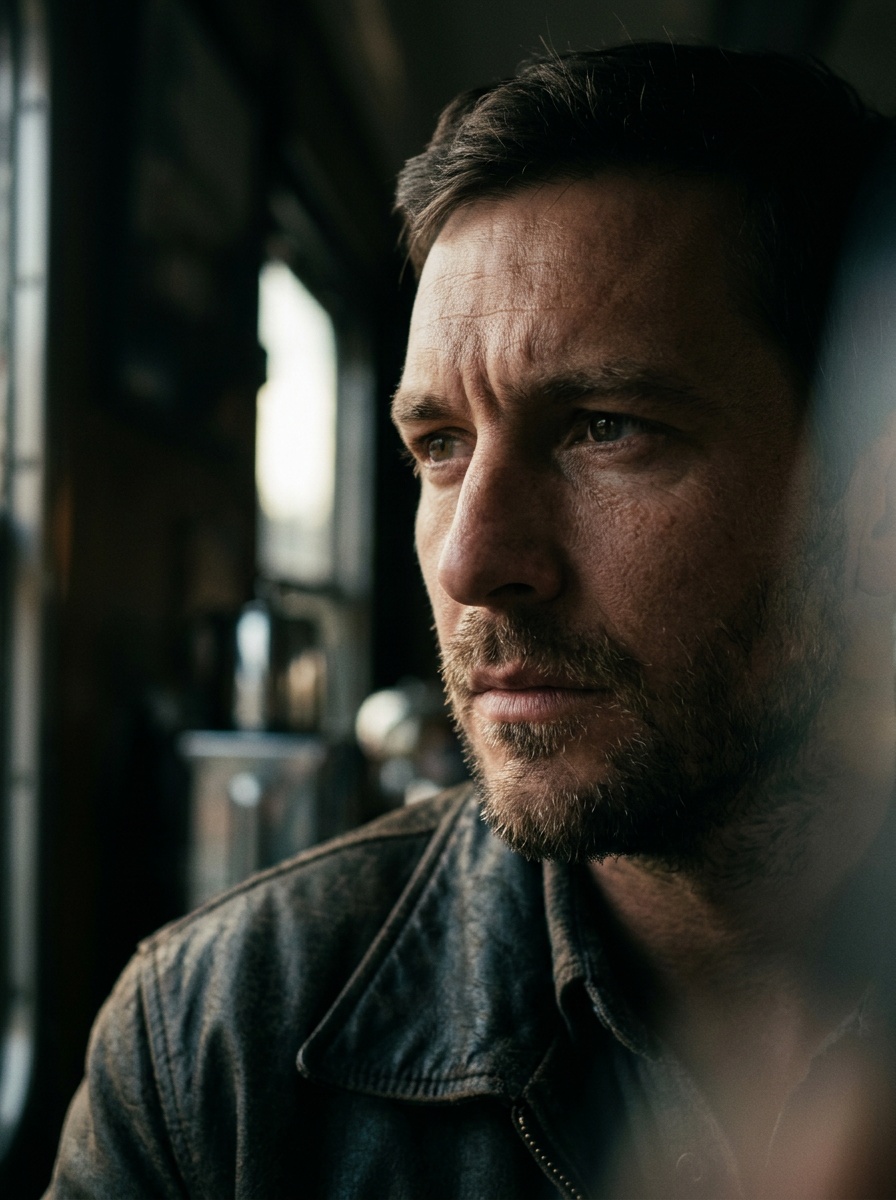
Dramatic shots with camera movement and depth
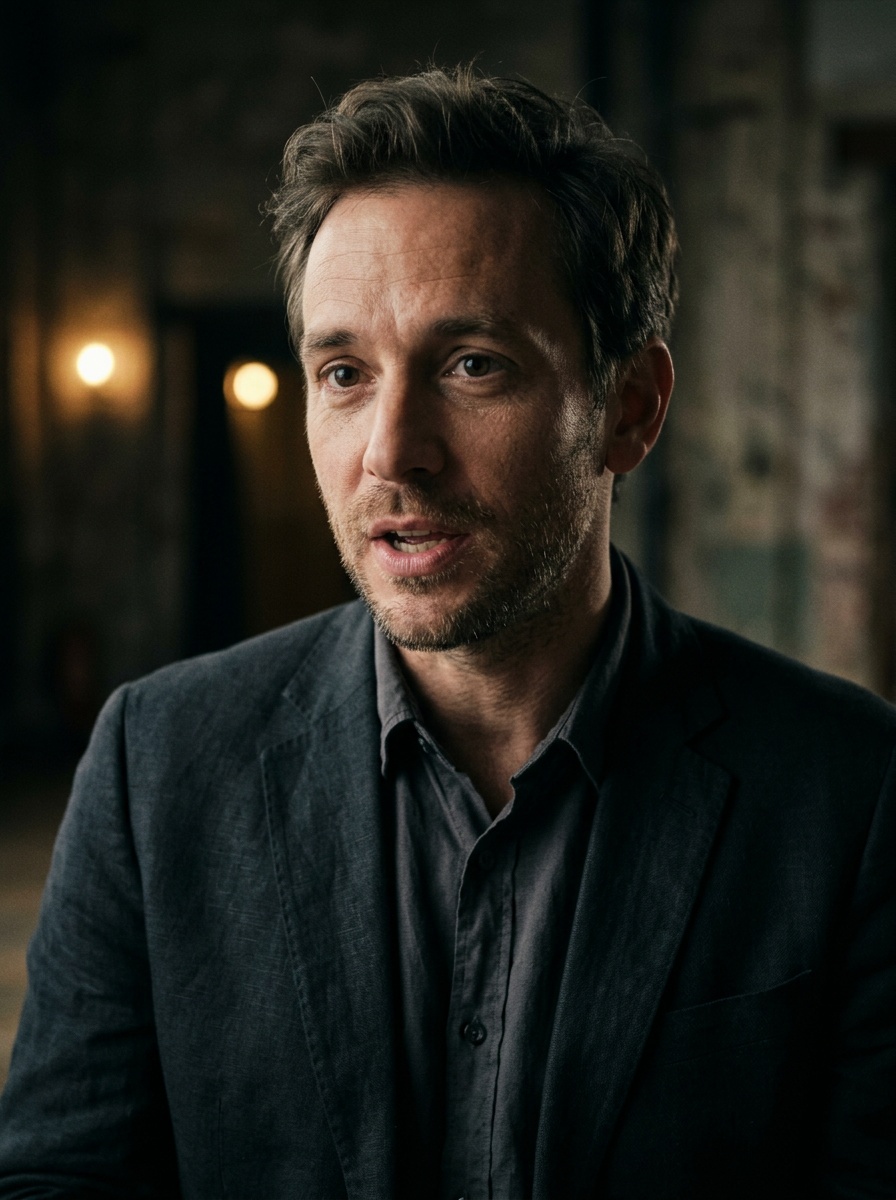
Lip-synced presenters from a single image
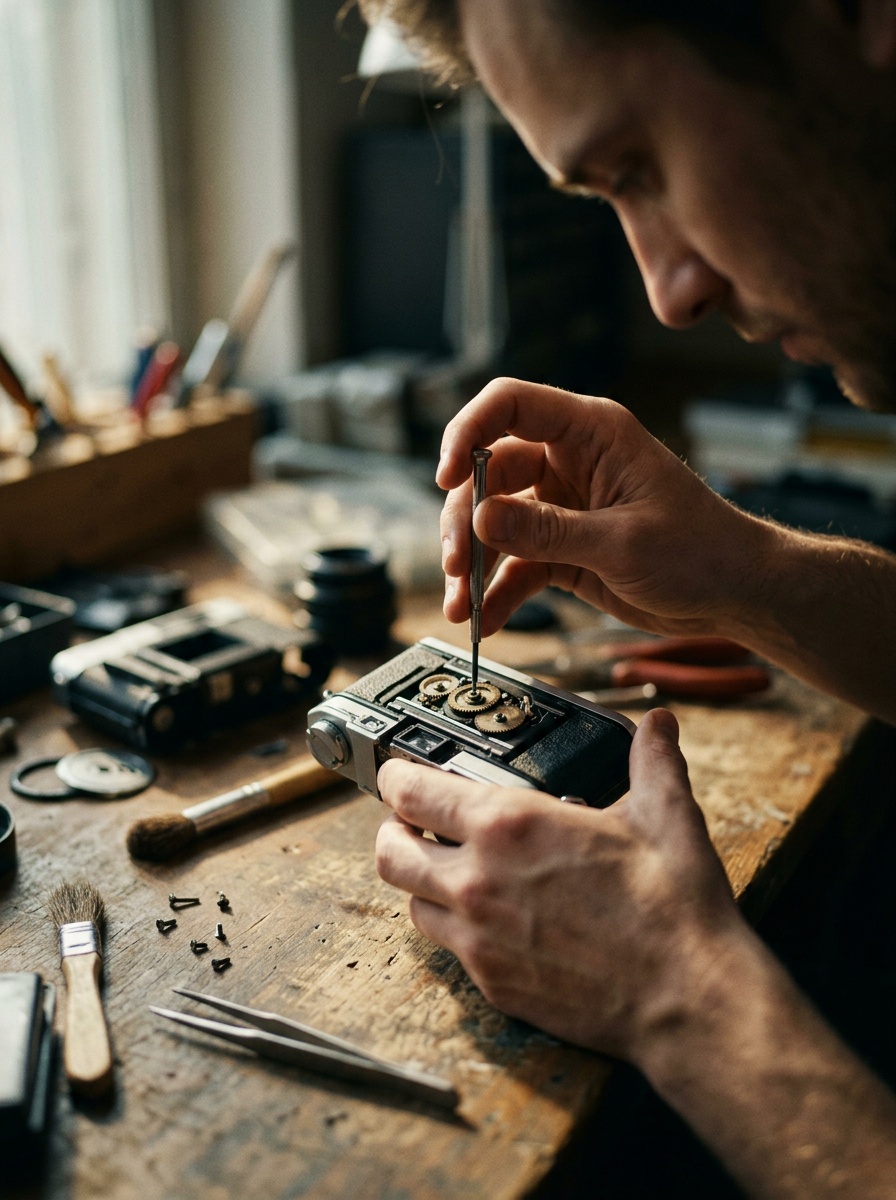
Step-by-step visual explainers and walkthroughs
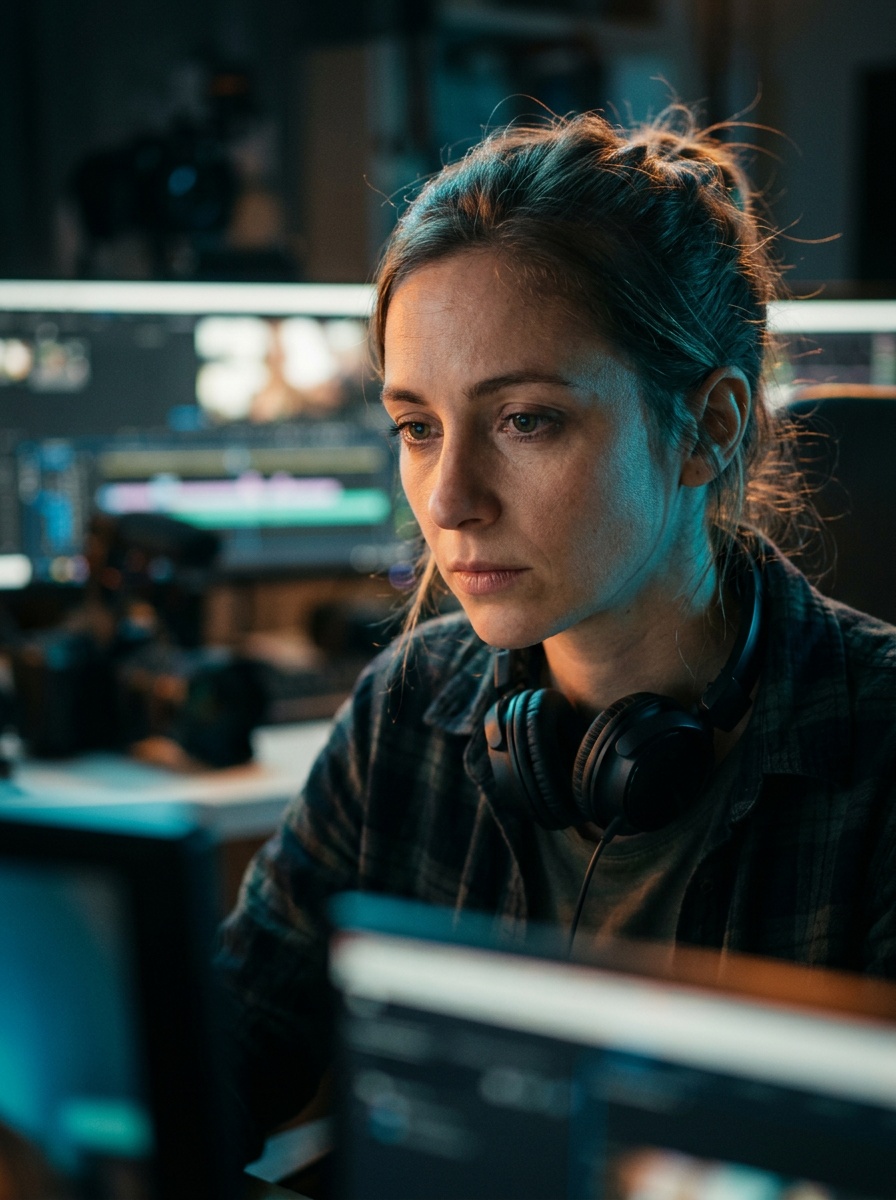
Eye-catching video ads for any platform
Showcase products with motion and context
Short-form video for TikTok, Reels, Shorts
Visual concepts synced to audio and rhythm
Stylized motion from text or image prompts
Dramatic shots with camera movement and depth
Lip-synced presenters from a single image
Step-by-step visual explainers and walkthroughs
Eye-catching video ads for any platform
Whether you're posting daily content or producing ad campaigns, AI video gets you from idea to output without a production crew.
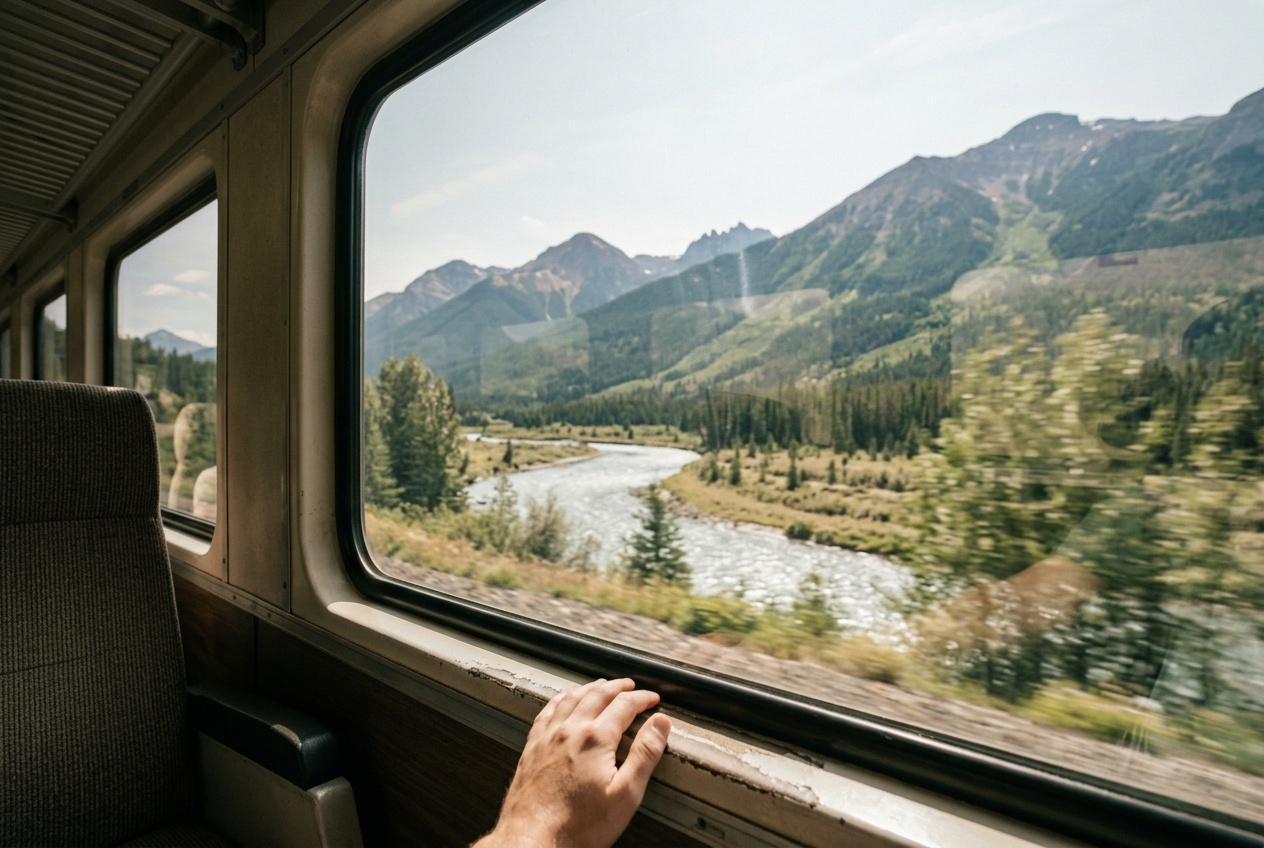
Generate short-form video for TikTok, Instagram Reels, and YouTube Shorts directly from a text prompt. No filming, no editing timeline — just describe the clip and download it.
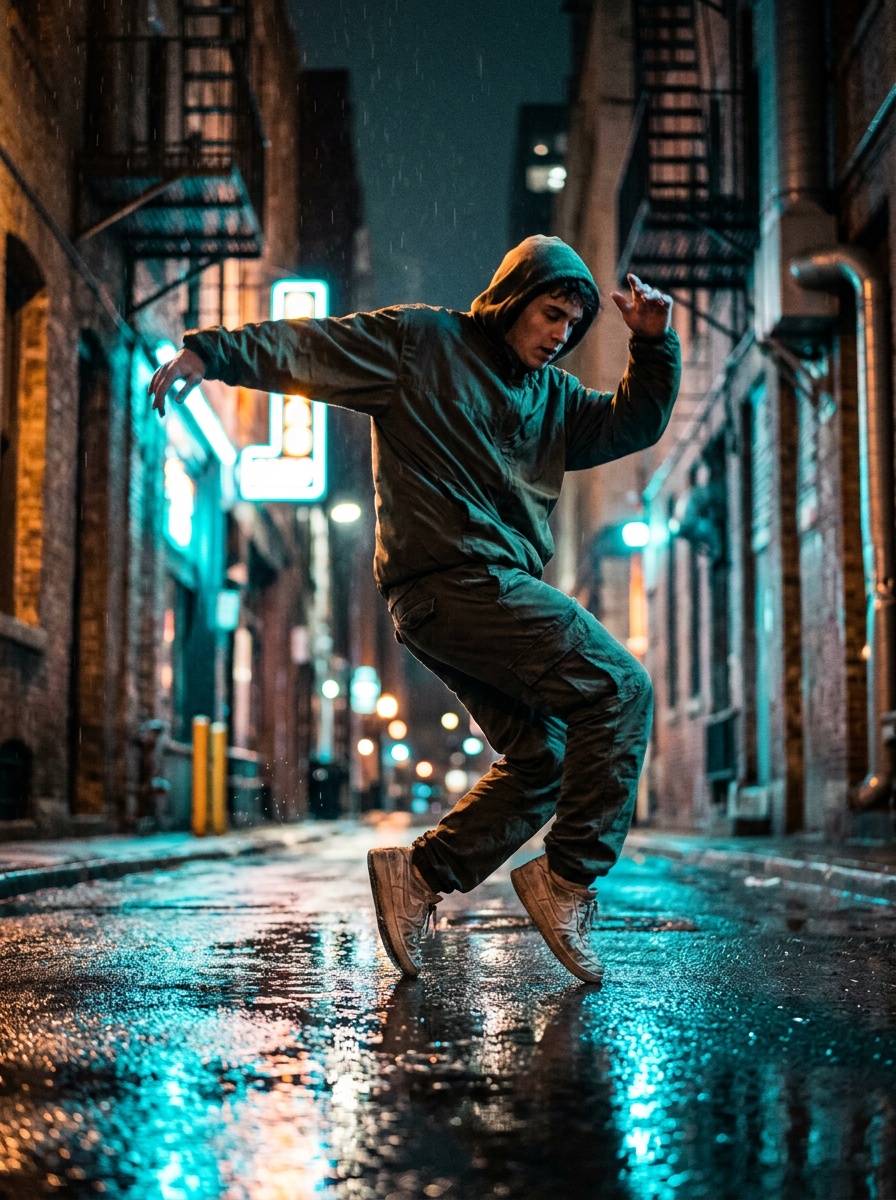
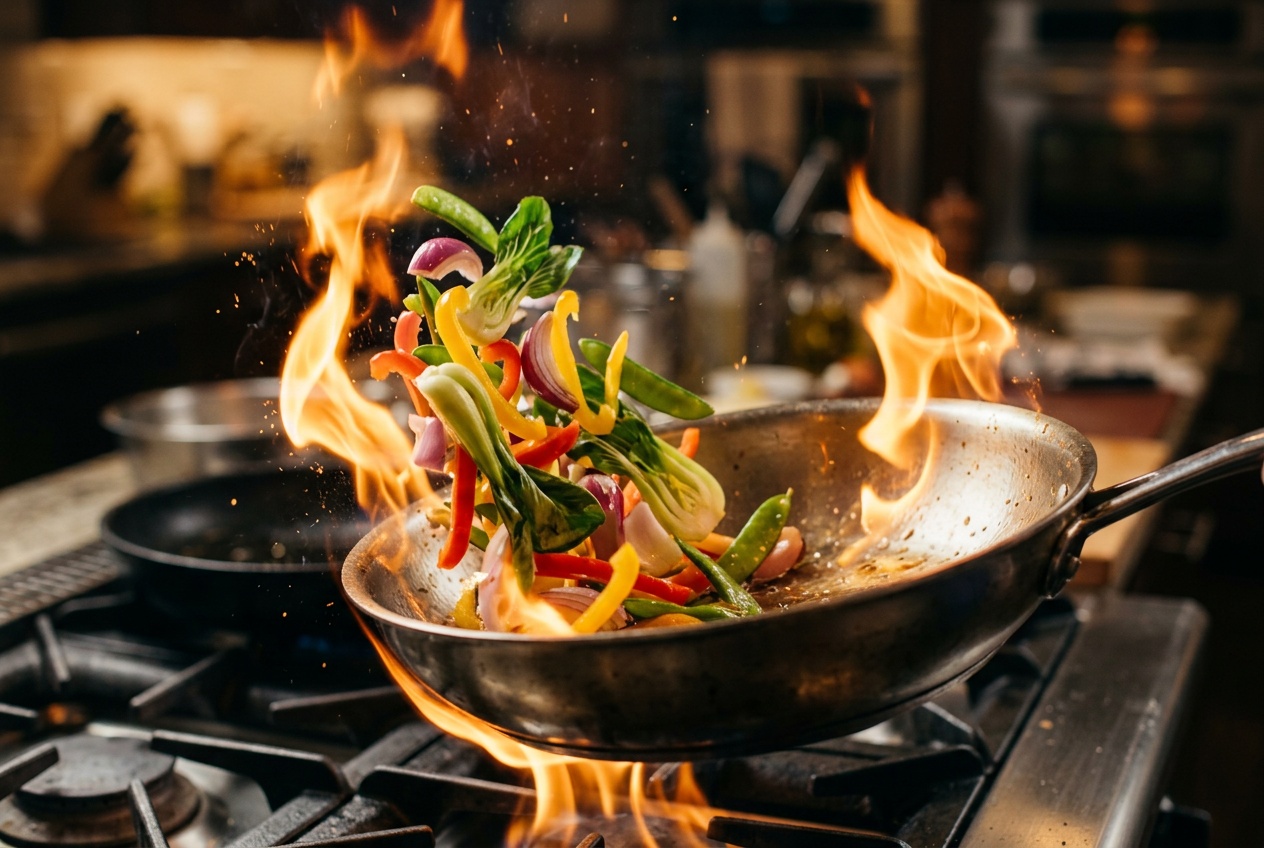
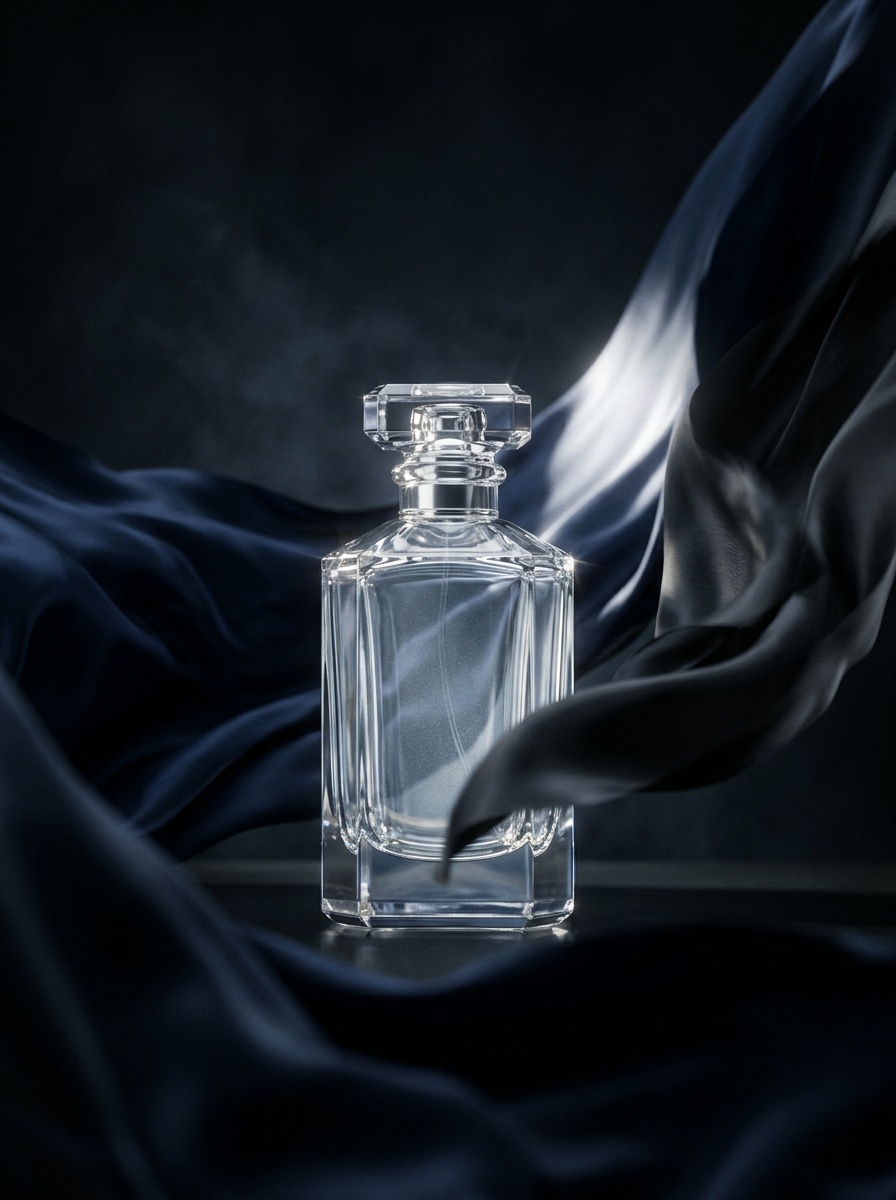
Create product demos, ad creatives, and promotional videos without a studio. Upload a product image and let the AI animate it with motion, context, and visual storytelling.
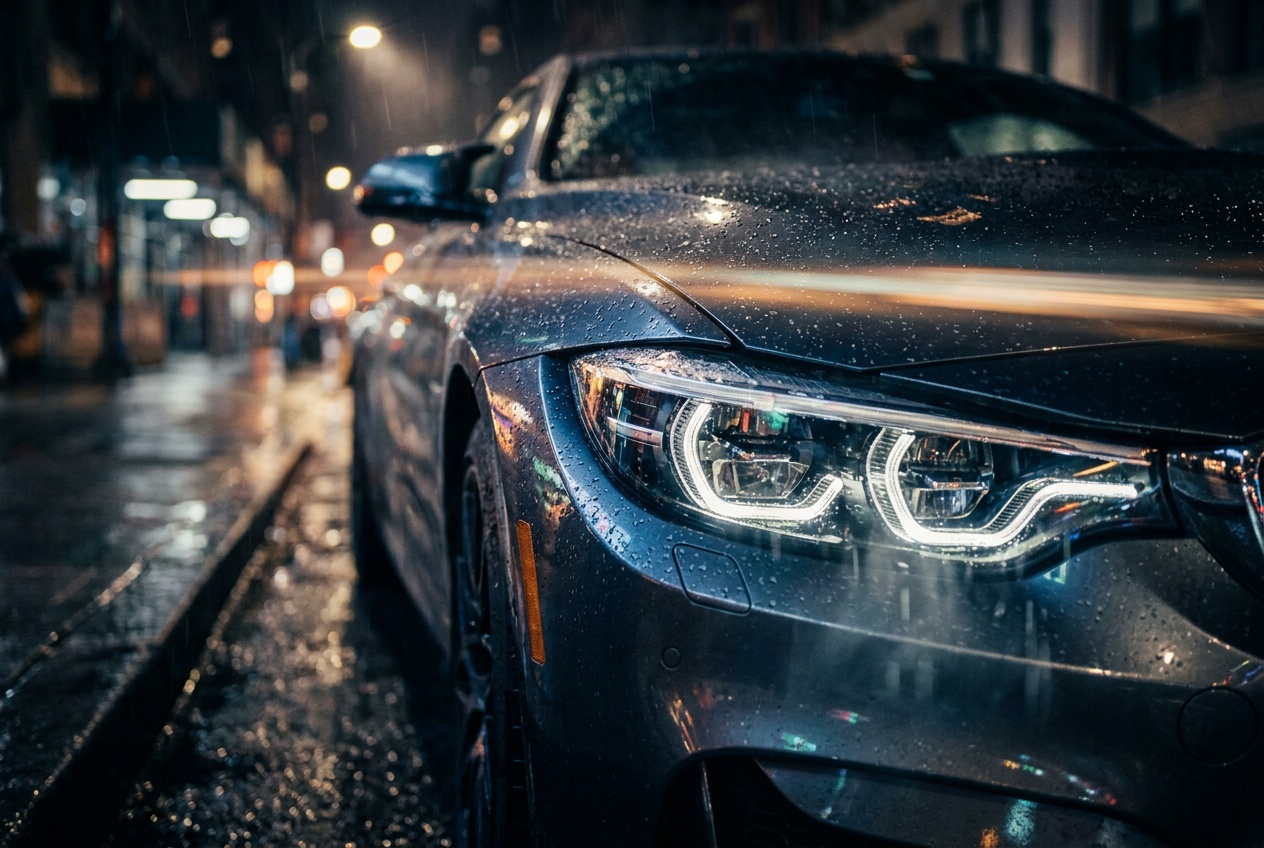
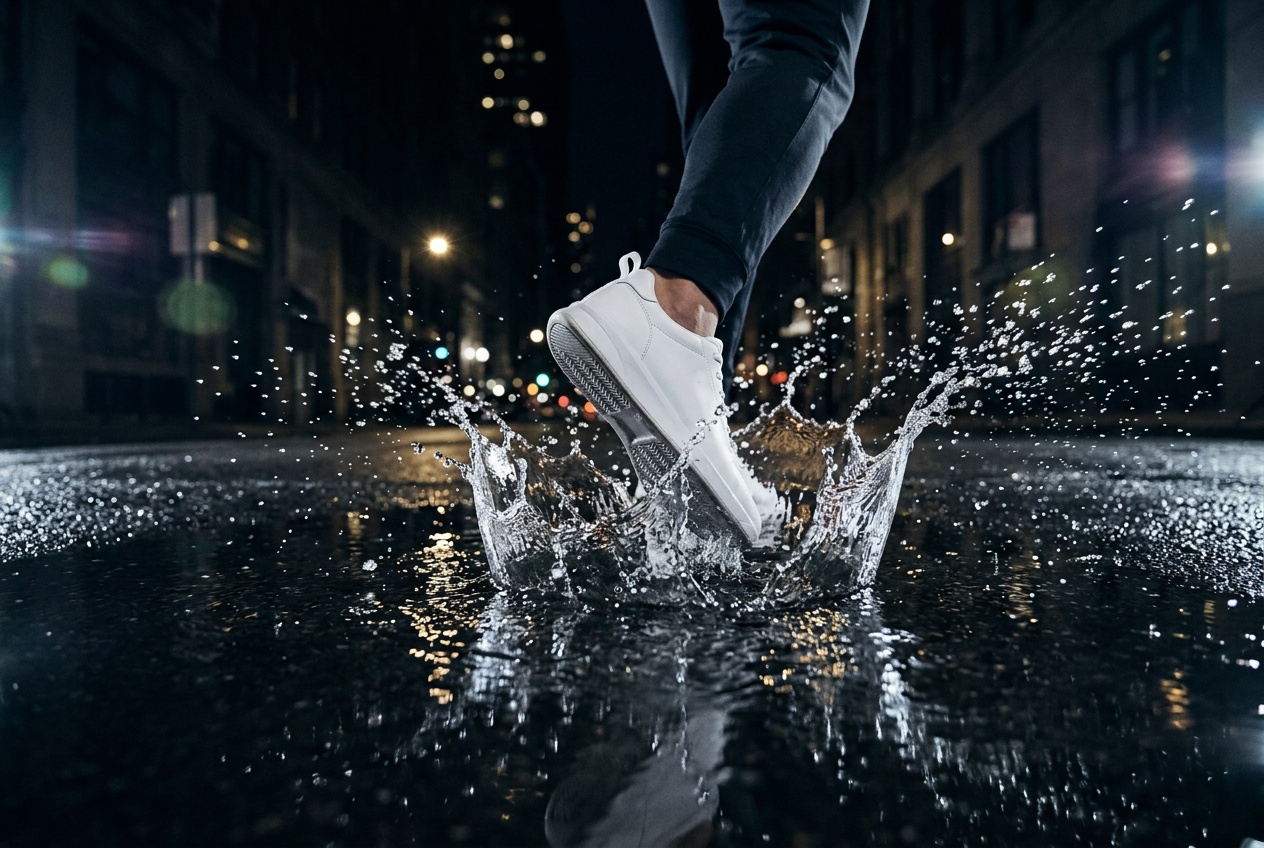
Bring concepts to life — music video ideas, cinematic sequences, animated narratives. Use text-to-video or image-to-video to prototype visual stories before committing to full production.
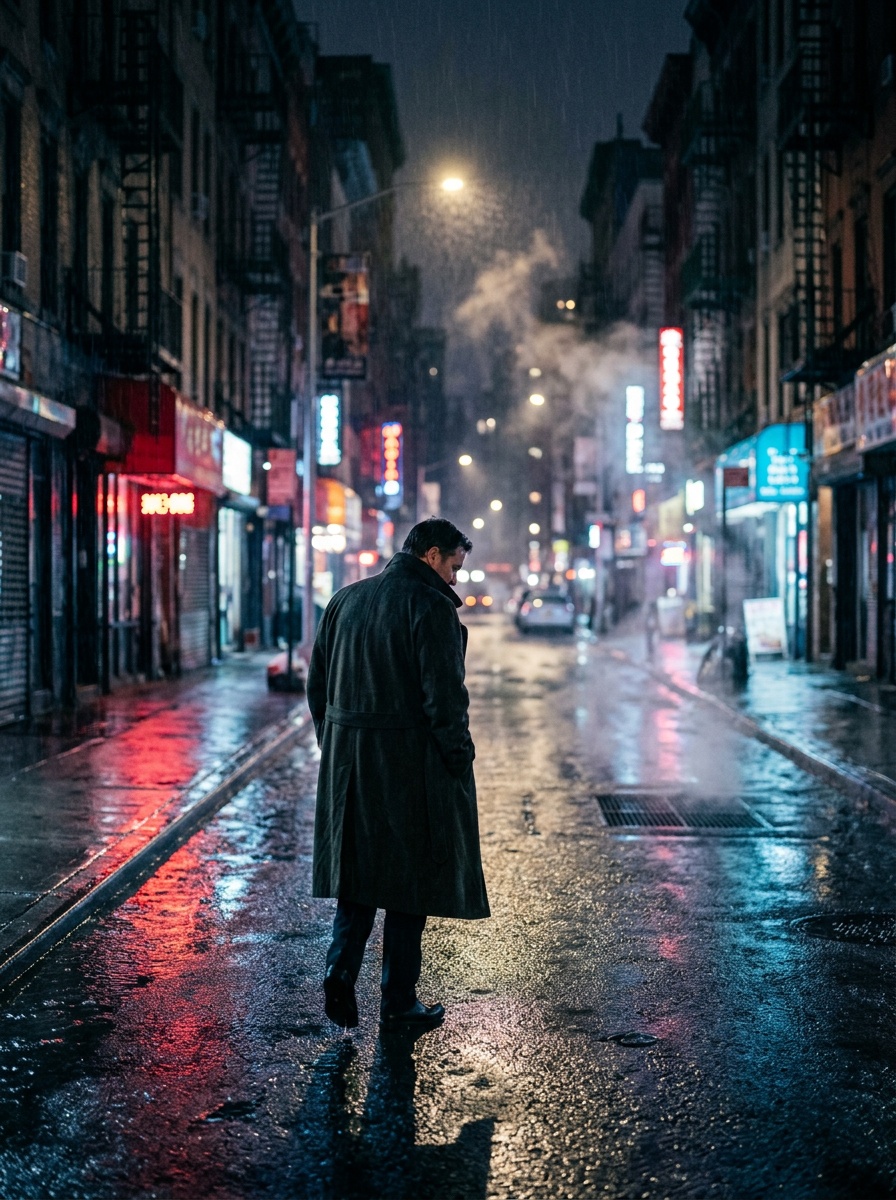
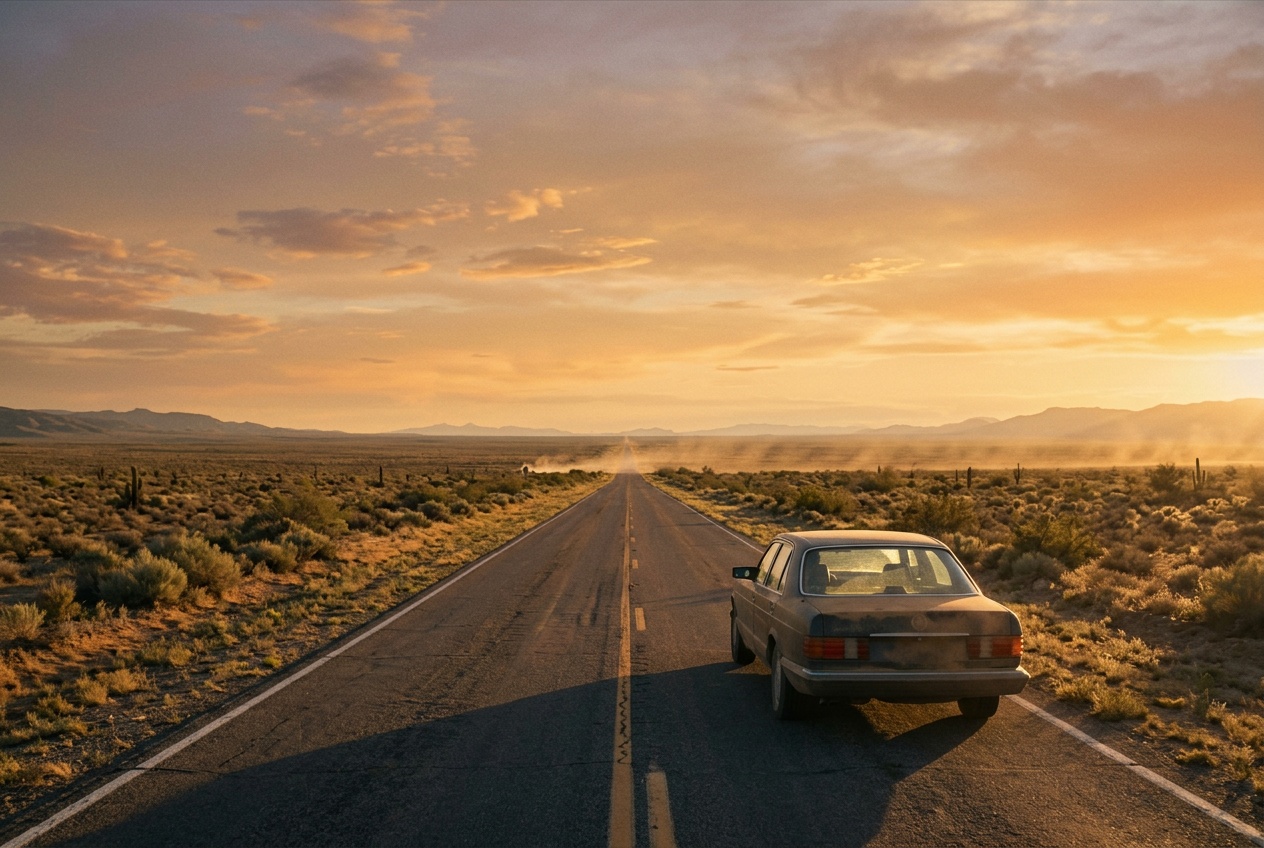
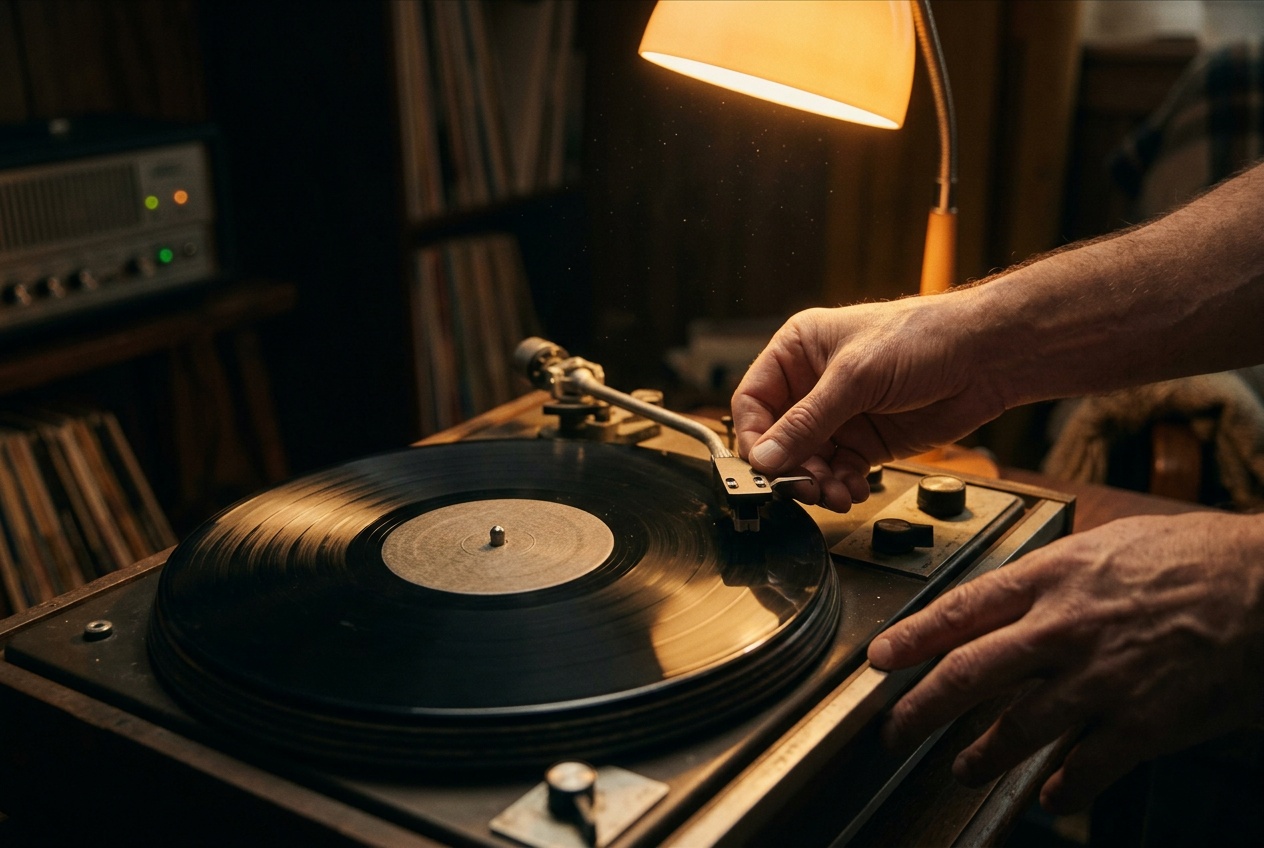
No magic words — here's what happens between hitting generate and getting your video.
The AI parses your text description or analyzes your uploaded image to understand scene composition, subjects, motion intent, and style.
Your request is sent to whichever model you chose — Kling, MiniMax, Seedance, VEO, or others — each with its own rendering pipeline and strengths.
The model generates individual frames with motion, lighting, and physics, then assembles them into a downloadable video file. The whole process takes seconds to a couple of minutes.
Ready to see it in action?
Try it yourselfWe offer multiple models including Google VEO 3.1, Kling Video Pro, MiniMax (Hailuo), and Seedance Pro. Each model has different strengths — VEO for realism and audio, Kling for creative results, MiniMax for consistency, and Seedance for longer clips with advanced controls.
Video length varies by model. VEO 3.1 supports 5–8 second clips, Kling goes up to 10 seconds, Seedance handles 3–12 seconds, and MiniMax produces 6-second clips. Duration depends on the model and quality settings you choose.
Text-to-video generates a video entirely from a written description. Image-to-video takes a still image you upload and animates it — adding motion, camera movement, and physics. Both approaches are available across most of our models.
Upload a portrait image or video along with an audio clip. The AI generates realistic mouth movements that match the speech in your audio. This works for creating talking-head content, dubbing, or character animation.
Yes. Videos you generate on Fauxto Labs can be used for commercial purposes including marketing, social media, advertisements, and product content.
Credit cost varies by model and settings. New users receive 100 free credits on sign-up. Check the pricing page for detailed per-model credit breakdowns.
Generated videos are delivered as MP4 files. Resolution depends on the model — most support up to 1080p. Aspect ratios include 16:9, 9:16, and 1:1 to fit different platforms.
Describe a scene, pick a model, and generate. Free credits to start — no commitment.
100 free credits on sign-up