Why TikTok Slideshows Are Taking Over
TikTok carousels — also called photo slideshows — have exploded in popularity. They consistently outperform standard video posts for engagement, save rates, and shares because users can swipe through at their own pace, re-read slides, and screenshot the ones that resonate. For creators and brands, slideshows are a goldmine: they are easier to produce than video, they work for every niche, and TikTok’s algorithm actively favours them because they increase time-on-app.
The problem? Creating a high-performing slideshow from scratch is time-consuming. You need a compelling hook for slide one, a narrative arc that keeps people swiping, on-brand visuals, tight copywriting, and a caption with the right hashtags. Most creators either spend hours in Canva or settle for mediocre results. Fauxto Labs’ TikTok Slideshow Creator solves this by generating complete, publish-ready carousels from a single text prompt.
Four visual styles to match any brand:
Realistic
Photo-quality
Creative
Stylized
Premium
Luxury
Nature
Landscapes
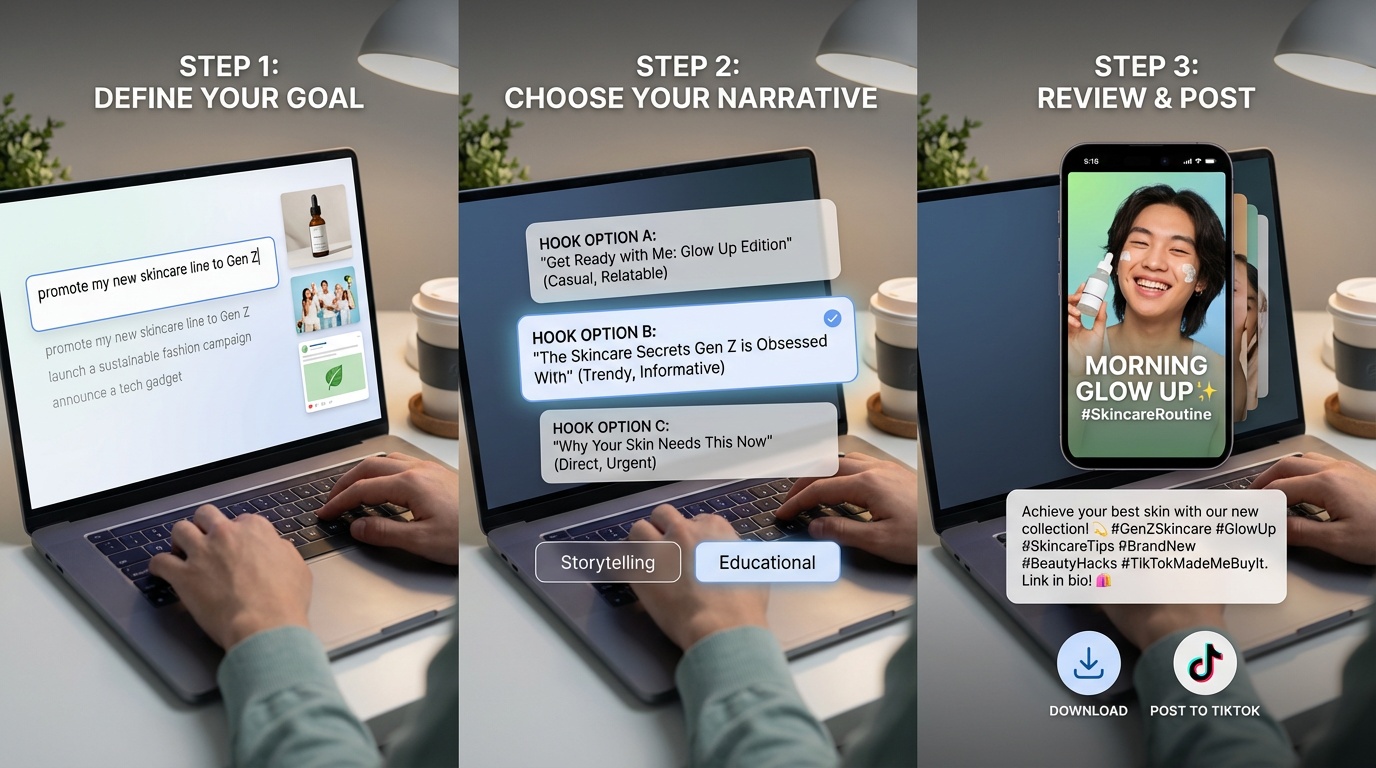
From Goal to Finished Slideshow in 3 Steps
Step 1: Describe your goal. Type what your post should achieve — “promote my new skincare line to Gen Z,” “share 5 hiking tips for beginners,” or “drive traffic to my Etsy shop.” Optionally attach up to 3 reference images like product photos or screenshots.
Step 2: Pick your hook and direction. The AI generates multiple hook options for your first slide and narrative directions for the rest of the deck. Choose the combination that fits your brand voice.
Step 3: Generate and publish. The AI builds a complete slideshow — styled 9:16 slides with text overlays, a full caption with hashtags, and everything ready to download or post directly to TikTok.
Four Visual Styles for Every Brand
Every slideshow starts with a visual direction. The tool offers four distinct styles, each with its own aesthetic personality. Choosing the right one ensures your carousel feels native to TikTok rather than like an obvious ad.
Realistic
Photorealistic imagery with natural lighting and textures. Ideal for product launches, lifestyle content, and personal branding. Supports optional Creator Character for face consistency across every slide.
Creative
Bold, artistic visuals with vibrant colours and imaginative compositions. Perfect for attention-grabbing content that stands out in the feed — think infographics, bold statements, and educational content.
Premium
Clean, sophisticated aesthetics with a luxury feel. Built for brands, agencies, and high-end product marketing where every pixel needs to communicate quality and professionalism.
Nature
Organic, earth-toned visuals with natural environments and landscapes. Great for wellness, outdoor, travel, and sustainability content that feels authentic and grounded.
Pick a style and go viral
Choose from Realistic, Creative, Premium, or Nature — then let AI build your entire carousel.
Creator Character — Your Face on Every Slide
One of the most powerful features is Creator Character, available in Realistic mode. Select or create a character based on a reference image, and the AI will maintain that person’s face, body type, and overall appearance consistently across every slide in the deck. This is powered by Fauxto Labs’ Nano Banana character consistency technology.
For personal brands, influencers, and content creators, this means you can generate an entire carousel featuring “you” without a single photoshoot. The character picker includes stock models, any custom characters you have created on the platform, and the option to create a new character on the spot from an uploaded photo.
Per-Slide Editing & Customisation
Every generated slide is fully editable. Click any slide to select it and access a rich toolbar: change font size (small, medium, large), toggle text colour between white and black, add a highlight background behind your text for readability, and drag text vertically to position it exactly where you want.
Need to tweak the copy? Edit any heading or body text inline. Want a different image? The regeneration menu lets you regenerate just the image, just the text, or both — plus specialised modes like “more realistic,” “less salesy,” “shorten,” and “creator style.” If the AI produced alternate images, you can swap between them instantly.

Example Slideshows
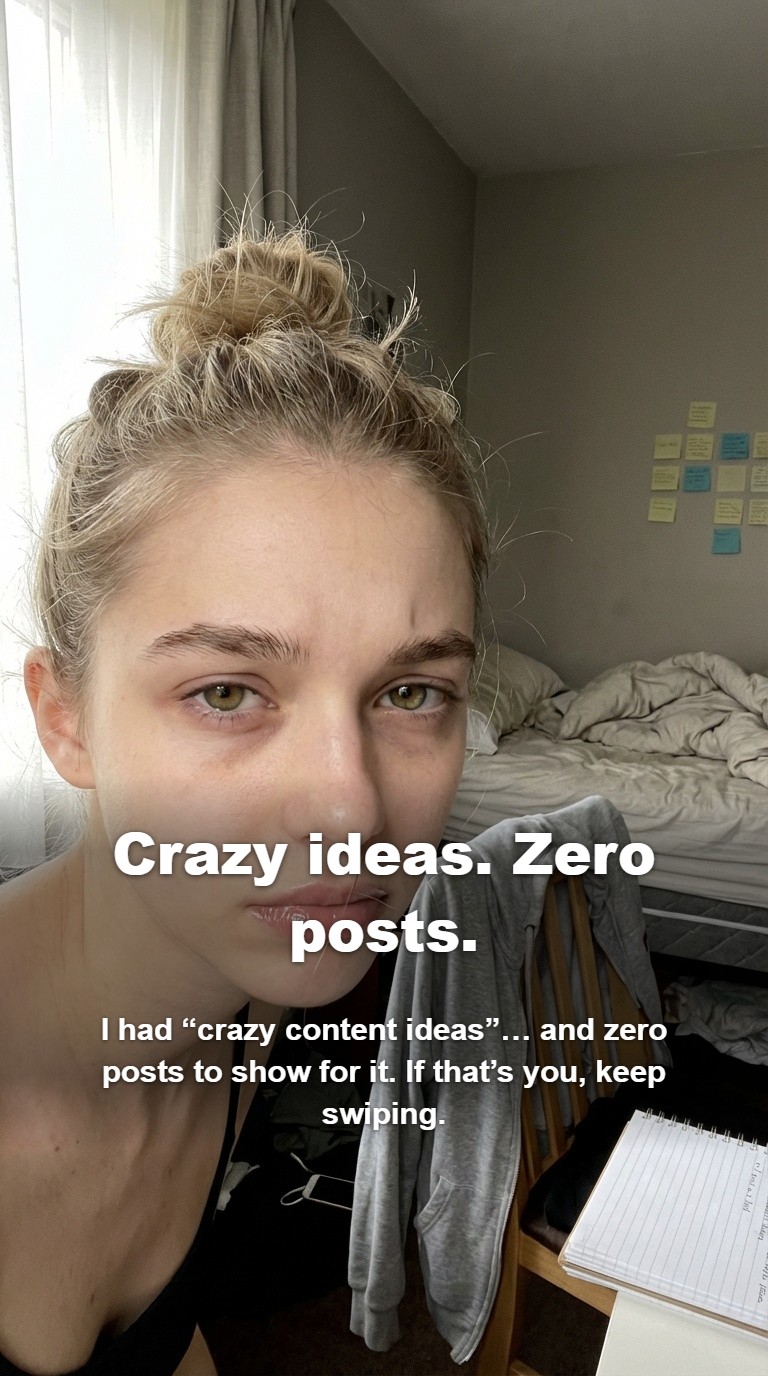
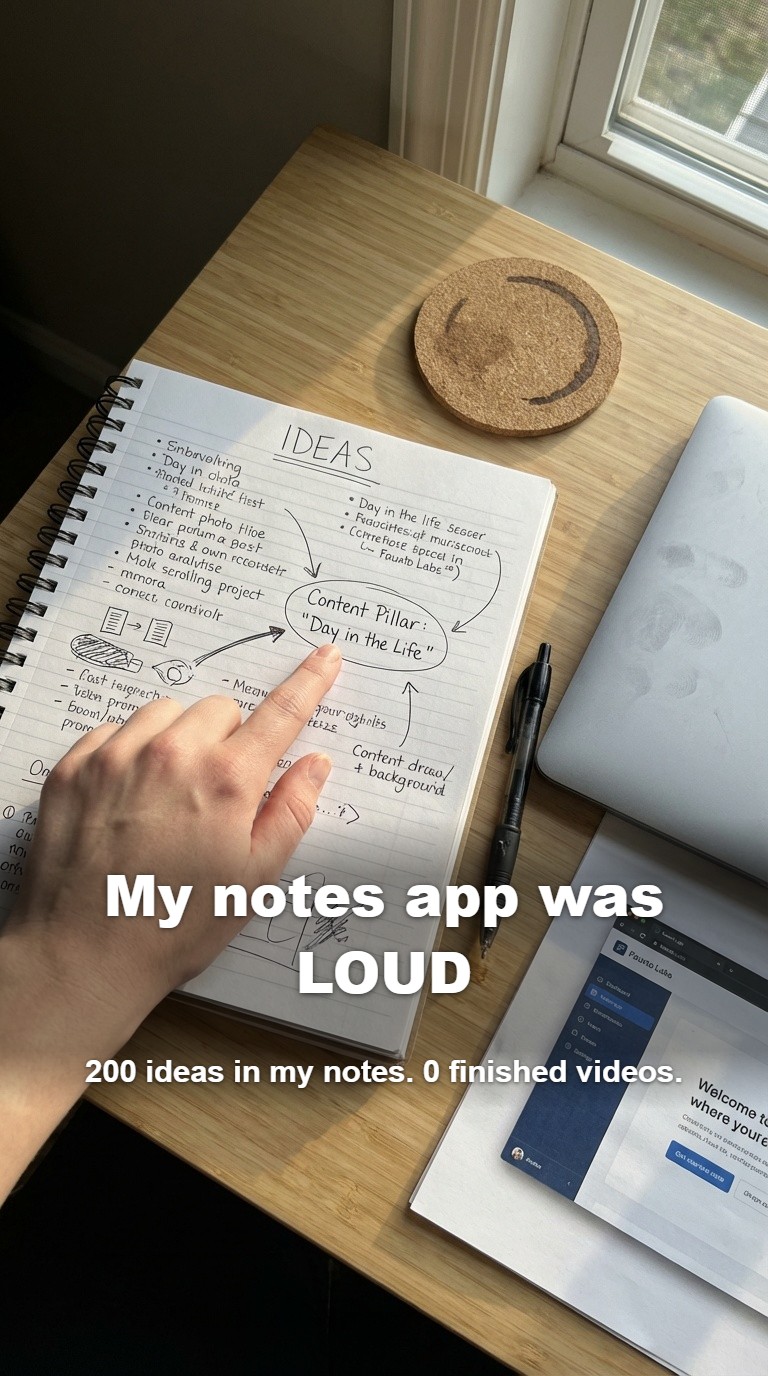
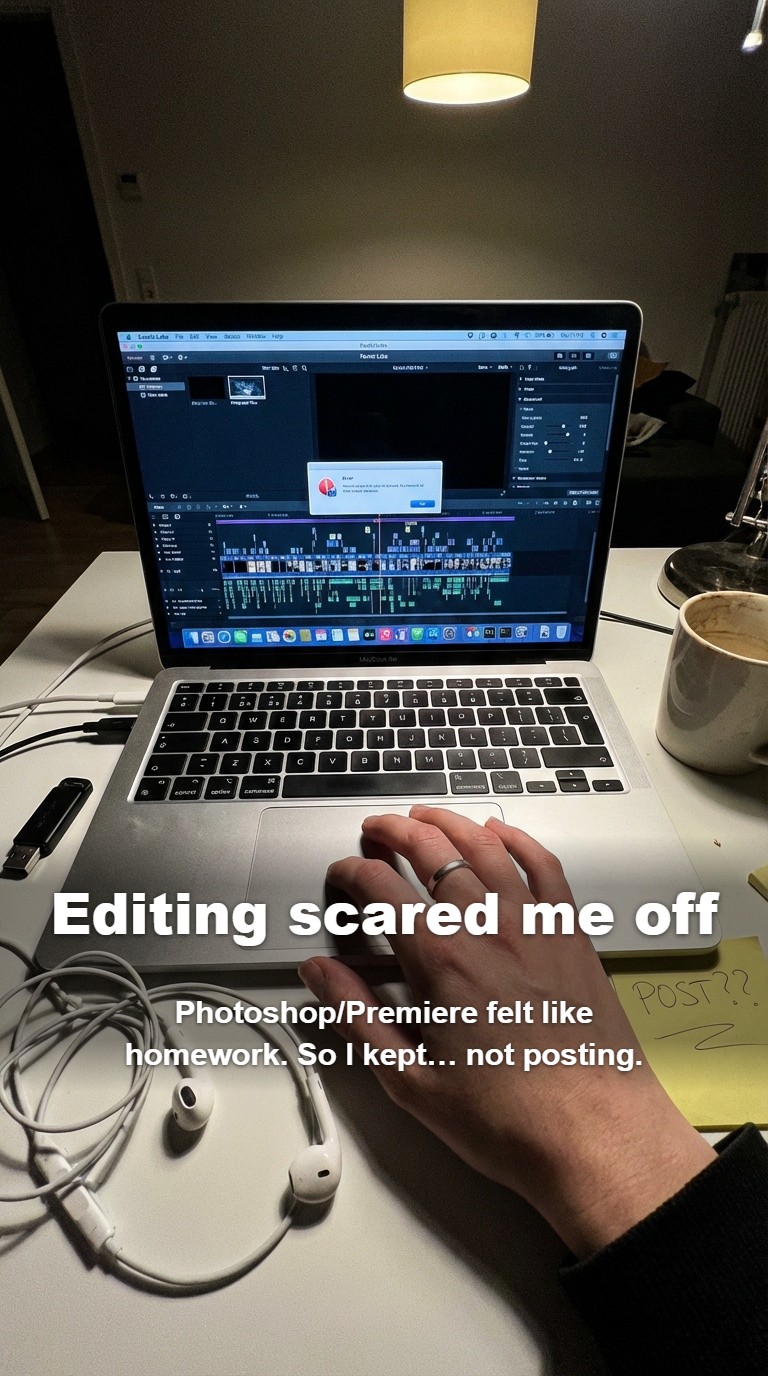
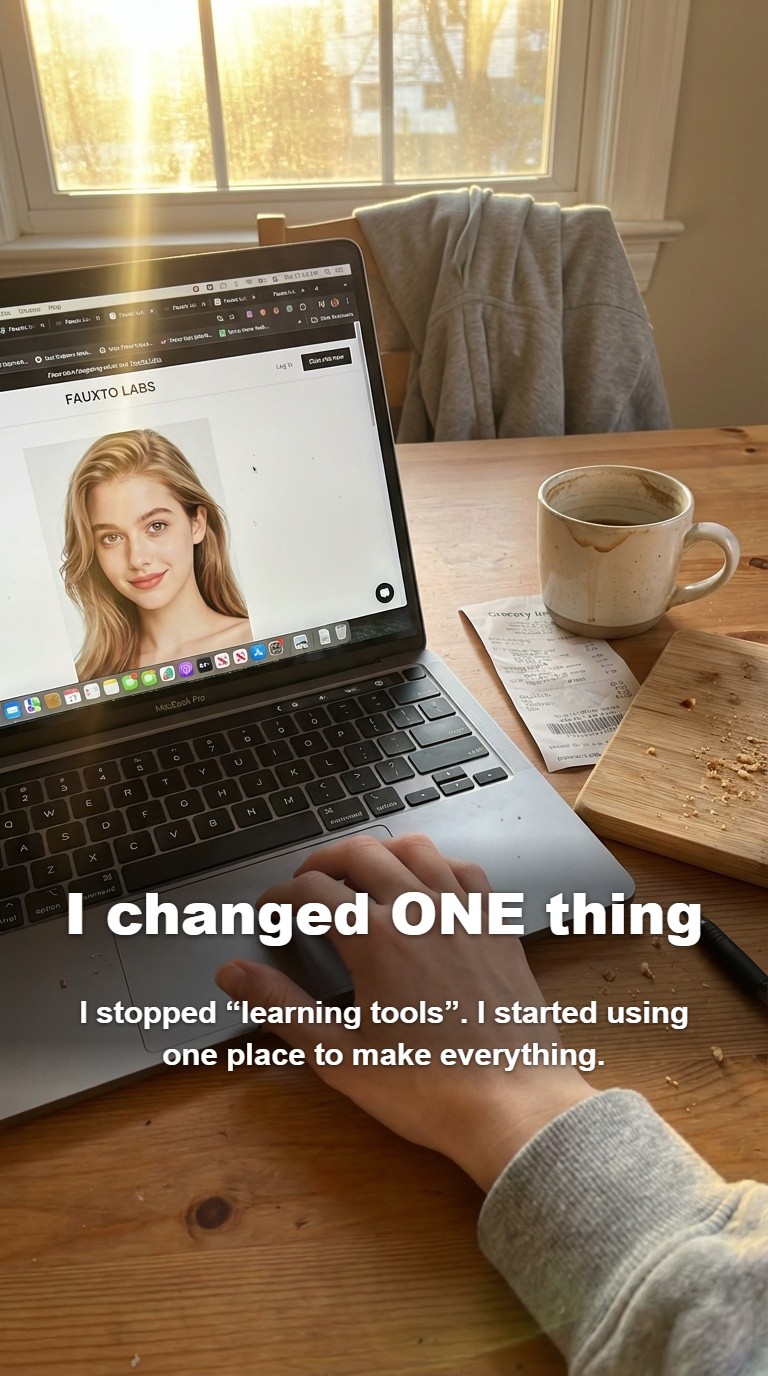
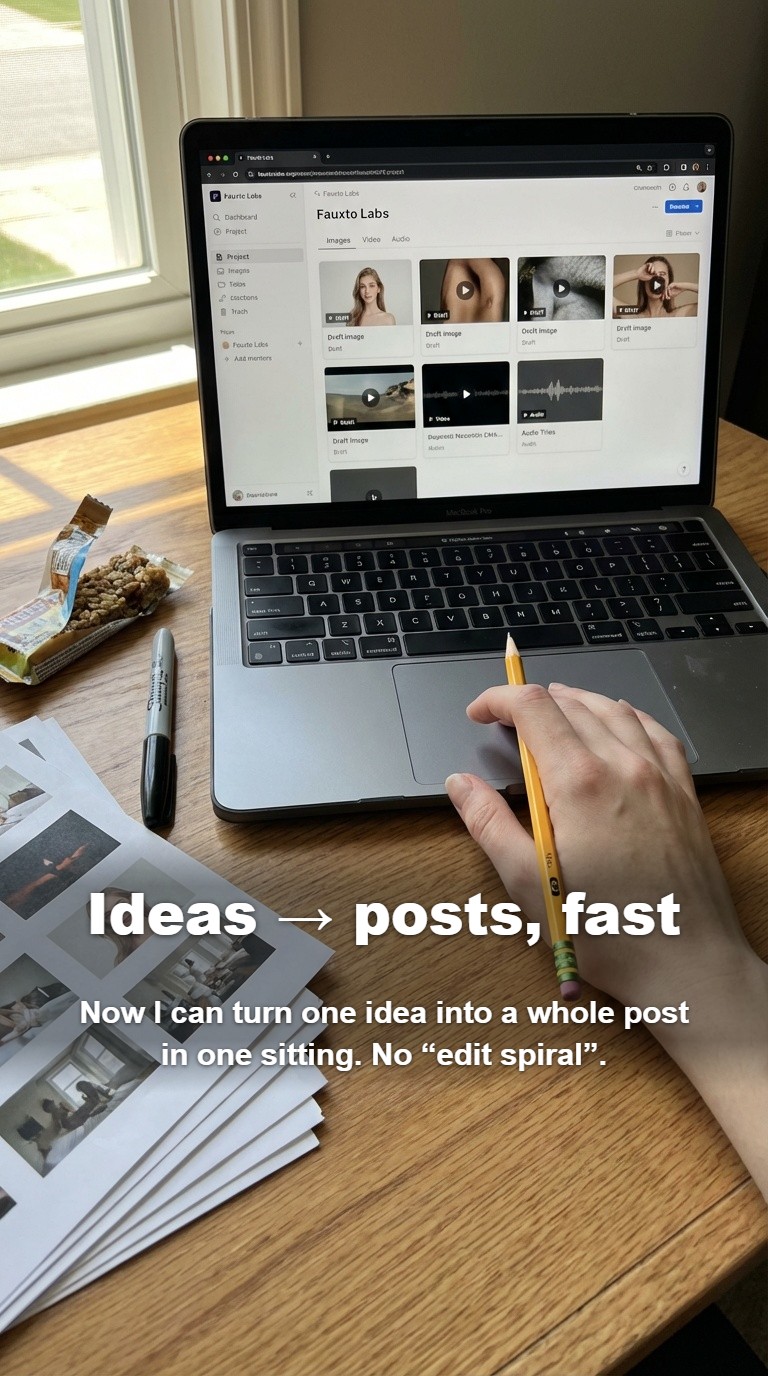
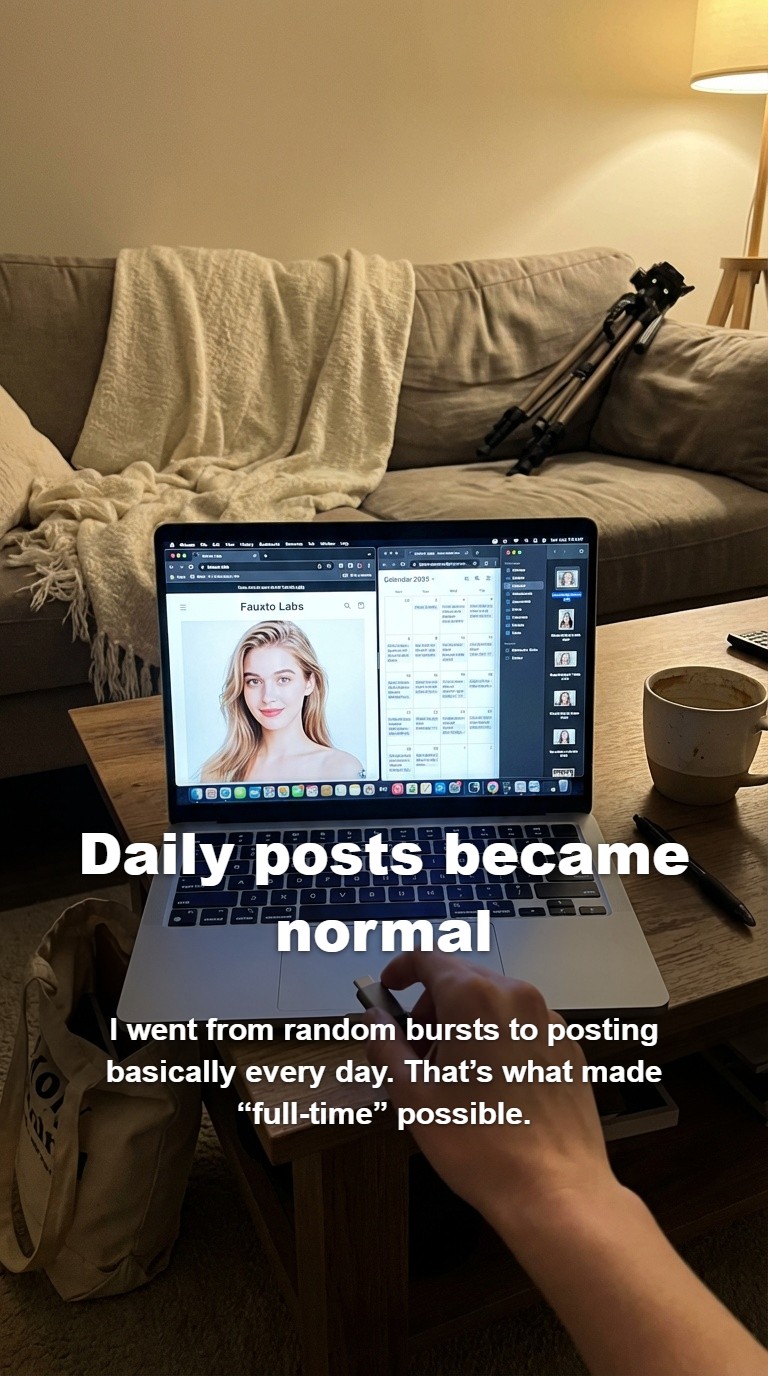
Swipe through these AI-generated slideshow examples to see how finished carousels look on a phone screen. Each example was generated from a single text prompt.
Fitness Transformation
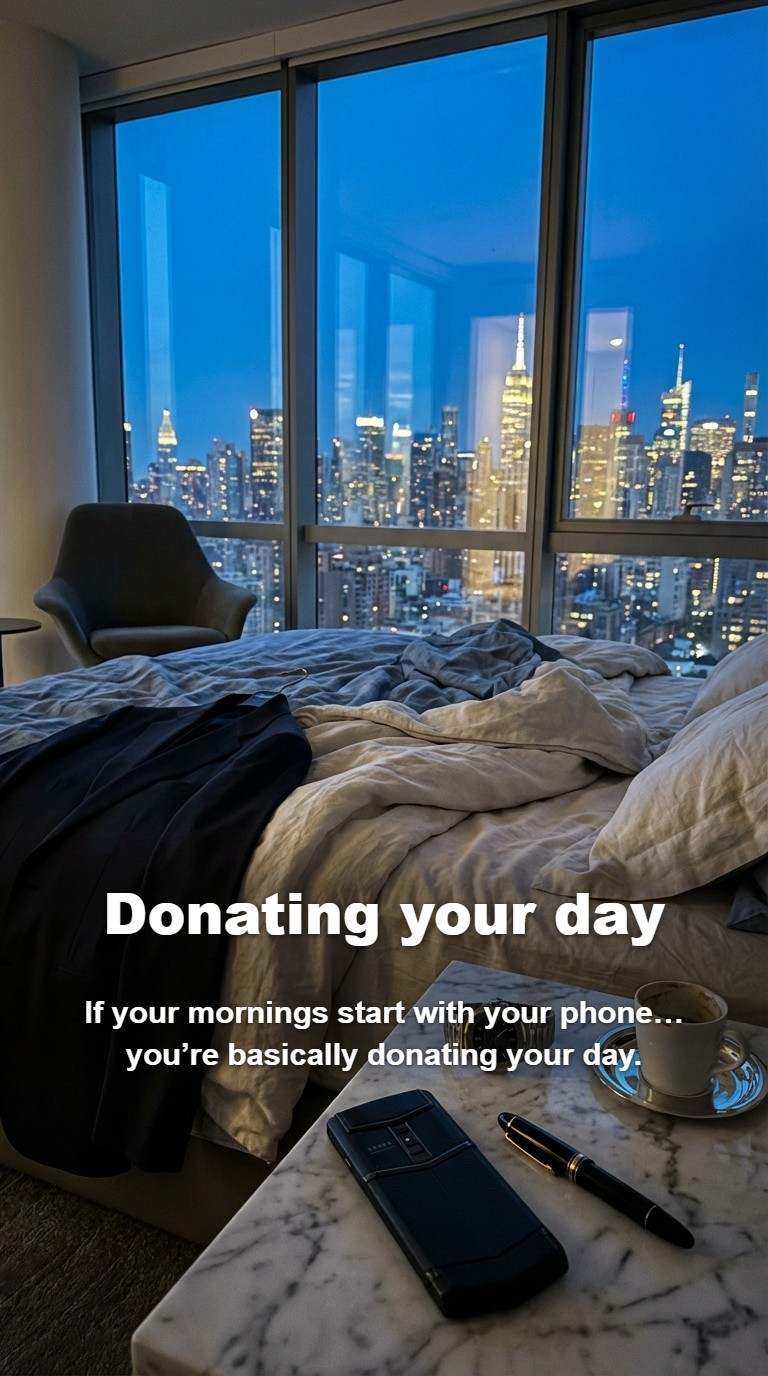
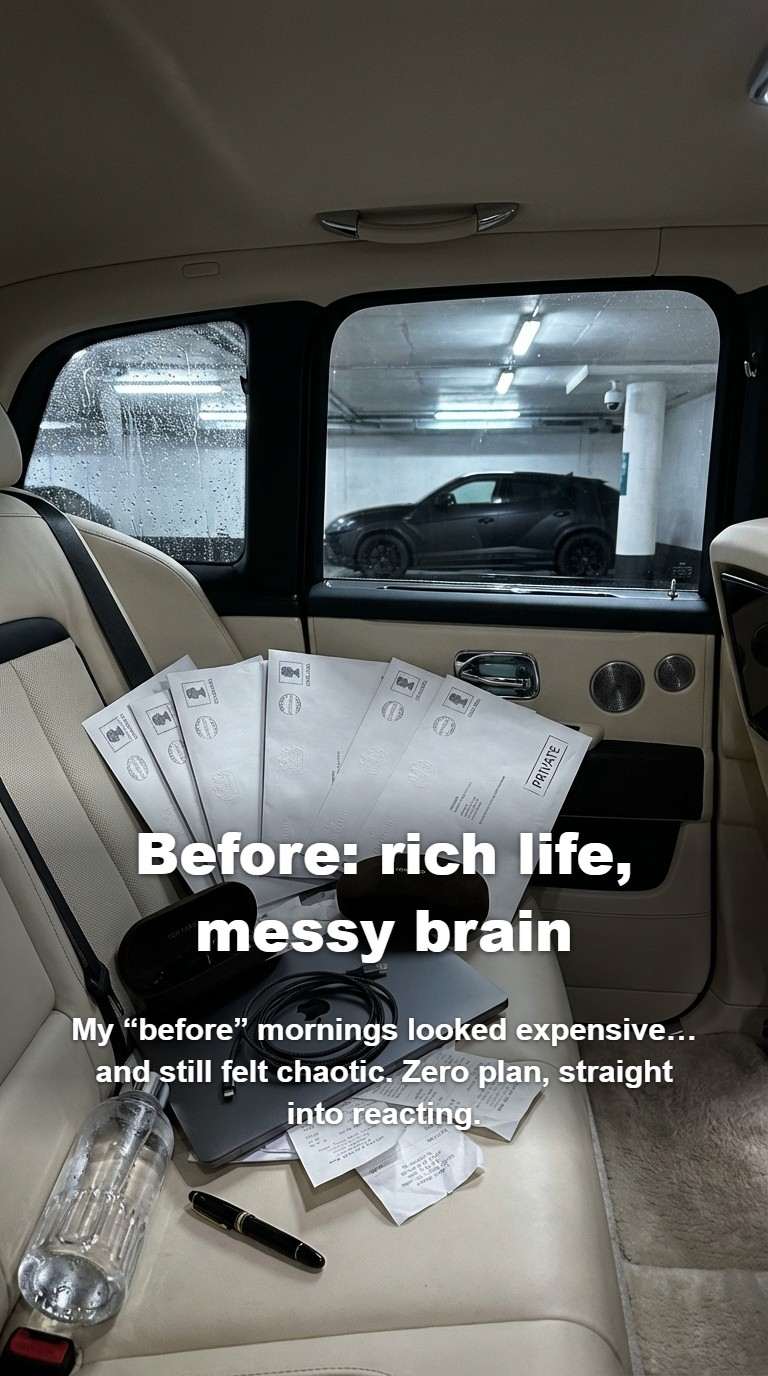
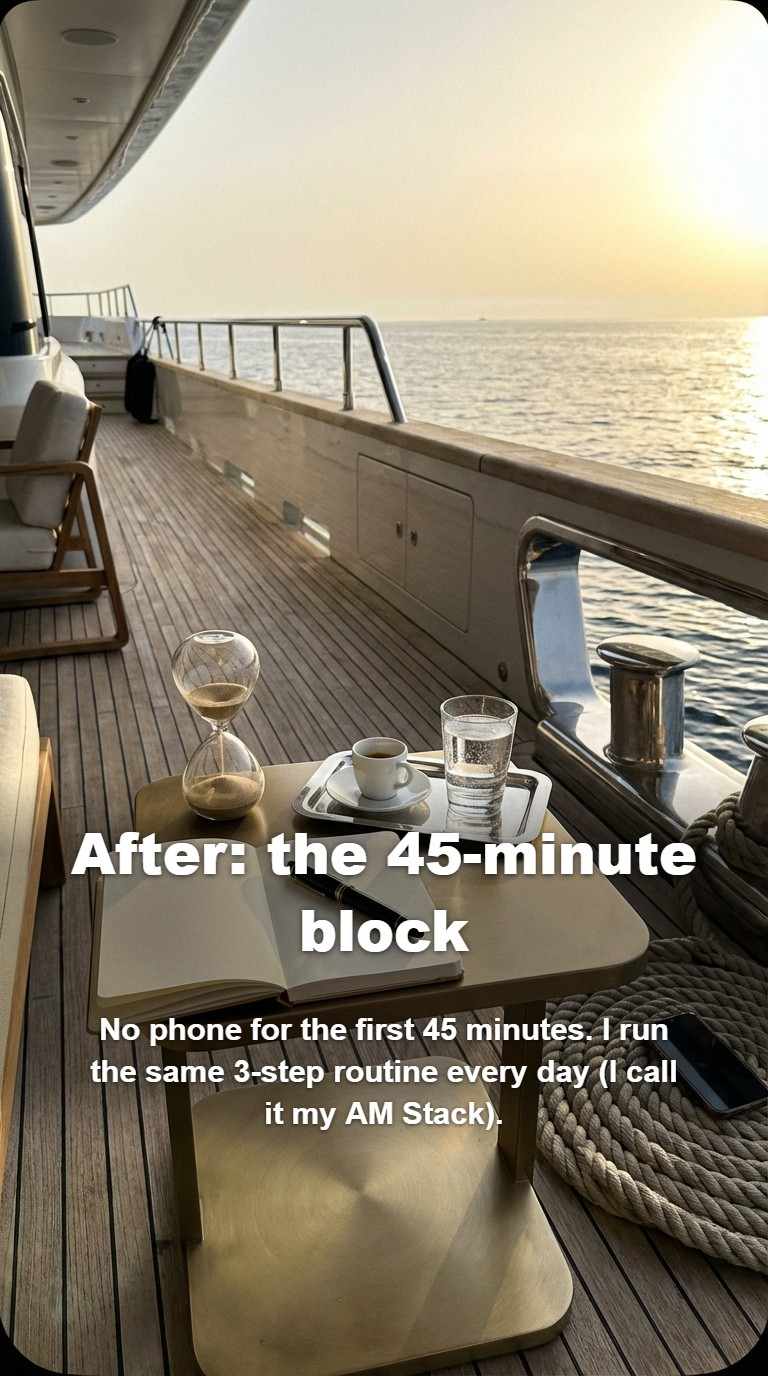
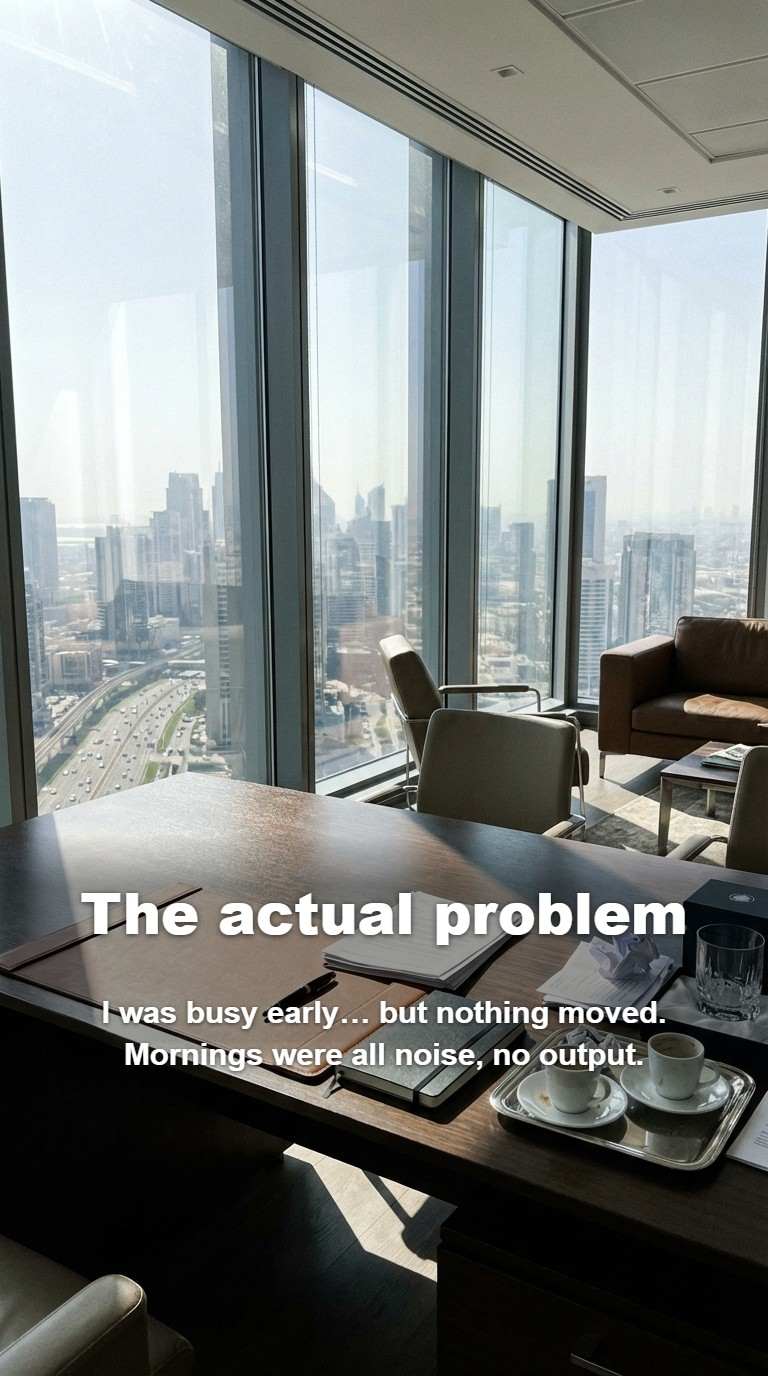
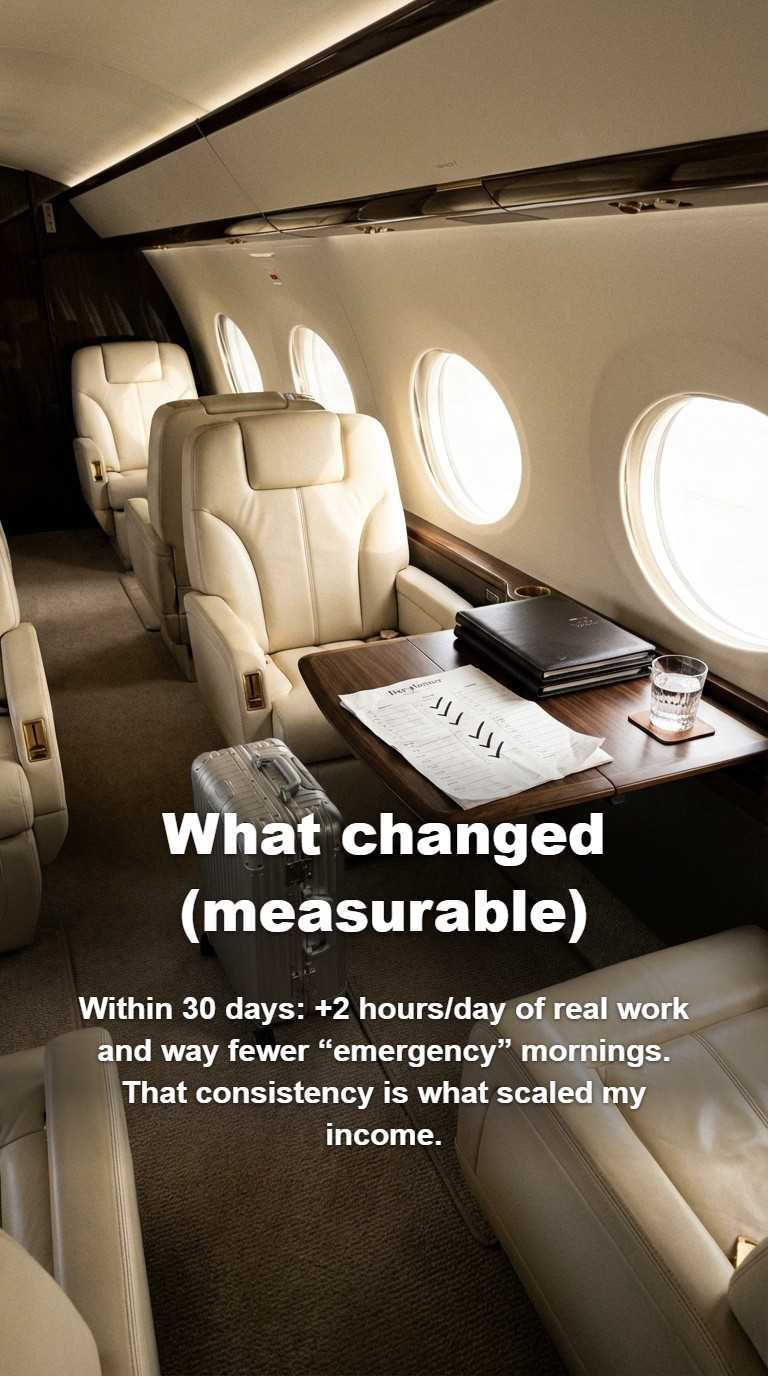

Product Launch
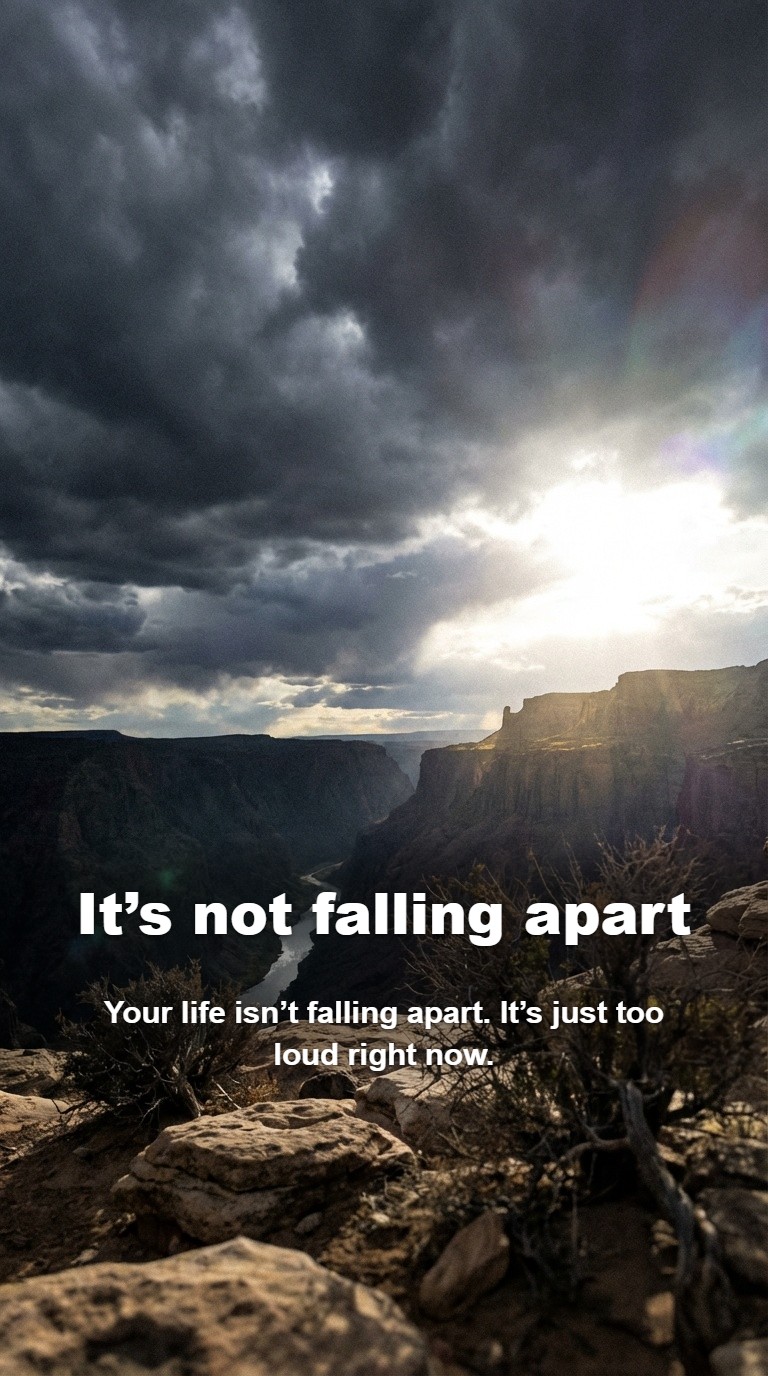
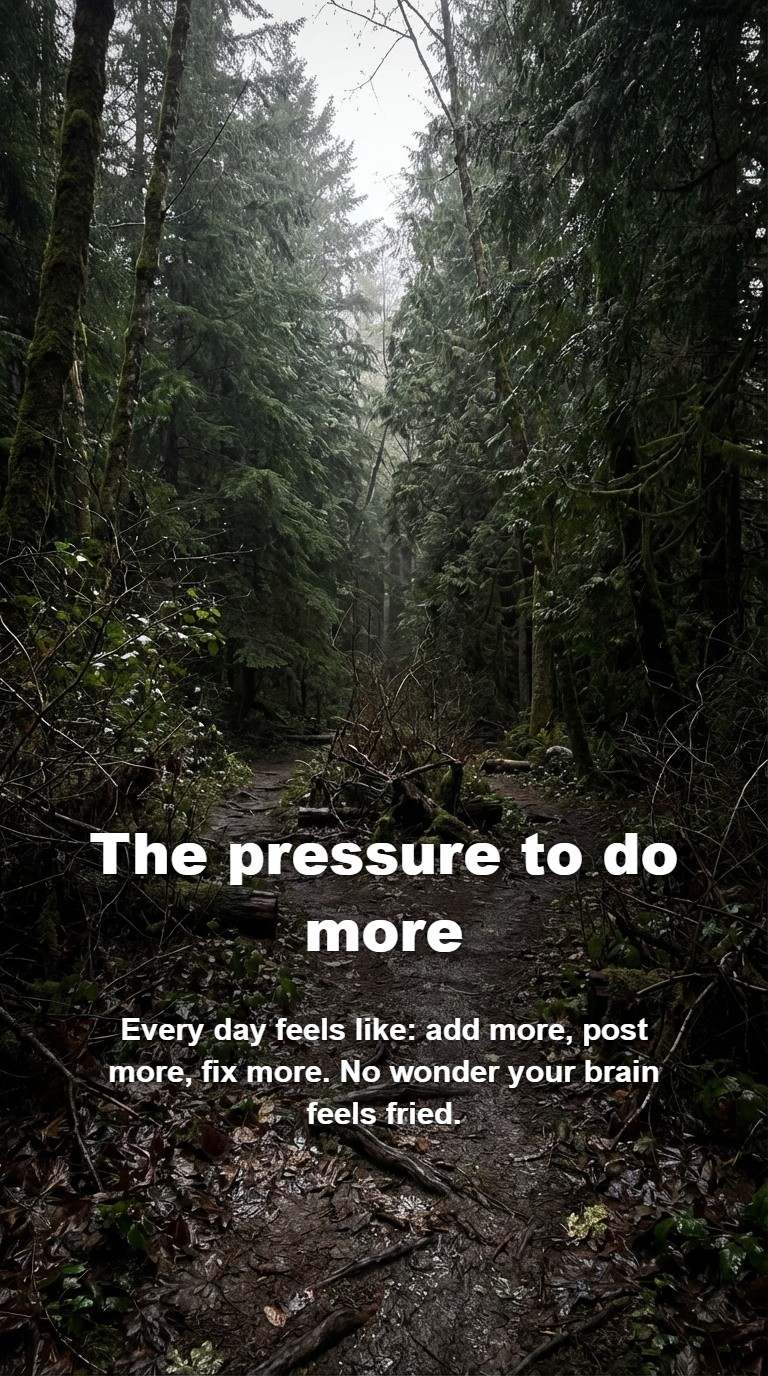
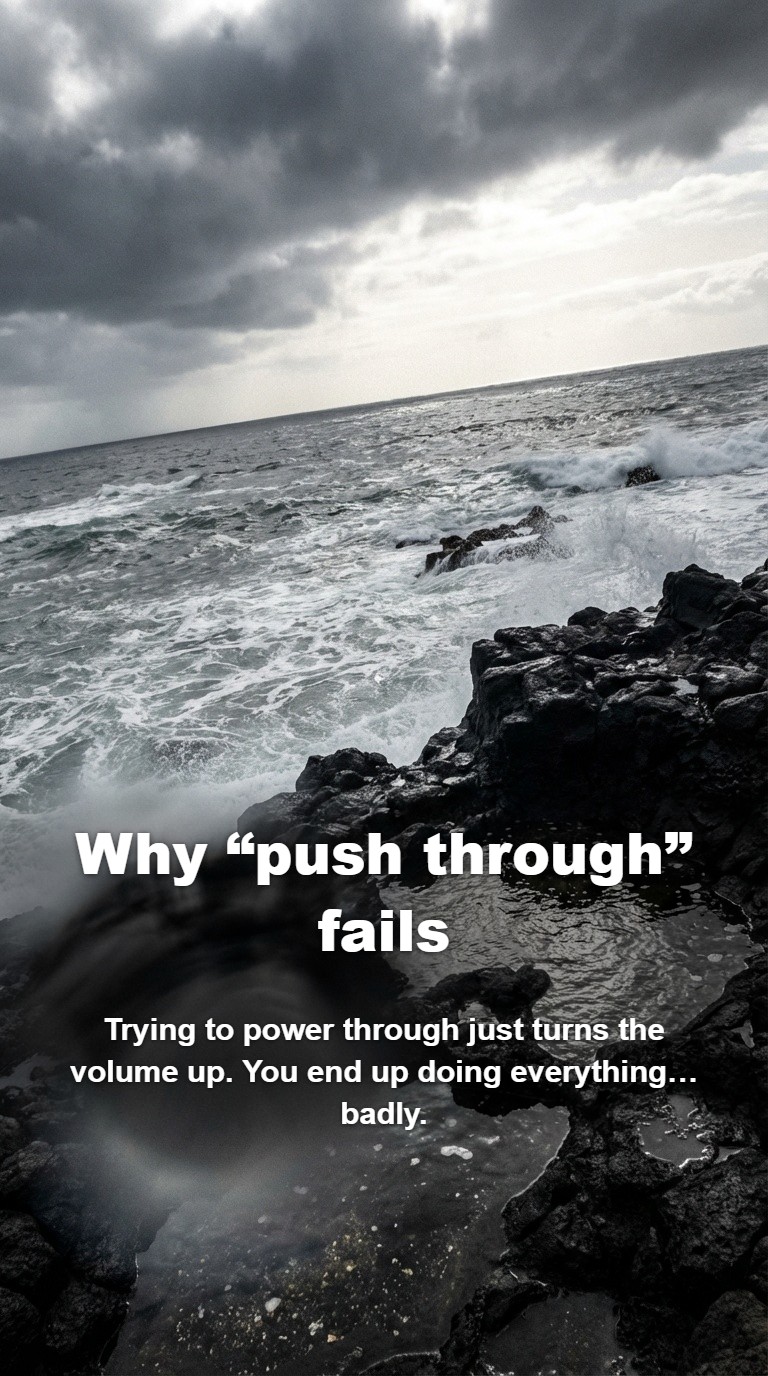
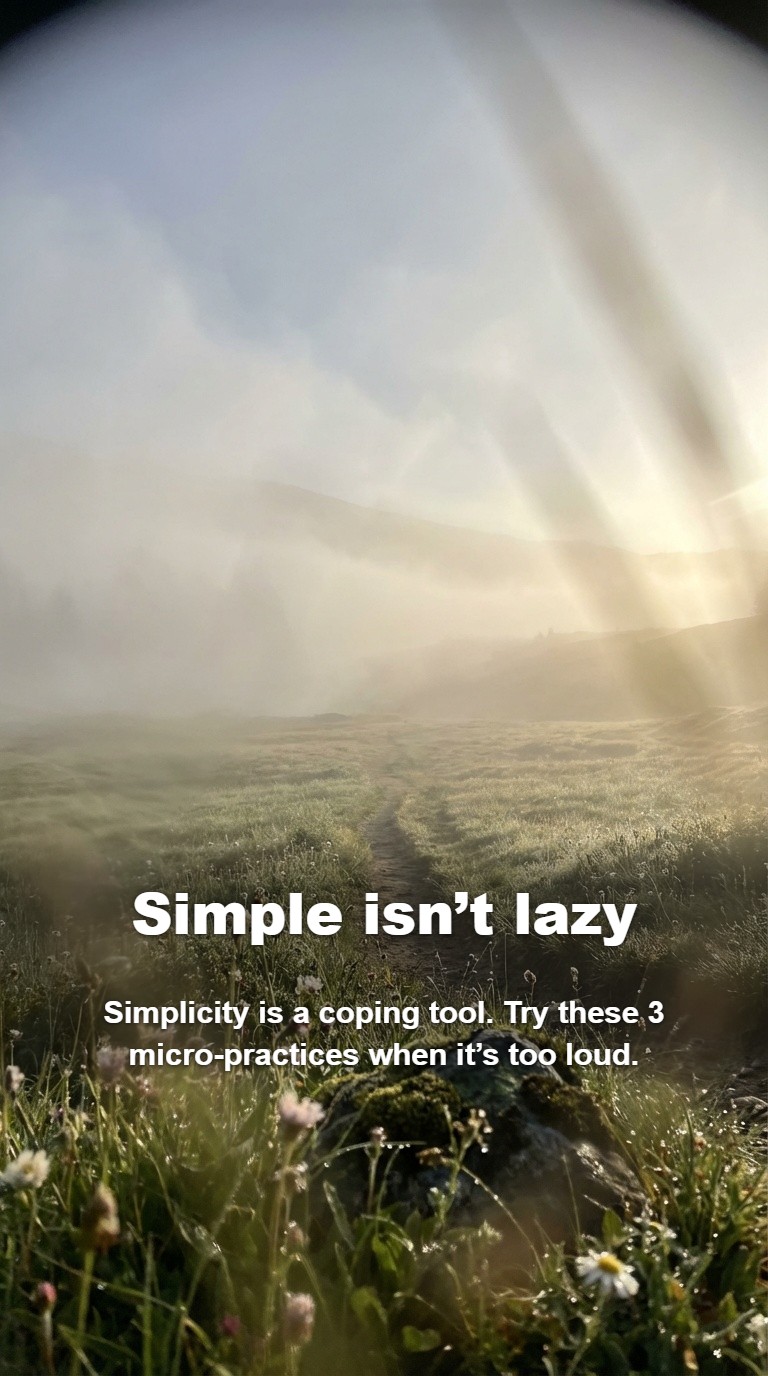
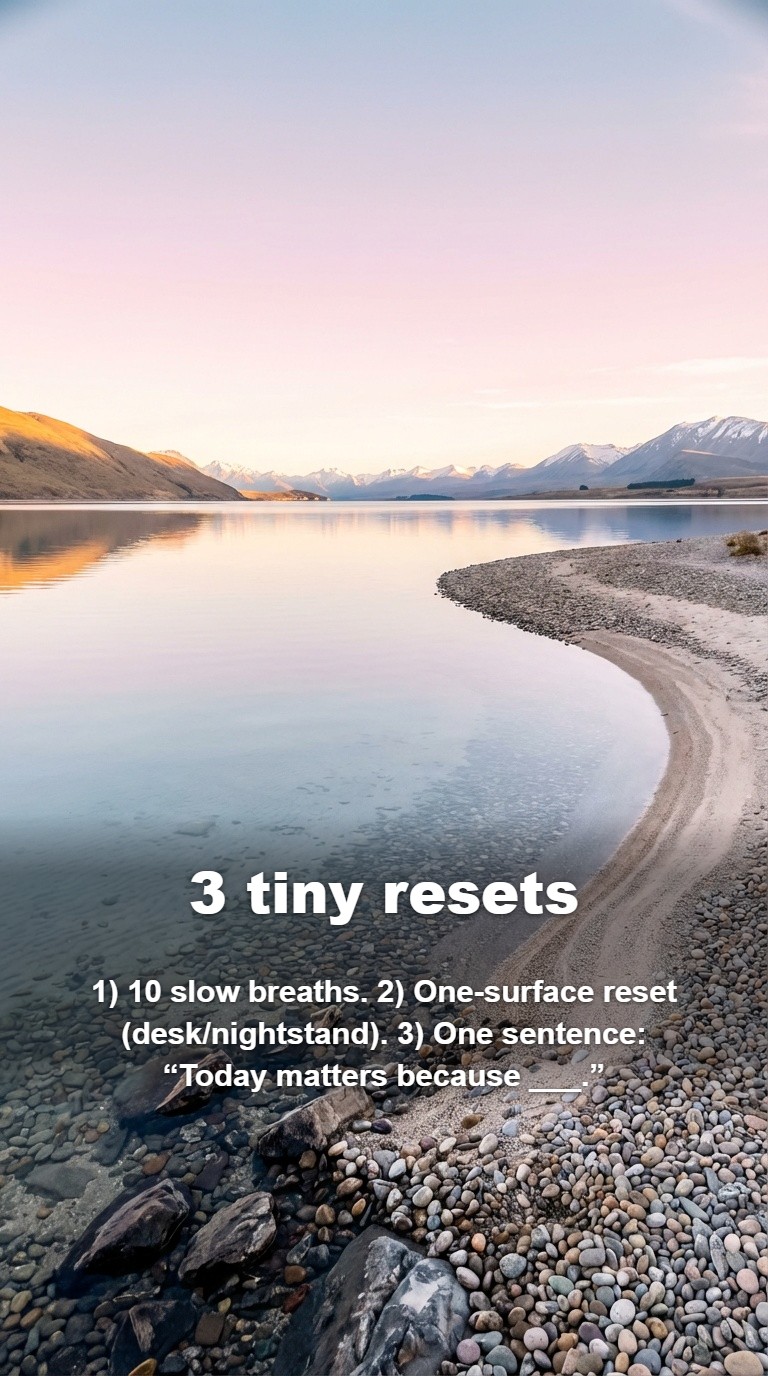
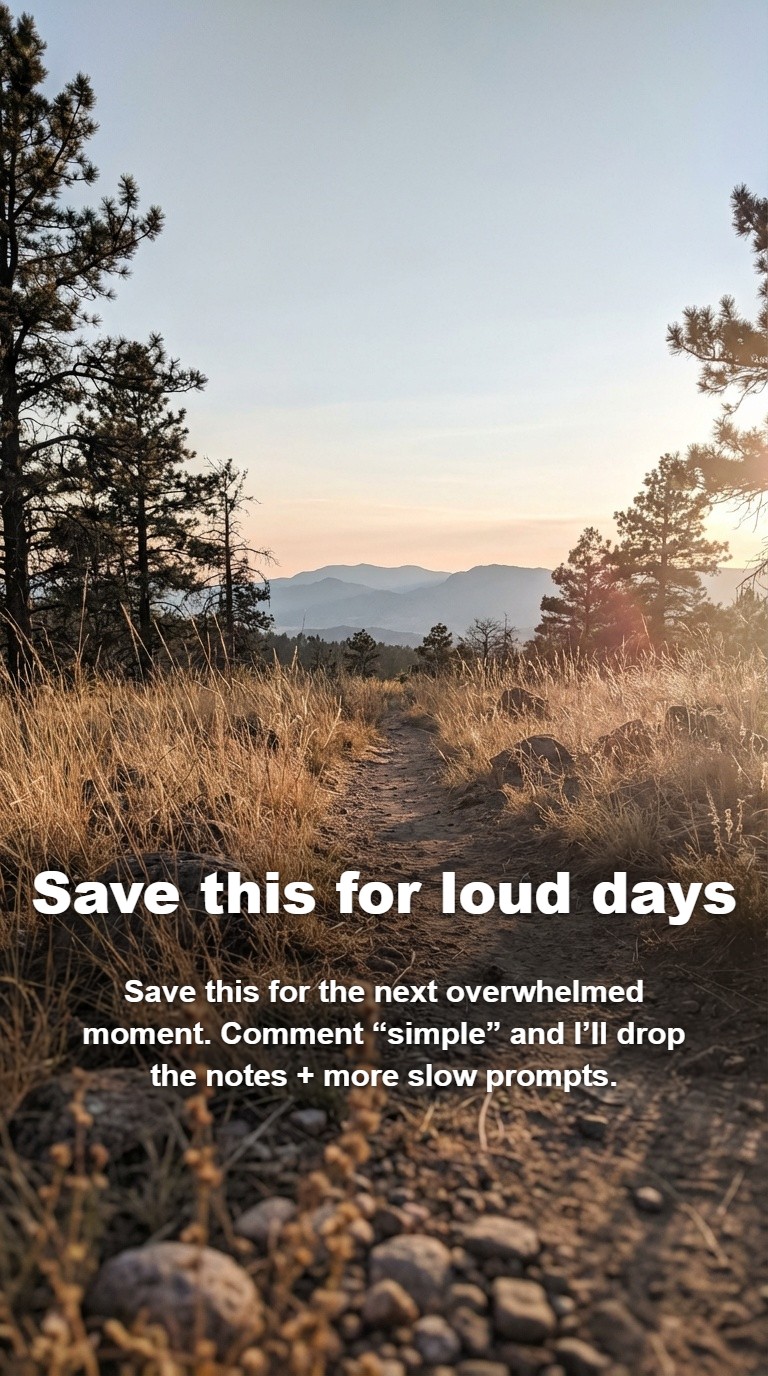
Travel Guide
Publish Directly to TikTok
The slideshow creator includes a fully integrated TikTok publishing pipeline. Connect your TikTok account via OAuth, and when your slideshow is ready, hit “Post to TikTok” without leaving the app. The publish modal lets you customise the cover image, write a title (up to 90 characters), edit the caption (up to 4,000 characters), choose a privacy level, and toggle settings like comments and commercial content disclosures.
All slides are composited client-side into high-resolution PNGs with text overlays baked in, then uploaded directly through TikTok’s official API. TikTok even auto-adds music to photo slideshows, which means your carousel arrives on the platform ready to be served to the algorithm with full audio — something most third-party tools cannot offer.
Advanced Settings & Customisation
Beyond the basic goal prompt, the tool exposes several advanced controls that let you fine-tune the output for your specific needs.
Slide Count (4–10)
Control the length of your carousel. Shorter decks (4–5 slides) work well for punchy tips; longer decks (8–10 slides) are ideal for storytelling, tutorials, and product deep dives.
Brand Name
Include your brand or creator name so the AI can weave it naturally into the narrative and closing slides.
Target Audience
Specify who the post is for — "new mums," "small business owners," "Gen Z fitness enthusiasts" — and the AI tailors tone, language, and examples accordingly.
Product / Service Description
Describe what you are promoting and the AI integrates it organically into the slideshow without making it feel like an ad.
Reference Images (up to 3)
Attach product photos, screenshots, or mood references. The AI uses these as visual context when generating slide imagery.
Album History
Every completed slideshow is automatically saved. Browse your history, revisit past carousels, and redownload slides at any time.

Who Is This For?
Content creators who need to post daily but cannot spend hours designing each carousel. Small business owners promoting products without a design team. Marketing agencies producing slideshows at scale for multiple client accounts. Coaches and educators turning expertise into swipeable, shareable content.
The tool works for any niche — fitness, beauty, finance, travel, food, tech, fashion, wellness, and more. Because the AI generates content from your specific goal and audience, every slideshow is tailored rather than templated. No two carousels look the same, even from similar prompts.
Pricing
The TikTok Slideshow Creator bills per step rather than a flat rate per slide: 3 credits for the hook options, 2 for the outline, 2 for the slide copy, then 7 credits per slide image. That puts a 6-slide carousel at roughly 49 credits and a 10-slide deck at around 77. Because the writing steps are cheap and only the images scale, longer decks get proportionally better value. Regenerating an individual slide costs another 7, so you can iterate on one image without paying for the whole deck again.
Tips for Scroll-Stopping Slideshows
Write a specific goal. “Promote my coffee brand” is fine, but “Show 5 reasons busy professionals should switch to cold brew, targeting 25-35 year olds who commute” will produce dramatically better results. The more context you give the AI, the more tailored the output.
Lead with a hook that creates curiosity. The first slide determines whether someone swipes or scrolls past. Choose hooks that pose a question, make a bold claim, or promise a specific outcome. The AI generates several hook options — pick the one that would make you stop scrolling.
Use Creator Character for personal brands. Slideshows featuring a consistent human face perform significantly better than generic stock imagery. If you are the face of your brand, upload your photo as a Creator Character and every slide will feature you in different scenes and poses.
Keep text tight. TikTok slideshows are consumed fast. If a slide has more than 2–3 lines of text, consider using the “shorten” regeneration mode to tighten the copy. Use the font size and highlight tools to ensure readability over any background image.
Attach reference images for branded content. Uploading your product photos, brand assets, or mood board images as references helps the AI align generated visuals with your existing brand aesthetic rather than generating from scratch.
Frequently Asked Questions
How many slides can I generate per slideshow?
Between 4 and 10 slides per slideshow. You can adjust this in the advanced settings before generating. Most TikTok carousels perform best with 5–7 slides.
Can I post directly to TikTok from the tool?
Yes. Connect your TikTok account via OAuth and publish directly from the tool. You can customise the cover image, title, caption, privacy level, and commercial content settings before posting.
What is Creator Character?
Creator Character lets you maintain a consistent human face across all slides in a carousel. Upload a photo, and the AI will generate every slide featuring that person in different scenes and poses — powered by Nano Banana's character consistency technology.
How much does it cost?
It bills per step: 3 credits for the hook options, 2 for the outline, 2 for the slide copy, then 7 per slide image. A 6-slide carousel works out to roughly 49 credits, and a 10-slide deck to about 77. No subscription is required — you only pay for what you generate.
Can I edit the slides after generation?
Absolutely. Every slide supports inline text editing, font size changes (S/M/L), text colour and highlight toggles, vertical text positioning via drag, and multiple regeneration modes (image only, text only, both, more realistic, less salesy, shorten, creator style).
What visual styles are available?
Four styles: Realistic (photorealistic with optional Creator Character), Creative (bold and artistic), Premium (clean and sophisticated), and Nature (organic and earth-toned). Each style changes the visual direction of all slides in the deck.
Are my slideshows saved?
Yes. Every completed slideshow is automatically saved to your album history. You can browse, revisit, and redownload past carousels at any time from the tool's history panel.
Ready to Create Your First Slideshow?
Describe your goal, pick a style, and get a publish-ready TikTok carousel in minutes. No design skills required.
Try TikTok Slideshow CreatorNo credit card required · About 49 credits for a 6-slide deck · Direct TikTok publishing